
SIPTOK · OUTDOOR PAGING
IP/SIP Horn Speaker Manufacturer in India
SipTok manufactures IP and SIP horn speakers in India for directional public address. Plan the mounting, power and paging workflow for your site, then use the published model data to prepare your enquiry.
01Coverage and mounting
02Paging and power
03Project quotation
Plan outdoor announcements by zone
Mark the area each announcement needs to reach and where the horn can be mounted. In a factory yard, identify loading lanes, outdoor work areas and nearby offices. On a campus, identify assembly areas and pedestrian routes. Note the background noise when announcements actually run and where sound should taper off.
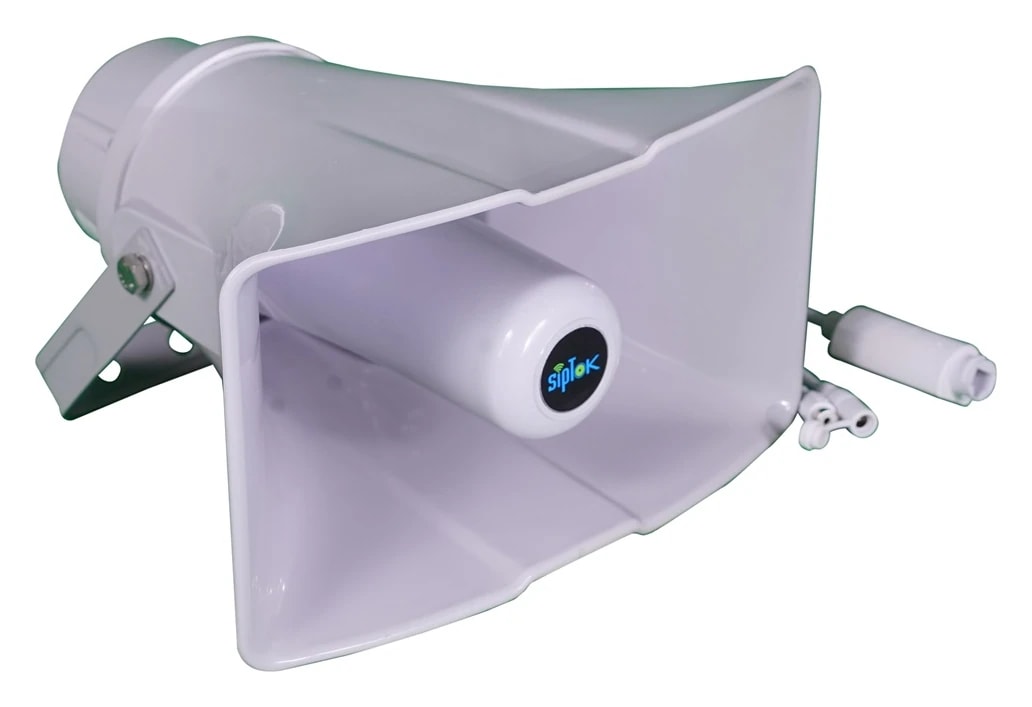
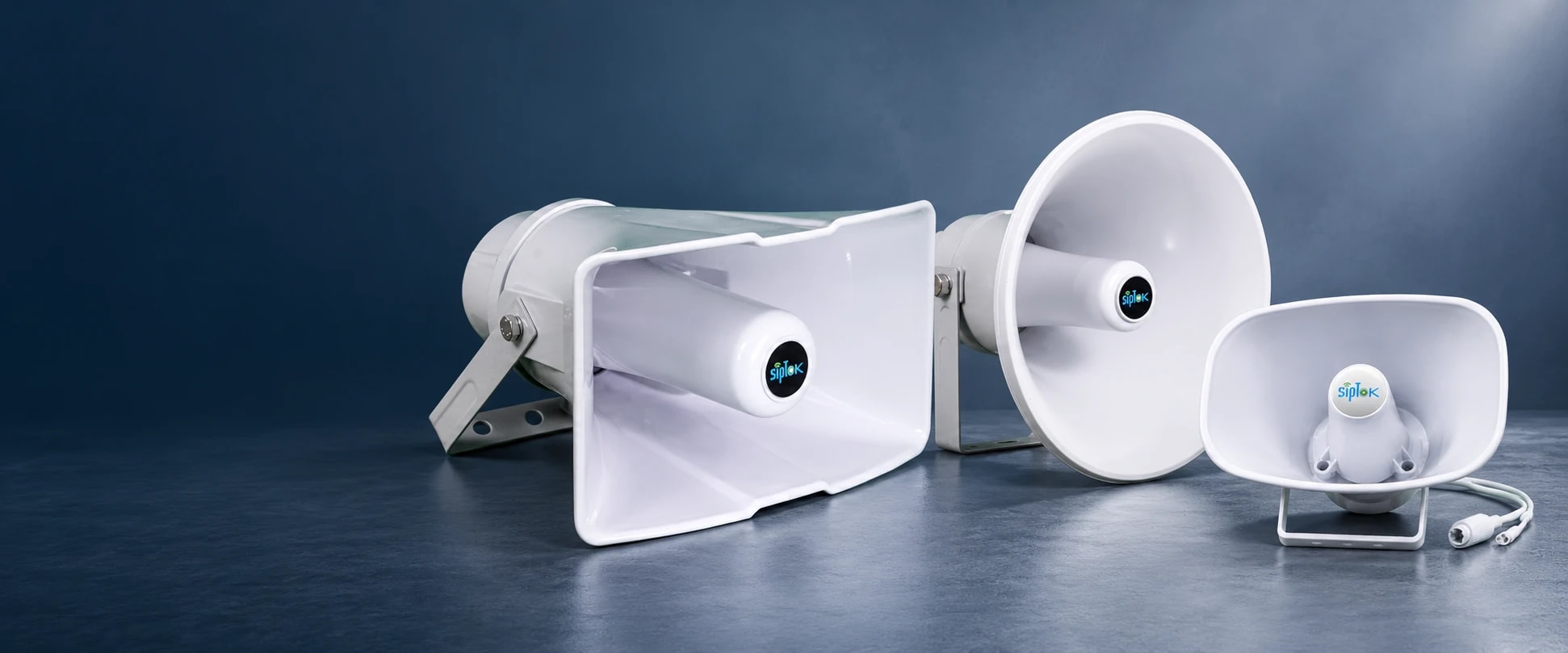
The SipTok range includes circular, oval and rectangular horn enclosures. Use the exact model dimensions to review clearance around the bracket. Choose the orientation and listening points before fixing the equipment schedule, then test speech in the zone with the site operating normally.
Check the paging workflow with the intended controller
For live SIP paging, write down the source, destination and action the operator takes to begin a page. For multicast, define the receiver groups and review the network path with the IT team. A useful acceptance test covers a page to one zone, a page to a combined group where specified, and a check that unrelated zones stay quiet.
For projects that use a video management system or an HTTP trigger, identify the platform, version and required action. The ST-30HSR documentation lists ONVIF and HTTP API support for its documented workflows. Test the exact action with the proposed equipment and firmware before committing to the integration.
Check bracket access and available power together
Before choosing PoE or a listed external supply, record which switch will feed each horn and the length and route of the run. Check the available power on each port and the total switch budget. Coordinate any external supply and its location with the installation team.
For the mounting schedule, record the pole or wall, the bracket fixing, the aiming direction and how the unit can be serviced. Compare the published protection and operating conditions separately from power. The ST-60HSR has different supply entries in the source records. Ask SipTok for the confirmed value before specifying that model.
Prepare a horn speaker schedule for your quote
Send SipTok a site plan and a row for each proposed zone showing its mounting position, approximate quantities, intended model or format and whether the source is live, scheduled or event triggered. Include any existing paging equipment that must remain in service and the target stage of your project.
If you are preparing a bill of quantities, ask the technical team to review the model, supply, bracket and network requirements together. Agree how you will demonstrate the page reaching the intended zone and how installers will record the tested configuration at handover.
Record the exact model and hardware revision on the equipment schedule. For each test, note the paging source, the target group and the listening position so the commissioning team can repeat it later.
- Site layout, listening zones and typical operating noise
- Proposed bracket locations, quantities and available power
- Paging controller or platform, required workflows and acceptance criteria
SYSTEM CONNECTIONS
Where ST-30HSR fits.
The selected speaker is an IP audio endpoint on the site LAN. An operator console and compatible audio platform provide the announcement workflow; mounting and coverage are designed for the application.
SIPTOK · SCHEMATIC DIAGRAM
ST-30HSR in a network paging system

Ethernet / LANSelect a product photograph for model details
Scroll across the diagram to explore each connection.
01 · Control room & system control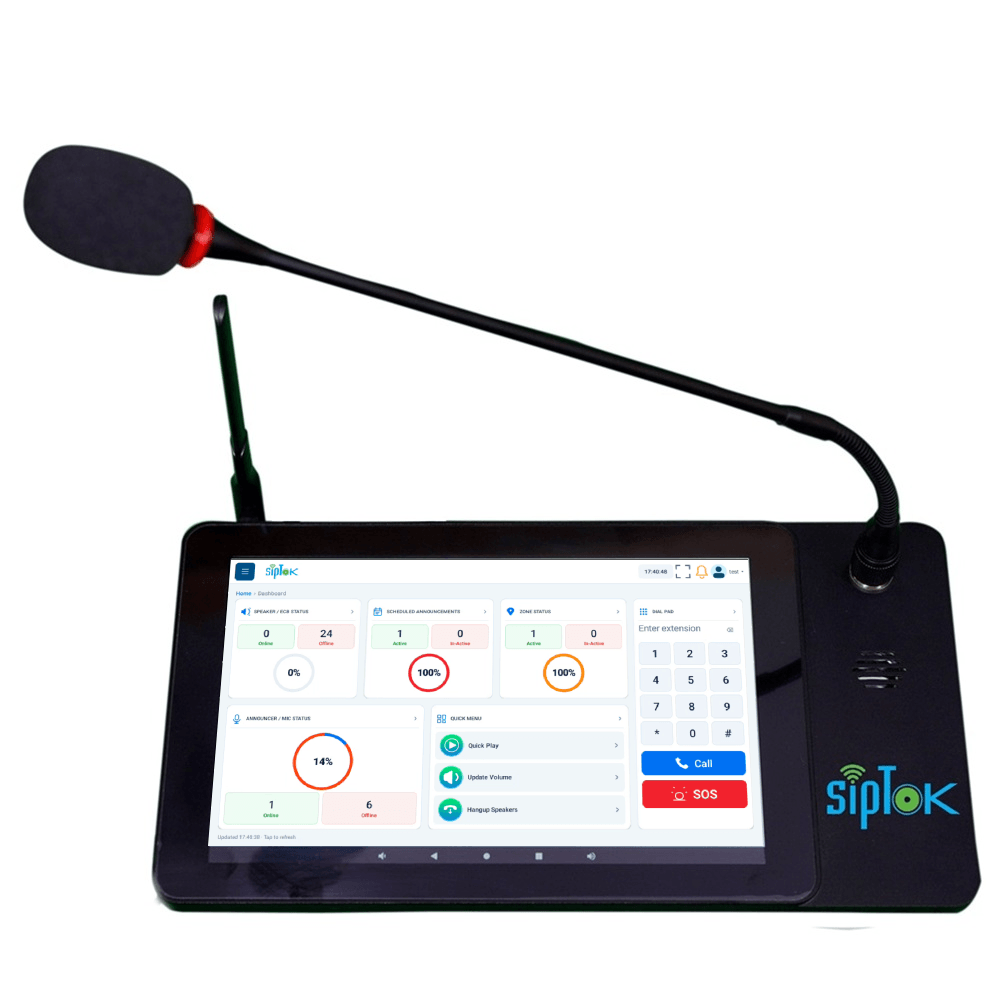 Example paging operator consoleST-C10IP Announcement Console PanelEthernet / LANView product
02 · Site network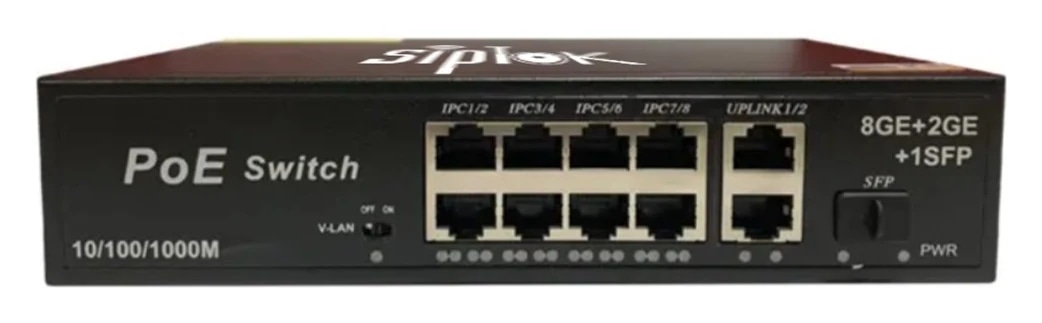 Example Ethernet switchST-PoE-8P8 Port PoE SwitchLAN switch · independent power reviewView product
03 · Application zones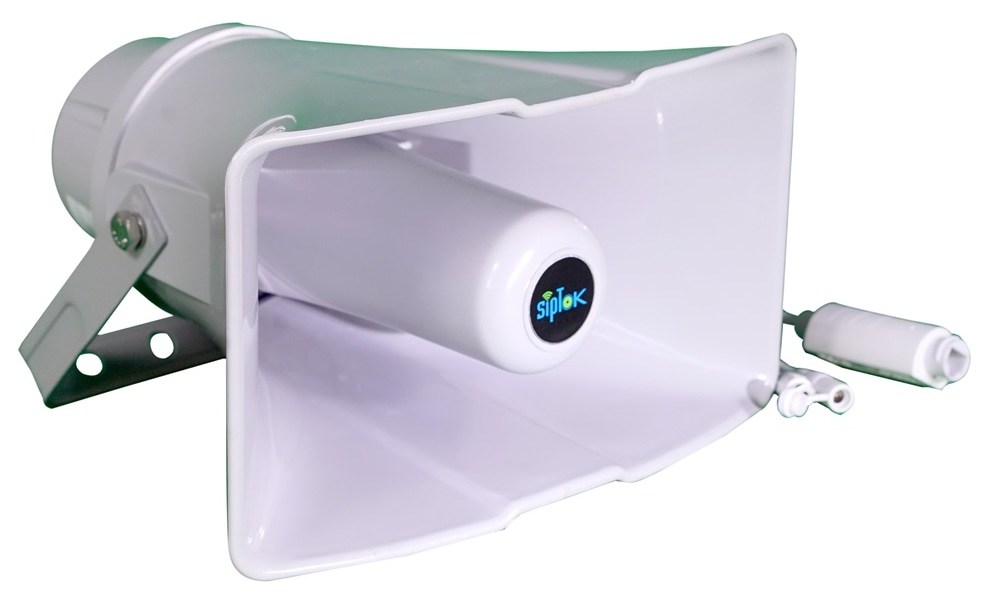 Selected announcement endpointST-30HSRIP PA Horn Speaker 30W (R)Ethernet / LANThis model
01
SIP paging
The operator addresses the configured destination through a compatible SIP platform. Confirm audio codecs, registration and paging behaviour during commissioning.
02
Multicast alternative
Where the selected model lists RTP multicast, a compatible sender distributes audio to configured receiver groups. This is separate from SIP call registration.
Connection, power & commissioning notes
- Ethernet branches connect the shown IP devices to the site LAN switch. This is a connection concept, not a cable-routing or electrical wiring drawing.
- SIP handles call setup. RTP audio follows the configured media path; it does not necessarily pass through the SIP server. Multicast is a separate, model-supported paging option.
- Confirm power for each device independently. A PoE switch in this example does not establish the required PoE class, port budget or a universal one-cable installation.
Photographs show actual SipTok models. This is a conceptual connection diagram; cable routes, power and final equipment are confirmed during system design.
DOCUMENTED SIPTOK PRODUCTS
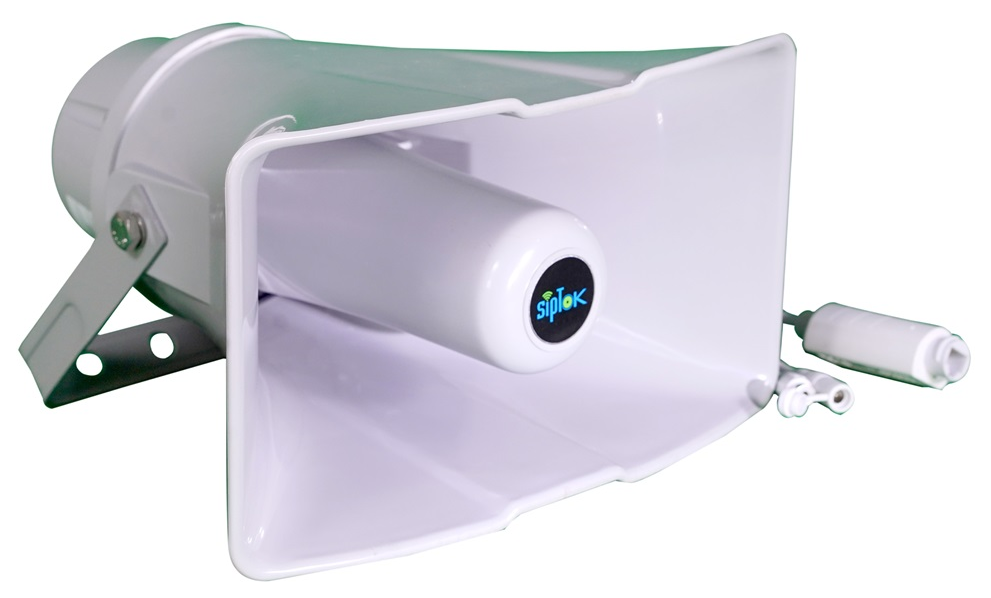
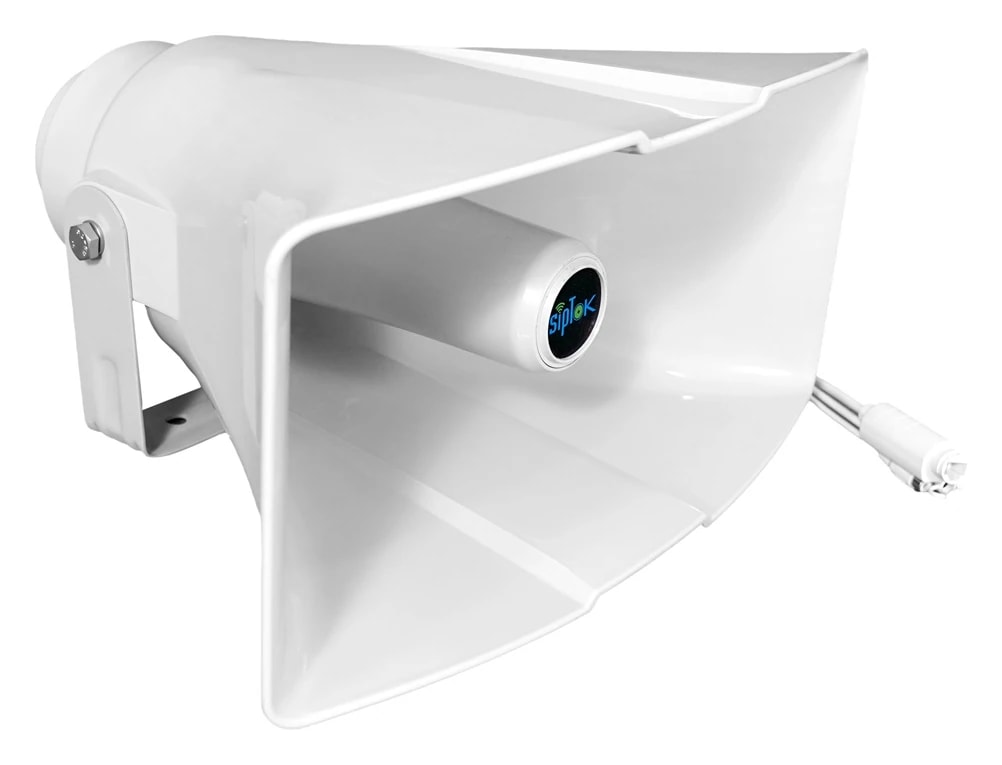
Review three rectangular horn models
Open the individual model to review its specifications, installation details and available documentation.
APPLICATION & NEXT STEPS
Put the requirement in context.
SELECTION QUESTIONS
Clarity before specification.
Use the published product data and a test of the proposed workflow to confirm the final selection.
What information is needed for an outdoor horn speaker quote?
Share the site layout, intended coverage, ambient noise, mounting positions, approximate quantities, network and power, and the paging source.
How do I choose between the 15W, 30W and 40W horn models?
Start with the required listening area and mounting position. Compare published model data and verify the speaker aim, power supply and speech intelligibility at the site.
Can a horn speaker be part of a system with emergency call boxes?
Plan the horn for announcements and the call box for two-way assistance. Specify the answering position, controller and call-to-page workflow, then confirm them on the proposed equipment.
LET’S START A CONVERSATIONDiscuss your
Discuss your
IP PA project.
From product selection to system planning, share your requirements with the SipTok team.
Explore project engineering supportEmail our teamsales@siptok.in
WhatsApp+91 8590528734
Registered address & manufacturing unitN-189, Pocket N, Sector 2, DSIIDC, Bawana Industrial Area, Delhi – 110039, India