Shift-change and operational announcements
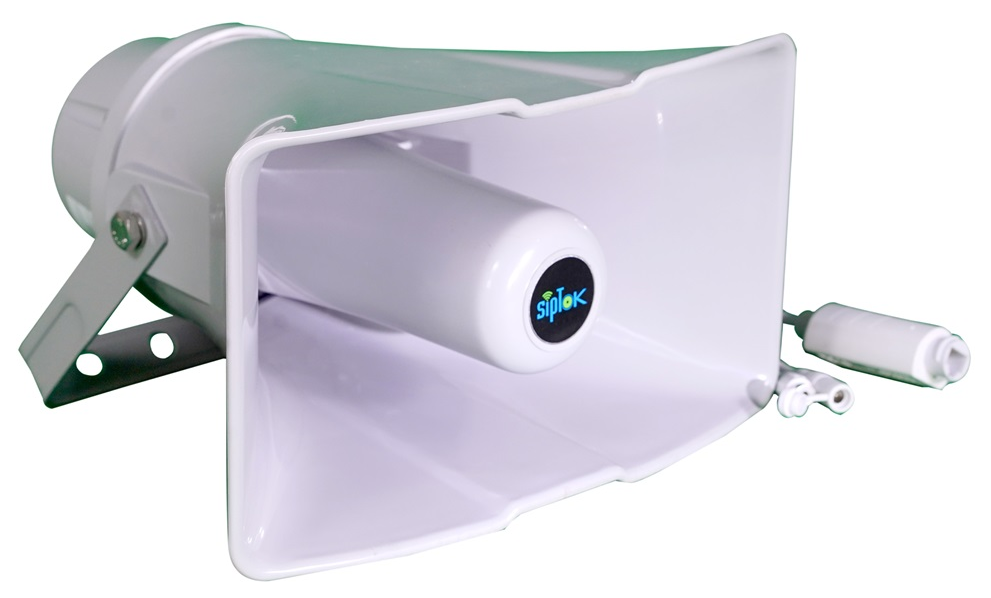
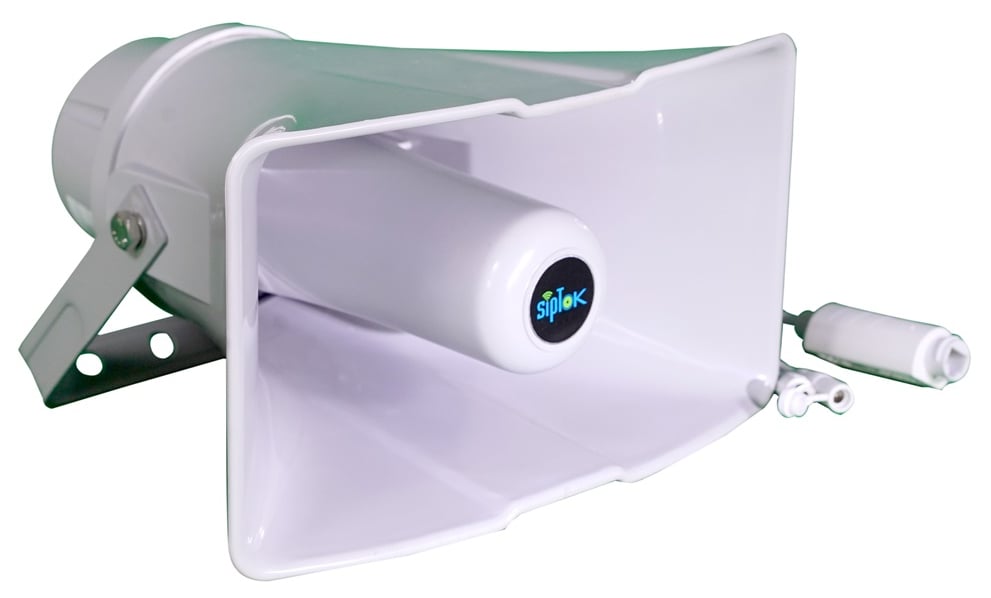 PRODUCT IN THIS APPLICATIONST-30HSRIP PA Horn Speaker 30W (R)


Connect production areas, utilities and control rooms with an IP PA and intercom system planned around the way your facility operates.

High ambient noise, separated buildings and changing shift patterns make a single announcement approach impractical. Plan audibility by area and give operators a clear route to the right zone.
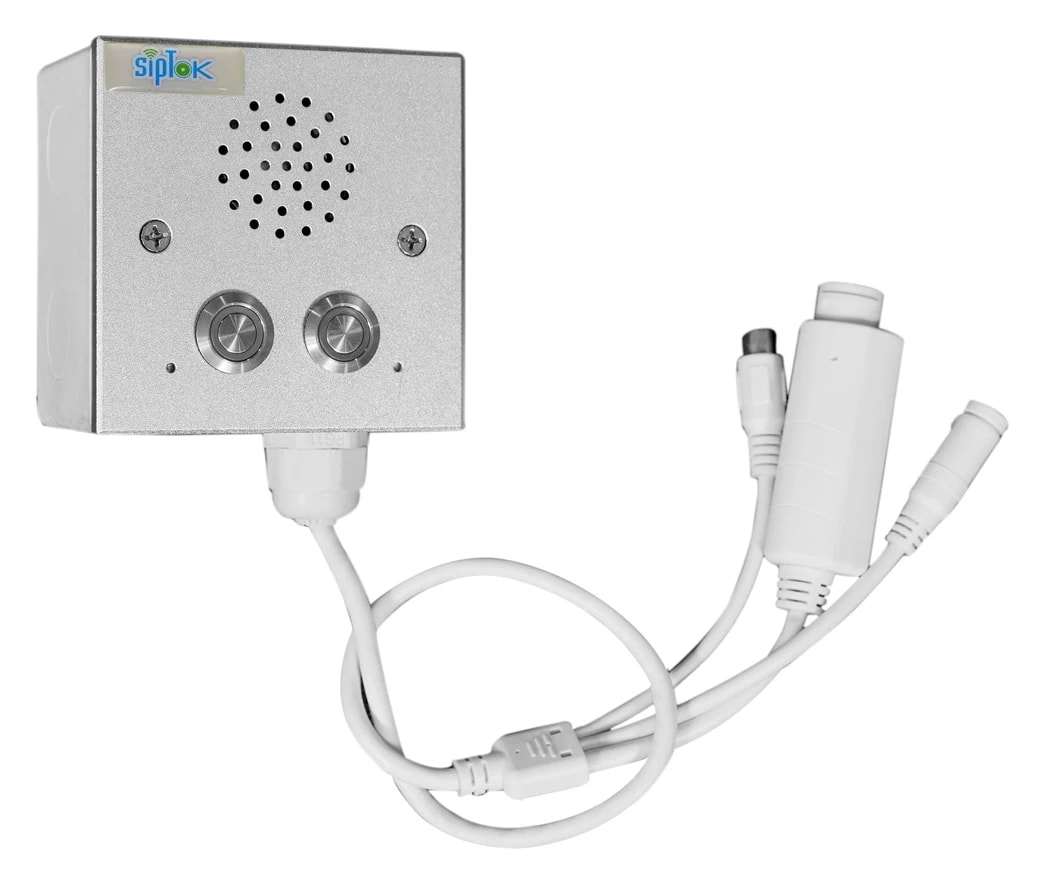
PRODUCT IN THIS APPLICATIONST-30HSRIP PA Horn Speaker 30W (R)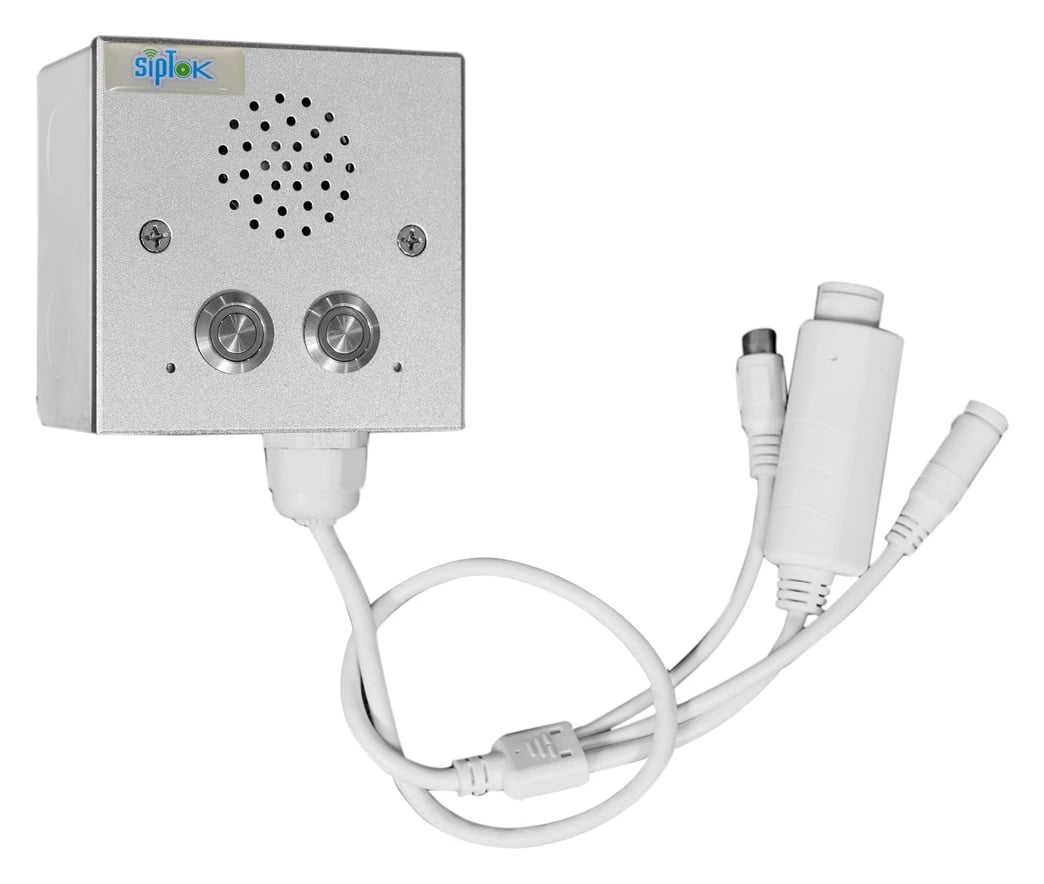 PRODUCT IN THIS APPLICATIONST-IND101IP Intercom Terminal (without Camera)
Separate paging zones for production, stores and administration
Site-wide instructions from a central operator
Production floors, stores and administration need their own listening and operating requirements. Review speaker format, operator control and the network as one system, with quantities informed by a site survey.
Map production, warehouse and office areas, shift patterns, background noise and who needs each message.
Identify who starts a live or recorded announcement, which zones it reaches and how completion is checked.
Confirm platform compatibility, endpoint power and representative listening conditions during commissioning.
Swipe across the table to compare model details.
| Model | Selection consideration | Published model details |
|---|---|---|
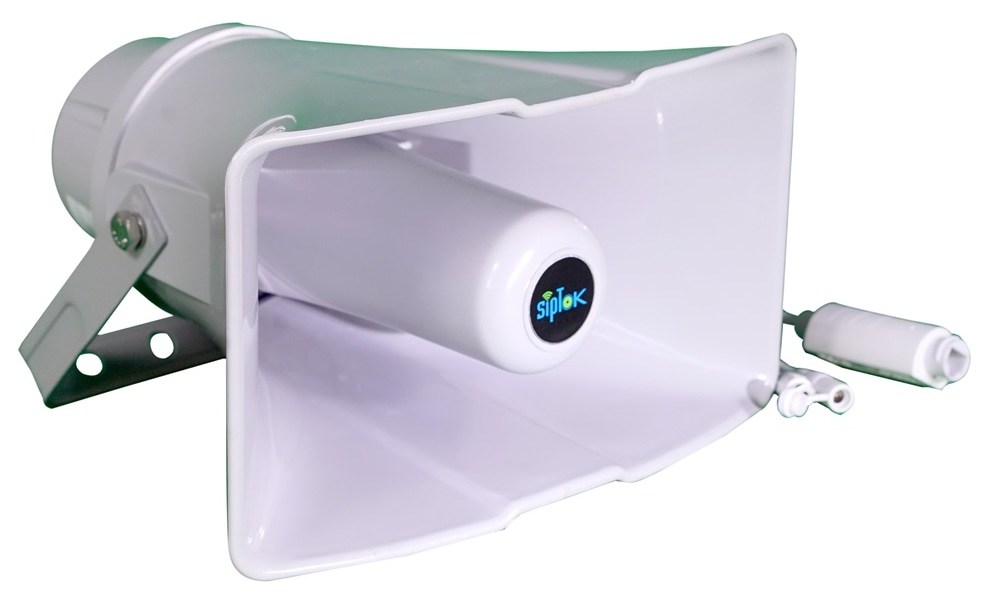
| ST-30HSRIP PA Horn Speaker 30W (R) | Review a horn format for directed announcements at an appropriate mounting position. |
|
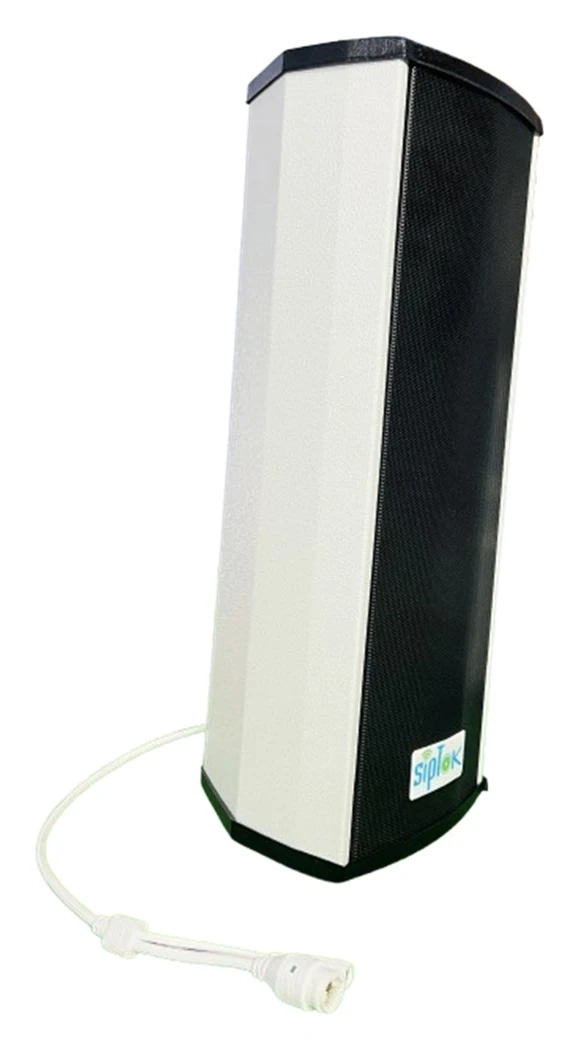
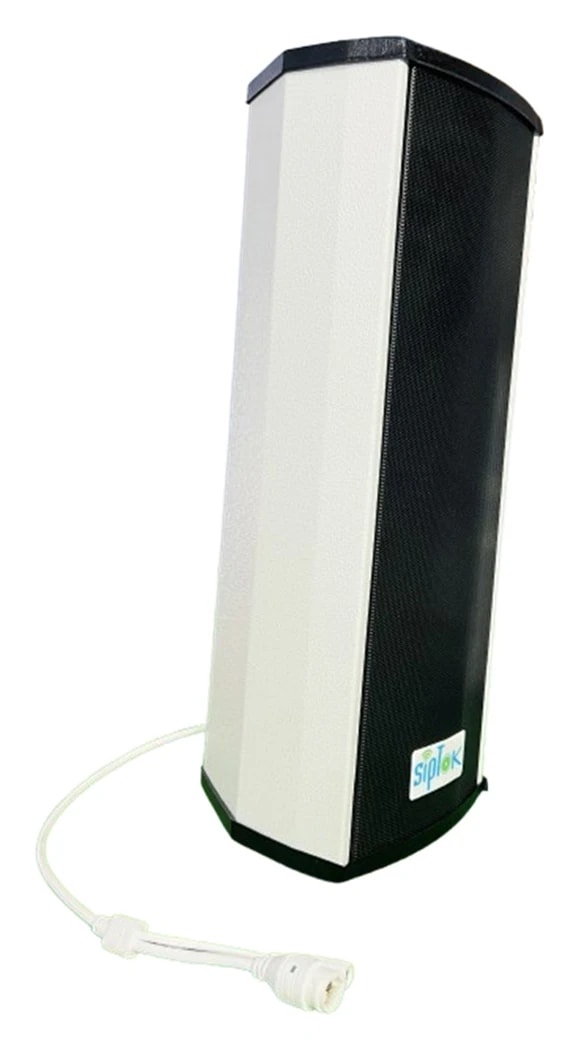
| ST-30WIIP PA Industrial Speaker 30W | Review the metal-cabinet industrial speaker for the assessed operating environment. |
|
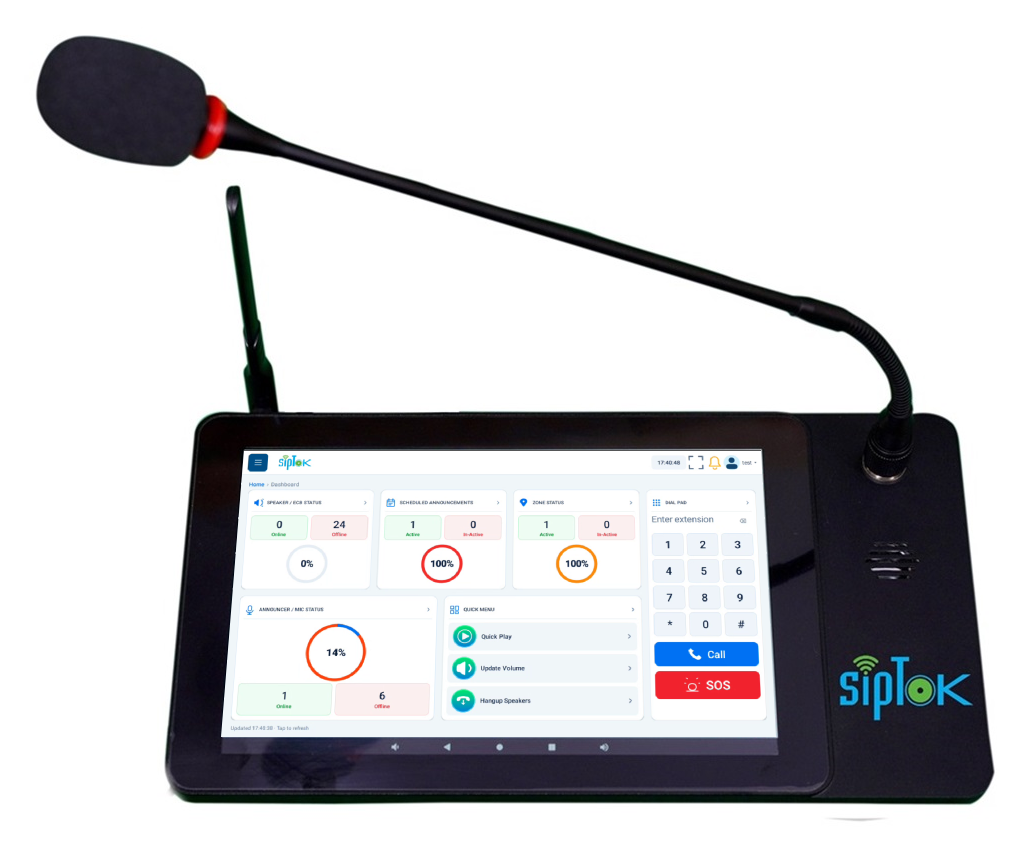
| ST-C10IP Announcement Console Panel | Review the operator console for the configured announcement and zone-selection workflow. |
|
Start with three operating areas rather than one site-wide speaker count. Assess the speaker format and mounting in each, and agree how an operator pages a single area or the required group. Any assistance-call or alarm-interface requirement needs a separate documented workflow and test.
Illustrative planning scenario. Final selection and quantities require a reviewed site design.Suggested SipTok models are shown in their system roles. The network, operator workflow and final configuration are planned for the application rather than implied by a product list.

Scroll across the diagram to explore each connection.
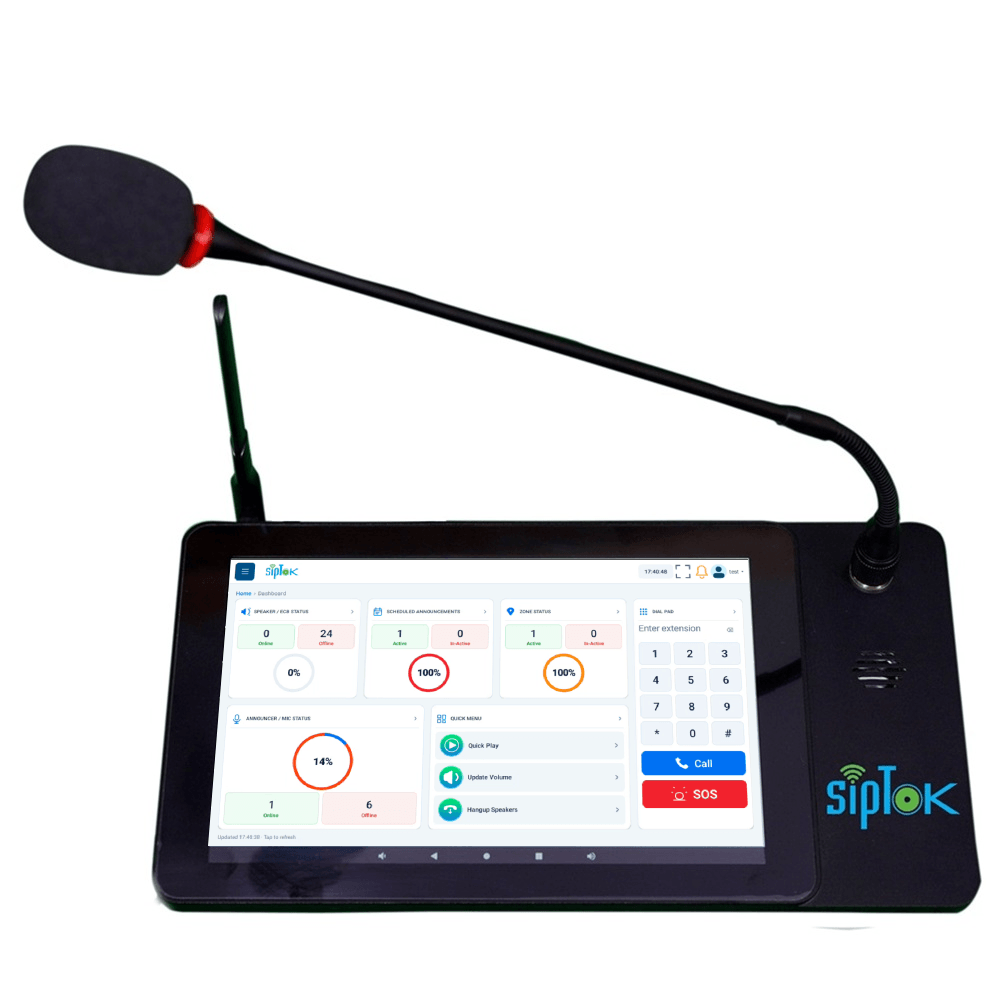
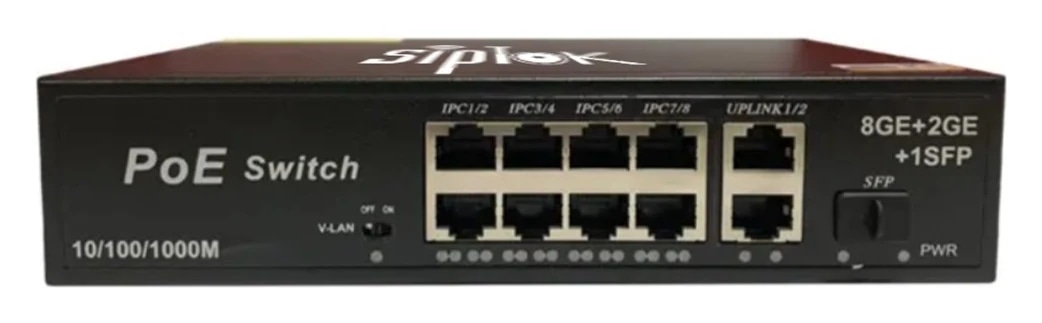
Define paging groups for Production floor, Warehouse, Administration. Match the selected speakers and announcement method to each area’s acoustic and operational needs.
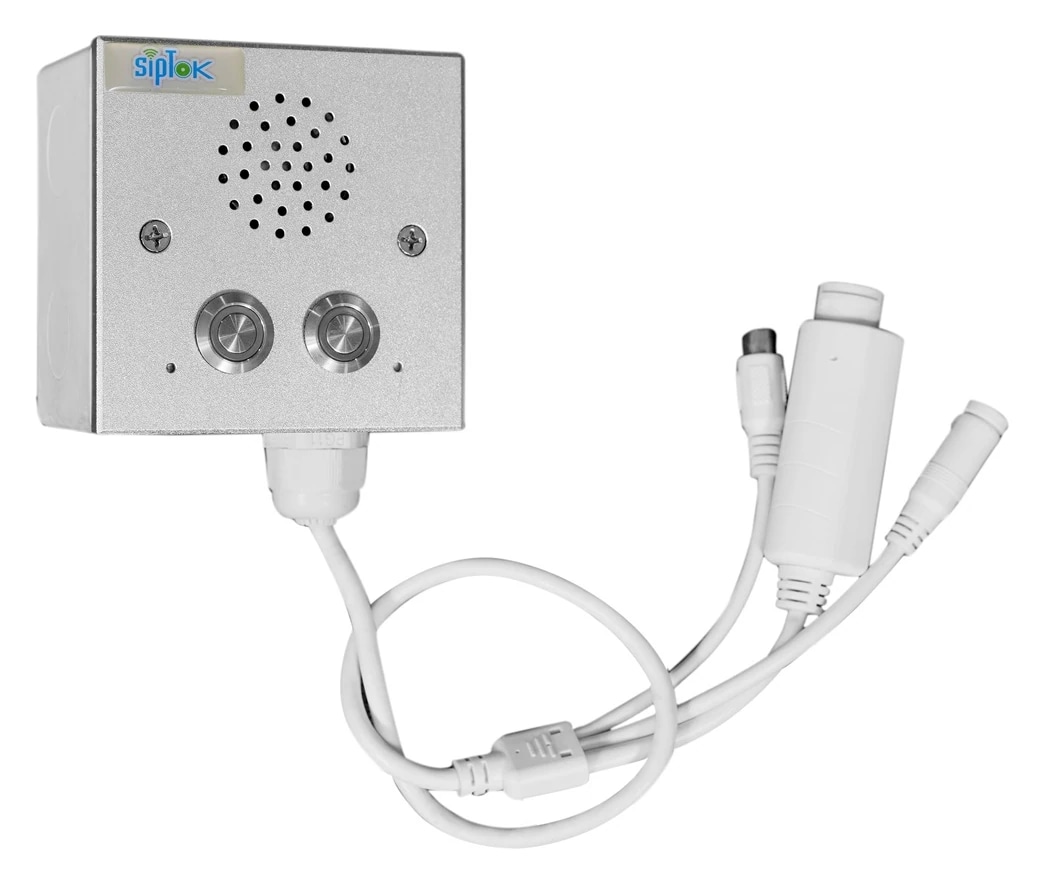
Route the suggested call box or intercom to an attended operator through a compatible SIP platform. Define answering and escalation procedures separately from speaker paging.
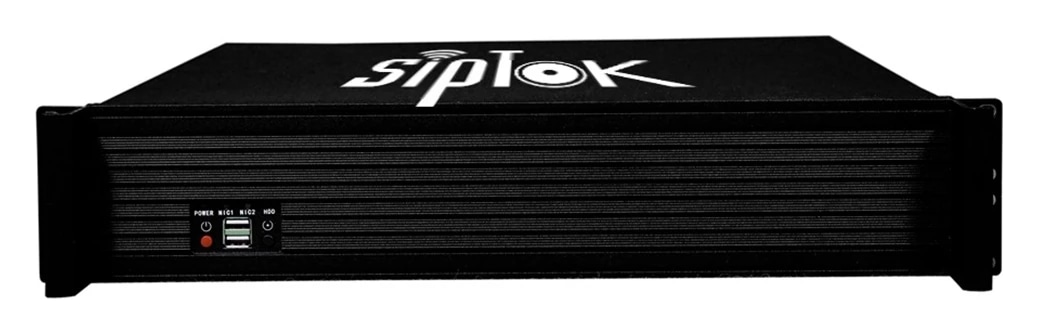
Photographs show actual SipTok models. This is a conceptual connection diagram; cable routes, power and final equipment are confirmed during system design.
Group speakers by operating area, assess ambient noise and select suitable indoor or outdoor endpoints. Use a console or SIP phone for live paging and intercom terminals for return communication.
Speaker positioning and sound-pressure requirements need a site survey. Review network resilience and emergency operating procedures with the project consultant.
Product selection depends on the final site requirements, network design and documented device capabilities.
An IP PA system carries announcement audio over an Internet Protocol network. Instead of taking every speaker back to a central audio amplifier, network endpoints receive digital audio and reproduce it locally.
Read the guideSIP & VoIPA SIP speaker combines a network audio endpoint with a loudspeaker and amplifier. SIP establishes the communication session; a media protocol such as RTP carries the audio.
Read the guideNetwork designSIP paging and multicast paging solve different parts of audio distribution. SIP can establish a call to an endpoint or platform group, while multicast can distribute a stream to multiple listeners on a managed network.
Read the guideShare your site layout, communication workflows and integration requirements with our project team.