
ST-C10IP Announcement Console Panel
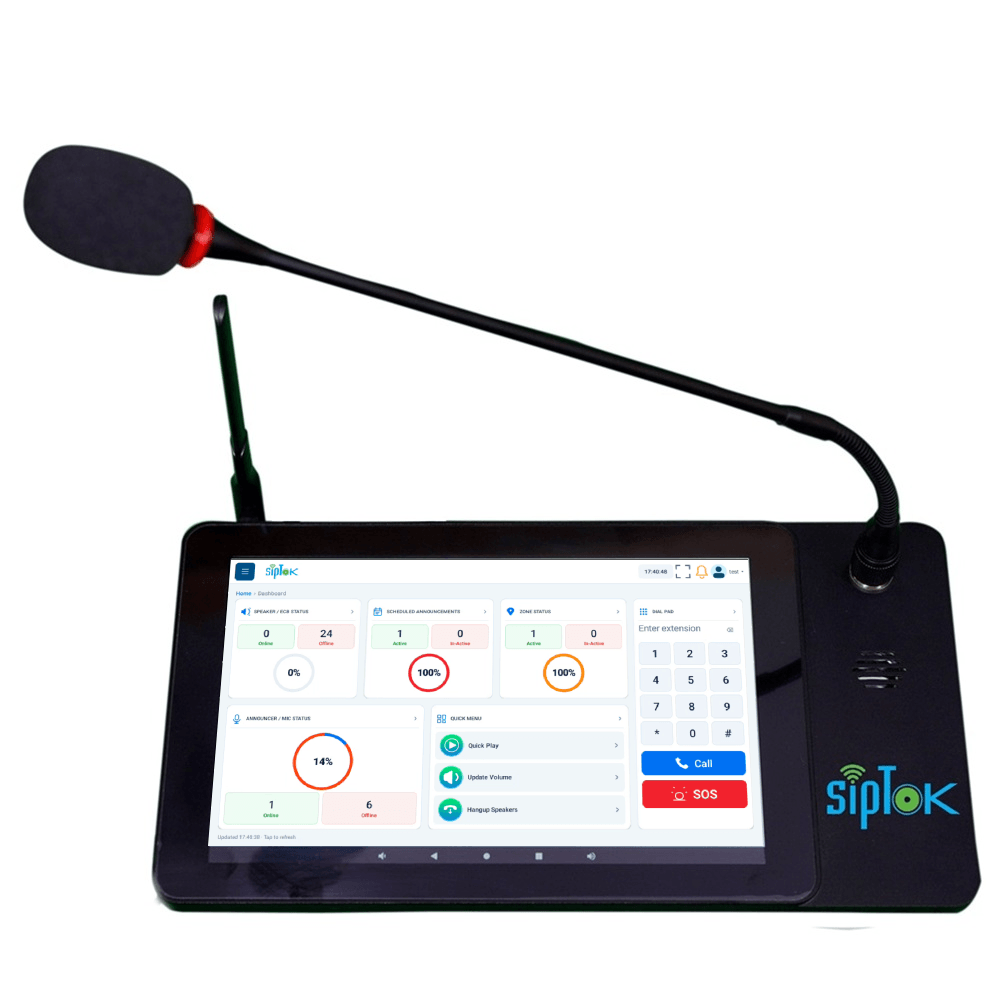
ST-C10: 10/100 Base-TX, RJ45 network interface; Aluminium Alloy construction. Review the complete technical data and system connections below.
- Network Interface
- 10/100 Base-TX, RJ45
- Power Supply
- 12V-2A
- Material
- Aluminium Alloy
Overview
The ST-C10 touch screen paging console combines a paging mic and operator interface for announcements, recorded audio playback, zones and scheduling with compatible SipTok IP products. Two-way communication requires an appropriate endpoint and system configuration.
Plan network connectivity, operator workflow, mounting and power as part of the complete communication system. Explore the application guides for deployment considerations.
Key features
- Easy & Effective operations
- HD Intercom
- Support HDMI auxiliary stream input and HDMI dual-screen expansion, support USB2.0 expansion
- Optimized for SIPTOK IP Products
- Powerful feature set
- Luxurious look & design
- High-definition touch screen: 10 inches, 1280*800 pixel IPS high-definition screen, multi-touch screen, creating a smoother operating experience
- Can connect with Ethernet & Wifi
Technical specifications
ST-C10| Parameter | Specification |
|---|---|
| Audio | |
| Codec | OPUS 48 kHz, MP3 44.1 kHz, G.722 ADPCM 16 kHz, G.711 PCMU 8kHz, G.711 PCMA 8 kHz |
| Communication | |
| Video Compression | H.264/30FPS |
| Microphone | Condenser gooseneck microphone with windshield |
| Amplifier | Built-in Class D Amplifier |
| Freq. Response/Band Width | 150-8,000Hz (±3 dB) |
| Sound Quality | Professional Echo Cancellation & Noise Suppression |
| Network | |
| Security | Password protection, IP address filtering, Digest authentication, User access log, firewall |
| Network Protocol | SIP, ONVIF, HTTP, HTTPS, IPv4, DHCP, RTSP, RTP, RTCP, TCP/IP, UDP, ARP, SNMP, TFTP, NFS, NTP, FTP, ICMP, SSH, SSL, DNS, SNTP |
| Network Interface | 10/100 Base-TX, RJ45 |
| VoIP | Support for SIP protocol for integration with VoIP systems, integrated with SIP/PBX. Codec: OPUS, MP3, G.722, PCMU, PCMA |
| General | |
| Material | Aluminium Alloy |
| Touch Screen | 10.1 Inch HD Touch Screen |
| Power Supply | 12V-2A |
| Power Supply | PoE/12V-2A |
| Power Consumption | Less than 10W |
| Installation | Connect with Adapter and LAN |
| Dimensions | 168.6x320x50 mm |
| Net Weight | 1.36 Kg |
| Languages | English |
| Standard Warranty | 1 year |
| Approvals & Compliances | ISO 9001:2015, ISO 27001:2022, CE, RoHS, FCC |
| Package Includes | Announcement Console Panel-10.1 Inch Touch Screen, Gooseneck Mic, Antenna, Adapter, User Manual |
Confirm the required configuration and current product documentation before procurement.
Product documentation
Product documents are available to approved SipTok partners and invited project teams.
Partner document accessWhere ST-C10 fits.
The console brings the operator into the IP audio system for live announcements, recorded audio, zones, schedules and communication with suitable endpoints.
ST-C10 for paging and operator communication

Scroll across the diagram to explore each connection.
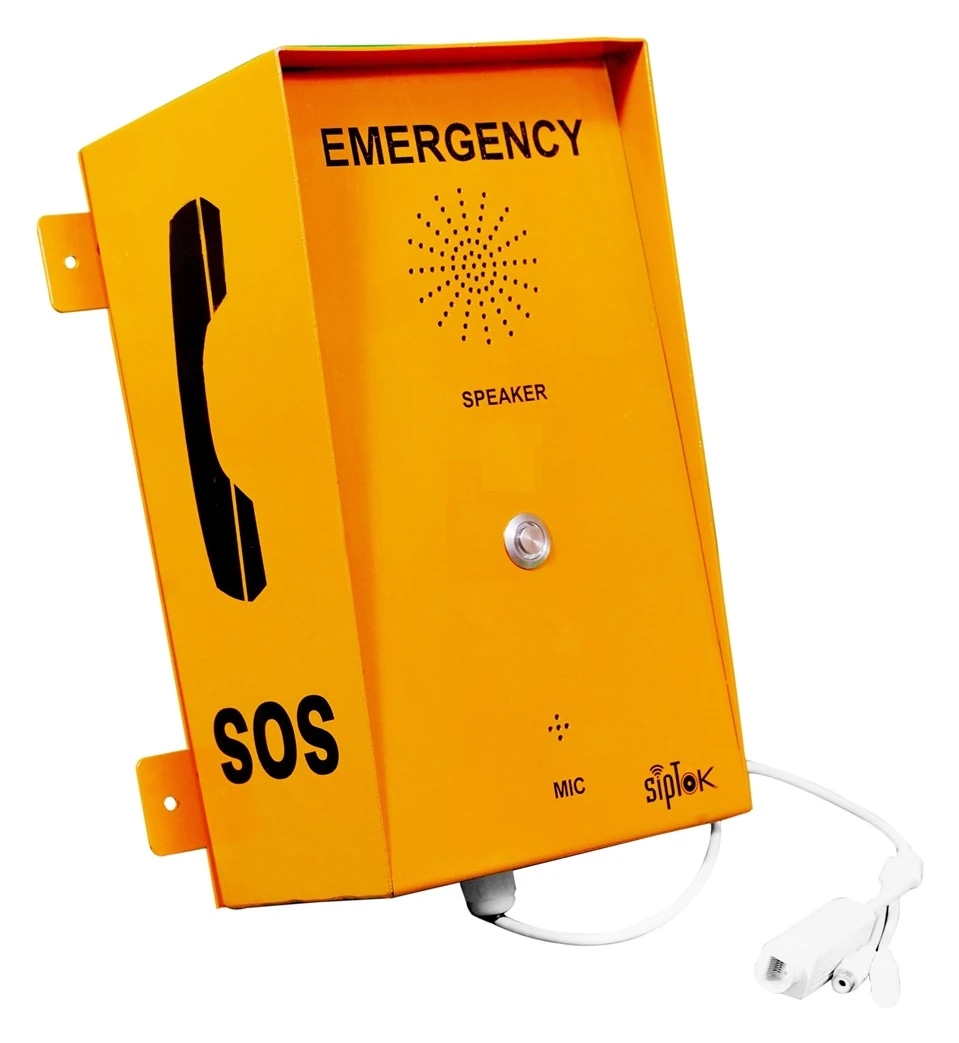
Live and scheduled audio
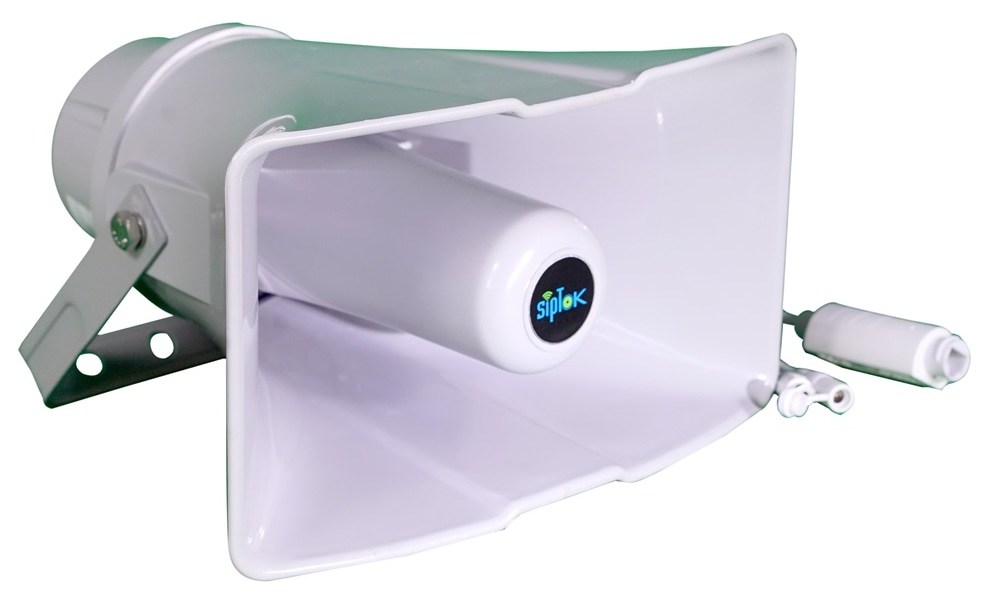
Select the target zone and use the configured live, stored-message or scheduling workflow with the compatible platform and speakers.
Return communication
Use a suitable intercom, call box or phone when the operation needs a return voice path. A receive-only announcement is a different workflow.
Connection, power & commissioning notes
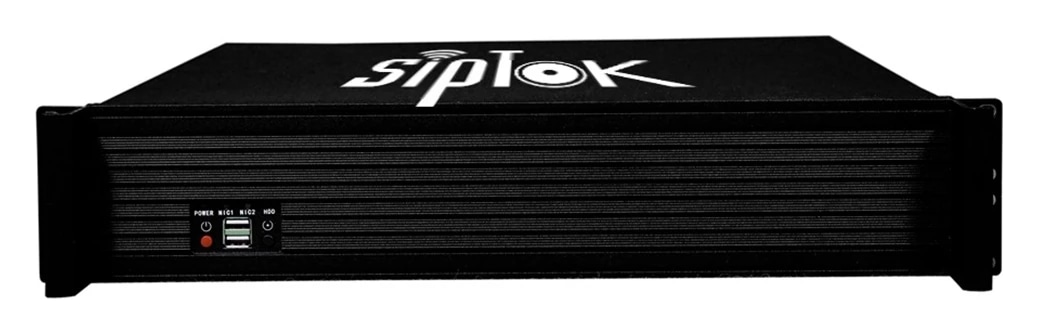
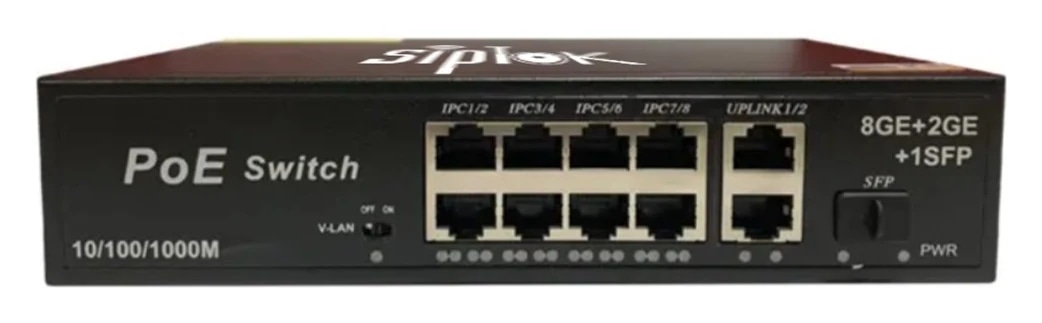
- Ethernet branches connect the shown IP devices to the site LAN switch. This is a connection concept, not a cable-routing or electrical wiring drawing.
- SIP handles call setup. RTP audio follows the configured media path; it does not necessarily pass through the SIP server. Multicast is a separate, model-supported paging option.
- Confirm power for each device independently. A PoE switch in this example does not establish the required PoE class, port budget or a universal one-cable installation.
Photographs show actual SipTok models. This is a conceptual connection diagram; cable routes, power and final equipment are confirmed during system design.
Where ST-C10 fits.
Explore the operating environment and communication requirements for each use case.
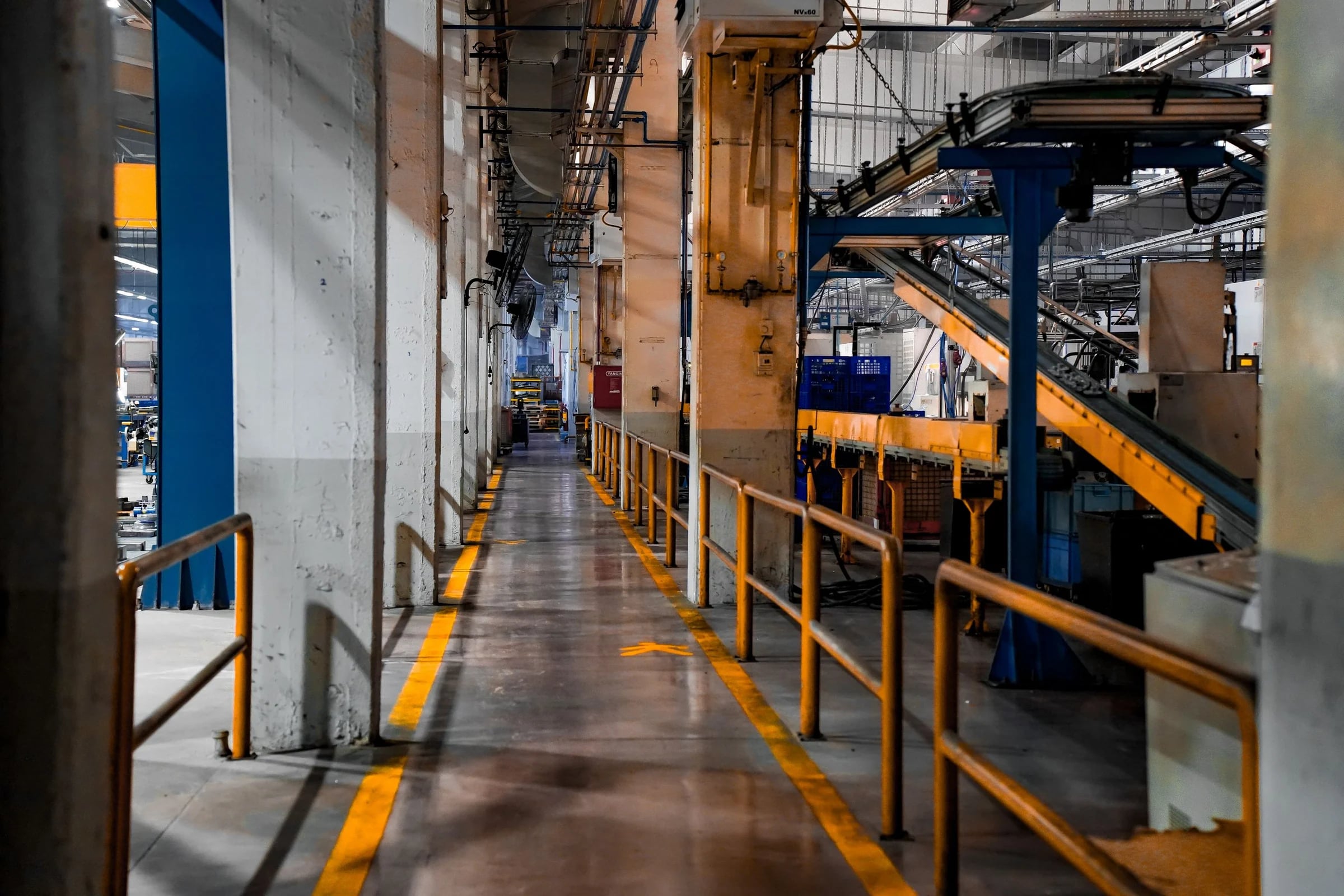 Industry & Manufacturing
Production-site communication
Coordinate operator access, area-based paging and assistance points across the facility’s planned network.
Explore the solution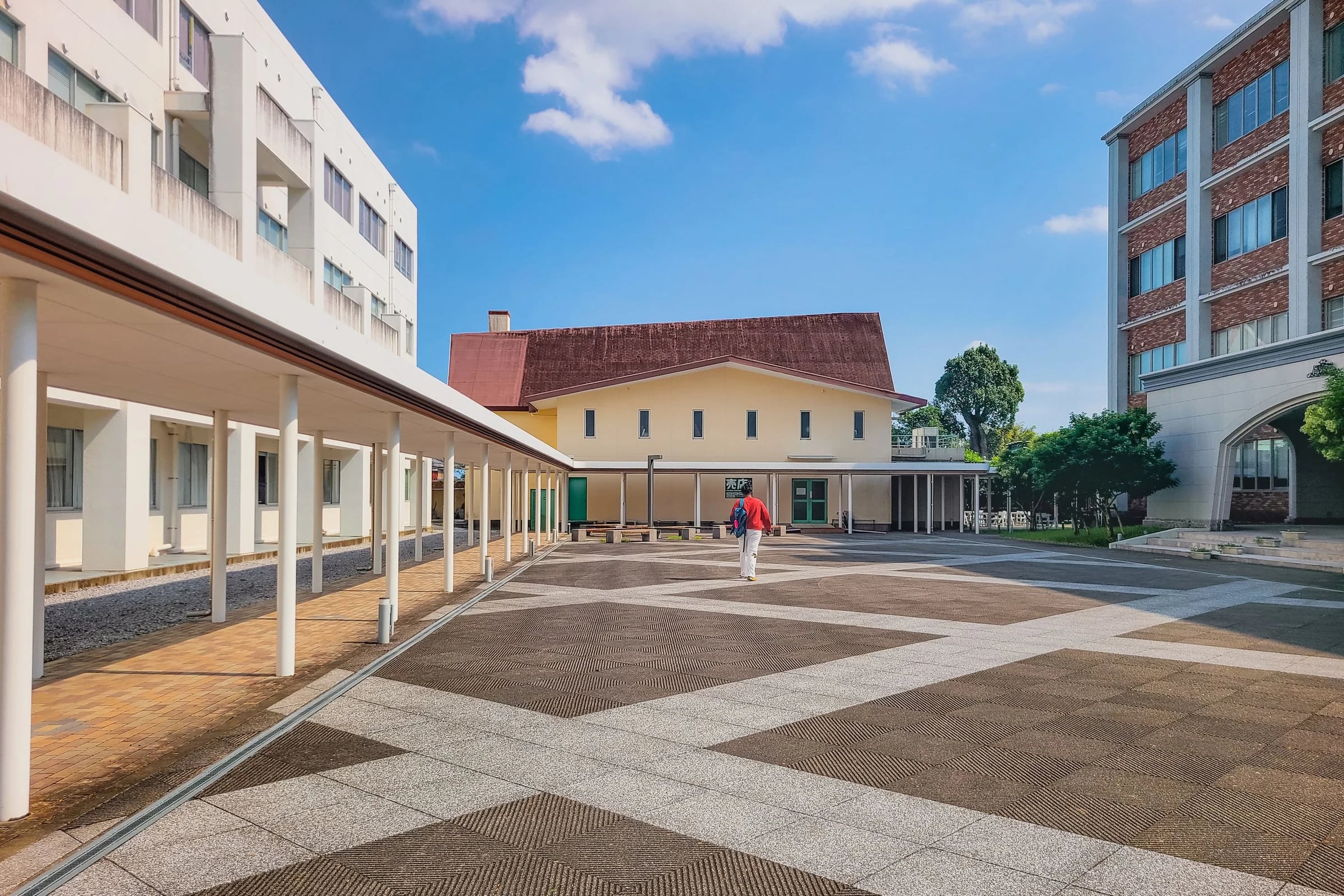 Education & Campuses
Campus communication
Plan buildings, announcement groups and operational responsibilities together before sizing the system.
Explore the solution Commercial Buildings
Connected building operations
Bring compatible endpoints into a managed communication design with defined capacity, power and operating requirements.
Explore the solutionQuestions about ST-C10.
Review the model’s connection, installation and documentation before finalizing the system.
Ask a product expertCan ST-C10 work with a SIP platform?
The model’s published VoIP data lists SIP support. Match the platform, codecs, registration and required paging or calling workflow, then test the selected configuration before deployment.
What power arrangement is listed for ST-C10?
The published power-supply field states “12V-2A”. Check the installation supply and the current model document.
How is ST-C10 installed?
The published installation field states “Connect with Adapter and LAN”. Confirm the mounting surface, clearances, cable route and environmental requirements for the site using the current model documentation.
What should I include in a ST-C10 enquiry?
Include the model, quantities, site layout, intended workflow and connected equipment. For a complete system, share paging zones, network and power availability, and any BOQ, RFP or configuration support required.
Discuss your
IP PA project.
From product selection to system planning, share your requirements with the SipTok team.
Explore project engineering support