Paging & Control
IP Announcement Console Panel
- Network Interface
- 10/100 Base-TX, RJ45
- Power Supply
- 12V-2A



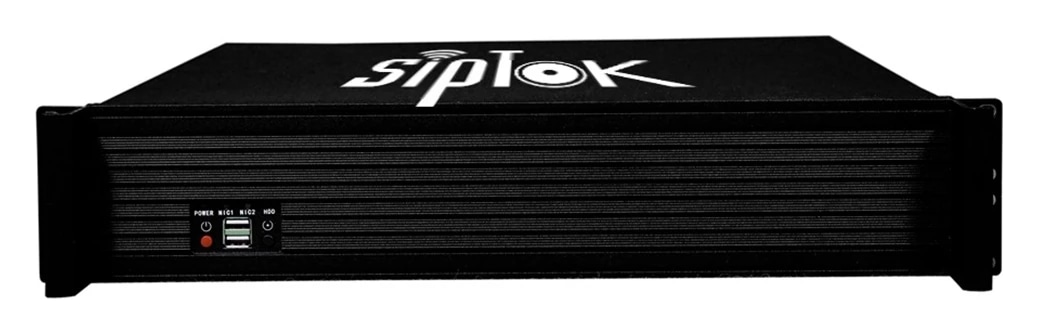
Bring the operator, communication platform and audio endpoints into one considered design. Explore SipTok IP PBX and audio gateway models alongside the ST-C10 touch-screen announcement console, then specify the capacity, paging zones and call workflow your site needs.
A SIP Server for IP PA System deployments provides a communication platform for supported endpoints and configured paging or call flows. Define the required behavior before selecting the hardware: live announcements, recorded audio, operator calls and two-way assistance are different tasks, and the complete platform must support the intended combination.
SipTok IP PBX and IP audio gateway product information describes software for compatible speakers, IP phones, intercoms and emergency call boxes. Compare the actual software functions and model capacities rather than choosing by the server enclosure or model suffix. The supplied tables separate the number of supported devices from parallel intercom or announcement sessions; they are different sizing figures.
These terms describe the operator's role as much as the equipment's appearance. A Paging Mic originates live speech. A Paging Console combines the microphone with controls for destinations and audio tasks. A Dispatch Console can be part of an operating desk's calling and announcement workflow, but its required functions still need to be specified and demonstrated.
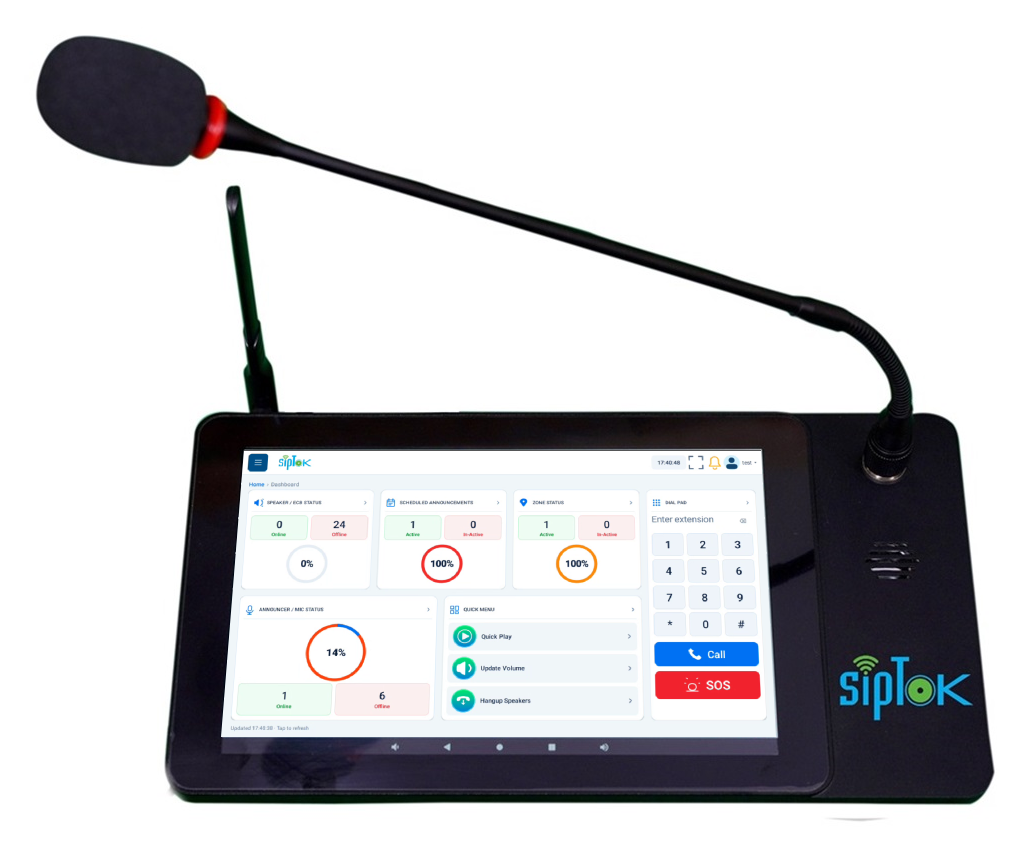
SipTok's ST-C10 is an IP Announcement Console Panel with a touch screen and gooseneck microphone. The supplied description covers one-to-one and one-to-many announcements, pre-recorded audio, zones, schedules and communication with suitable SipTok endpoints. Plan the screen layout, destination selection and responsibility for calls with the people who will operate it.
Provide a list of the operator tasks and ask for a demonstration using the intended endpoints. Confirm how an operator selects a zone, starts or stops an announcement, handles an incoming call and recognizes a failed task. A touch screen alone does not establish these workflows or how they interact with a separate platform.
Include the number of operator positions and the destination groups, then identify the network and power available at each desk. For a replacement project, provide the existing platform details and the behavior that must remain. Agree commissioning records and operator guidance as part of the handover rather than leaving them until installation.
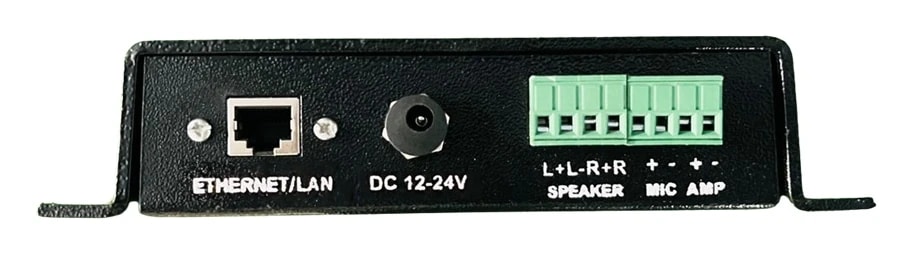
An IP Audio Bridge enquiry should identify the audio path that must cross between systems. Is the source analogue audio, a SIP call or a network stream? Is the destination an existing amplifier or a network speaker? Signal direction, connector type, level and impedance must be checked; a network gateway is not automatically a power amplifier.
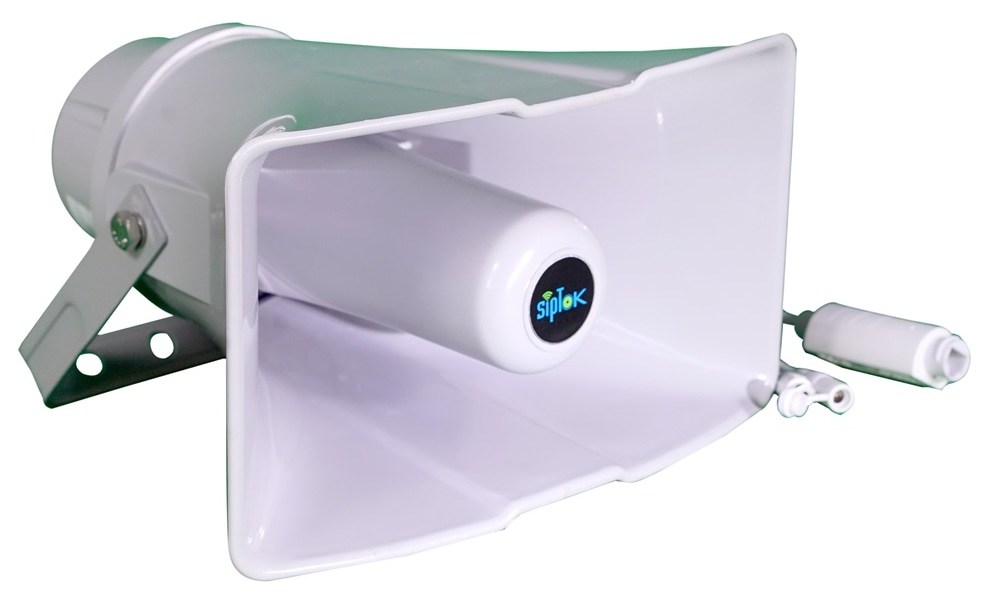
The SipTok ST-A2I is listed as an IP paging gateway for analogue and IP audio integration. Review its original document and confirm the required connection with the product team. For an IP Amplifier requirement, distinguish a separate amplifier driving an existing speaker circuit from the built-in Class D amplifier listed on specific SipTok active speaker models. The supplied catalogue does not establish a separate range of standalone IP power amplifiers.
An IP Siren request may mean a dedicated network sounder or the playback of a warning tone through speakers. Those are different specifications. Describe the required signal, duration, area and trigger before choosing a device, and document who is permitted to activate or stop it.
The supplied SipTok SIP speaker descriptions include notification or tone broadcasting. That does not identify them as a dedicated certified siren range or establish an approved evacuation system. Likewise, the wired hooter supplied with a security alarm panel is not evidence of a network siren interface. Projects requiring a PAVA System or Voice Alarm System should follow a separate, consultant-led equipment and system assessment.
The console brings the operator into the IP audio system for live announcements, recorded audio, zones, schedules and communication with suitable endpoints.

Scroll across the diagram to explore each connection.
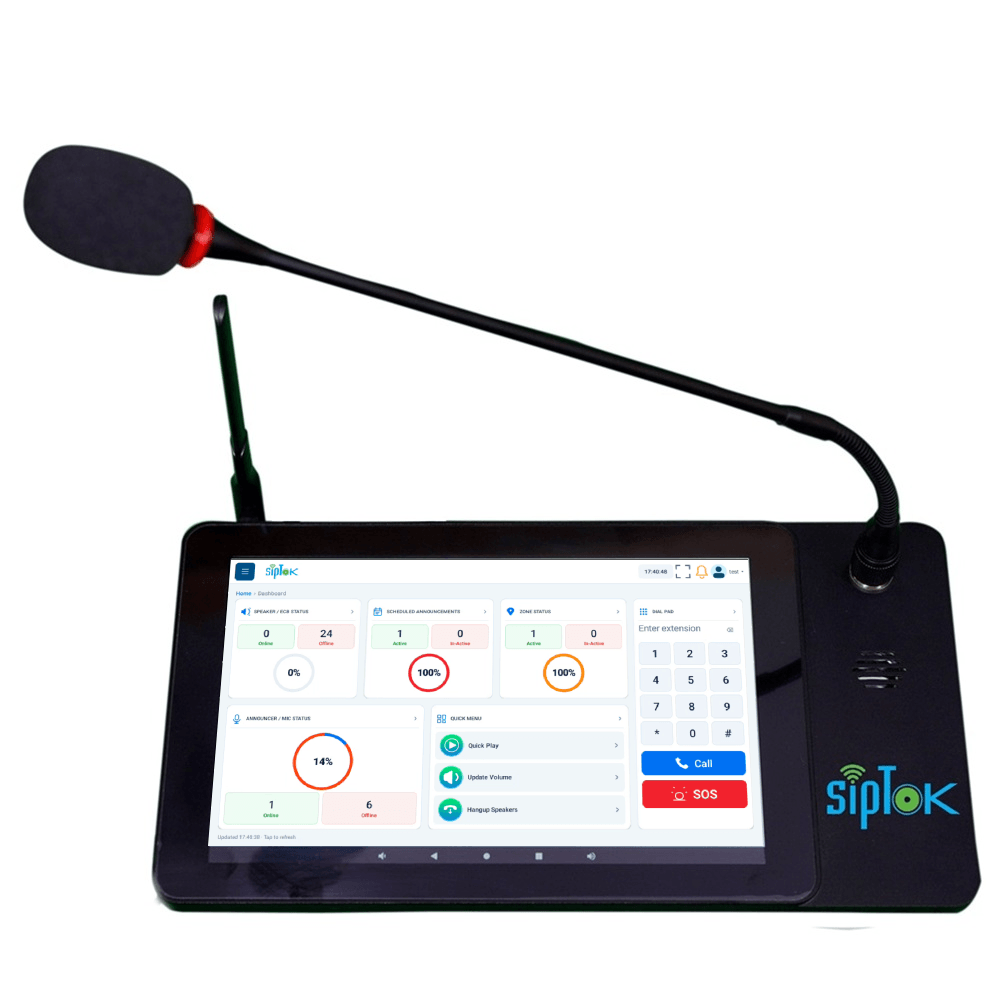
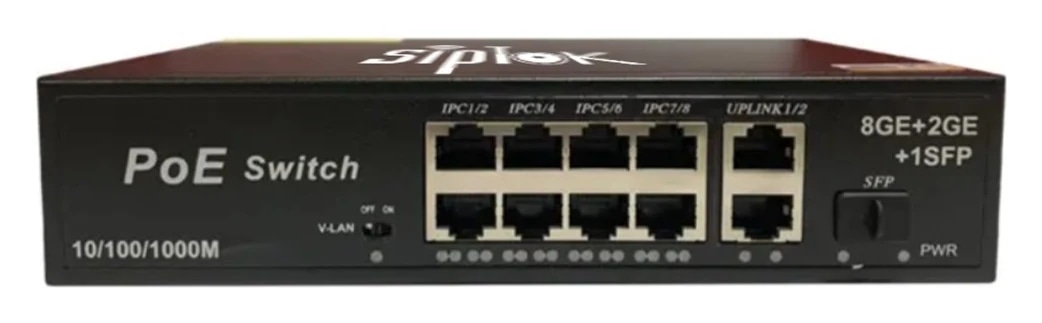
Select the target zone and use the configured live, stored-message or scheduling workflow with the compatible platform and speakers.
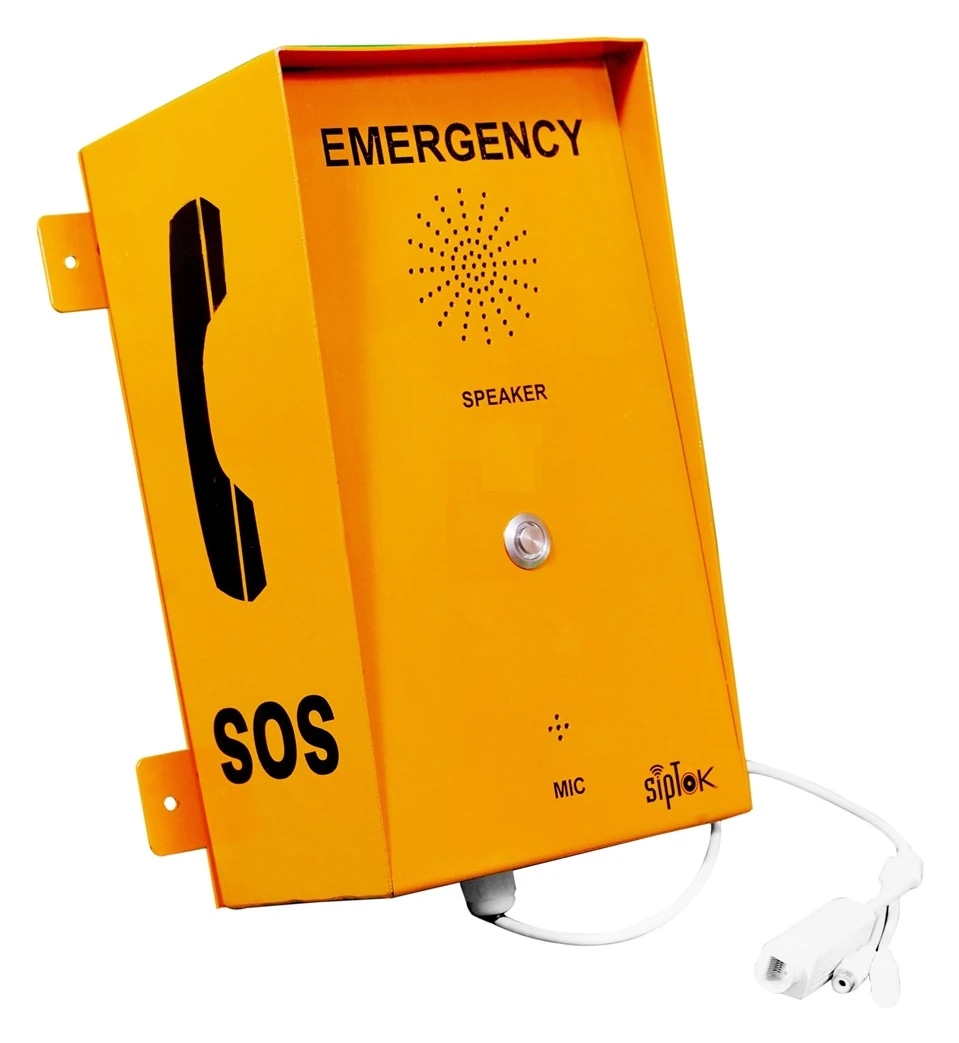
Use a suitable intercom, call box or phone when the operation needs a return voice path. A receive-only announcement is a different workflow.
Photographs show actual SipTok models. This is a conceptual connection diagram; cable routes, power and final equipment are confirmed during system design.
Review the actual console, audio gateway and paging gateway roles. Compatibility, simultaneous sessions, power and interfaces must be confirmed for the selected platform.
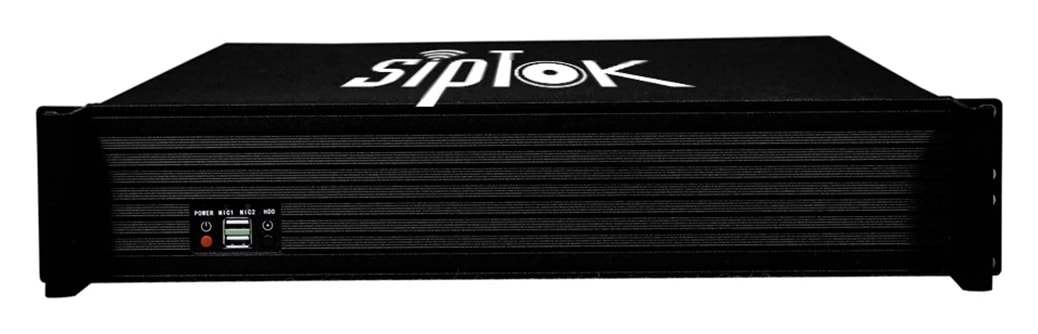
Select operating zones and tasks for production, storage and administration.
Explore02Organize daily paging around occupants, access and the operator desk.
Explore03Coordinate announcements and assistance calls through an agreed response workflow.
ExploreUse the published product data and a test of the proposed workflow to confirm the final selection.
No. The SipTok server tables list supported devices separately from parallel intercom or announcement sessions. Use both figures and the required workflow when sizing the platform.
Only after the required functions and integrations are verified. Compare calling, destination selection, recorded messages and operator behavior with the existing workflow; do not assume feature parity from the name.
The supplied catalogue includes built-in amplification in specific active speakers and the ST-A2I paging gateway. A dedicated standalone IP amplifier is not established by the supplied model data; send the circuit and power requirements for confirmation.
From product selection to system planning, share your requirements with the SipTok team.
Explore project engineering support