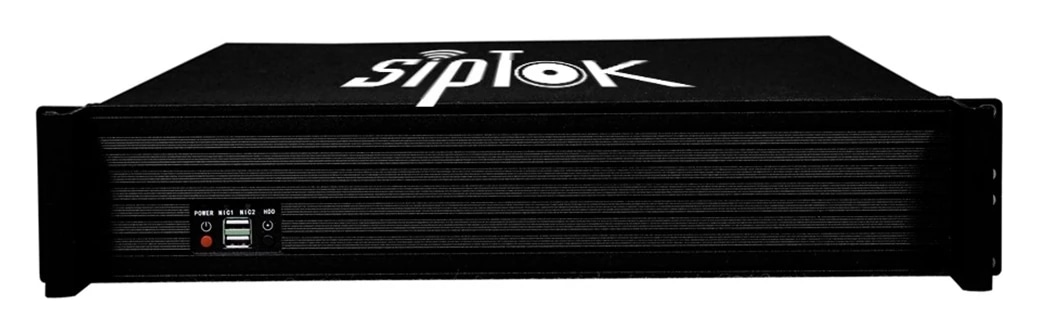
ONVIF / VMS audio
Use the documented ONVIF interface for compatible video management system (VMS) audio workflows. Confirm the required operation with the selected platform and firmware.

ST-A2I: 10/100 Base-TX, RJ45 network interface; Aluminium construction. Review the complete technical data and system connections below.
The ST-A2I is a SIP-enabled analogue-to-IP paging gateway for recorded-message broadcasting, notifications, scheduled announcements, SIP paging and streamed audio.
Plan network connectivity, operator workflow, mounting and power as part of the complete communication system. Explore the application guides for deployment considerations.
Use the documented ONVIF interface for compatible video management system (VMS) audio workflows. Confirm the required operation with the selected platform and firmware.
The model documentation lists an HTTP API for alarm transmission. Define the event, request format and required response with our team before configuring the integration.
| Parameter | Specification |
|---|---|
| Audio | |
| Codec | OPUS 48 kHz, MP3 44.1 kHz, G.722 ADPCM 16 kHz, G.711 PCMU 8kHz, G.711 PCMA 8 kHz |
| Network | |
| Security | Password protection, IP address filtering, Digest authentication, User access log, firewall |
| Network Protocol | SIP, ONVIF, HTTP, HTTPS, IPv4, DHCP, RTSP, RTP, RTCP, TCP/IP, UDP, ARP, SNMP, TFTP, NFS, NTP, FTP, ICMP, SSH, SSL, DNS, SNTP |
| Network Interface | 10/100 Base-TX, RJ45 |
| VoIP | Support for SIP protocol for integration with VoIP systems, integrated with SIP/PBX. 2 SIP Accounts, SIP Direct IP Call, RTP Multicast, ONVIF Codec: OPUS, MP3, G.722, PCMU, PCMA |
| General | |
| Material | Aluminium |
| Power Supply | 12V-2A |
| Dimensions | 187x160x40 mm |
| Net Weight | 1.10 Kg |
| Standard Warranty | 1 year |
| Languages | English |
| Approvals & Compliances | ISO 9001:2015, ISO 27001:2022, CE, RoHS, FCC |
| Package Includes | IP Paging Gateway, Adapter, User Manual |
Confirm the required configuration and current product documentation before procurement.
Product documents are available to approved SipTok partners and invited project teams.
Partner document accessThe ST-A2I supports SIP paging and connections for existing analogue speakers, a microphone and an amplifier. Match the actual interfaces before integrating an existing PA installation.

Scroll across the diagram to explore each connection.
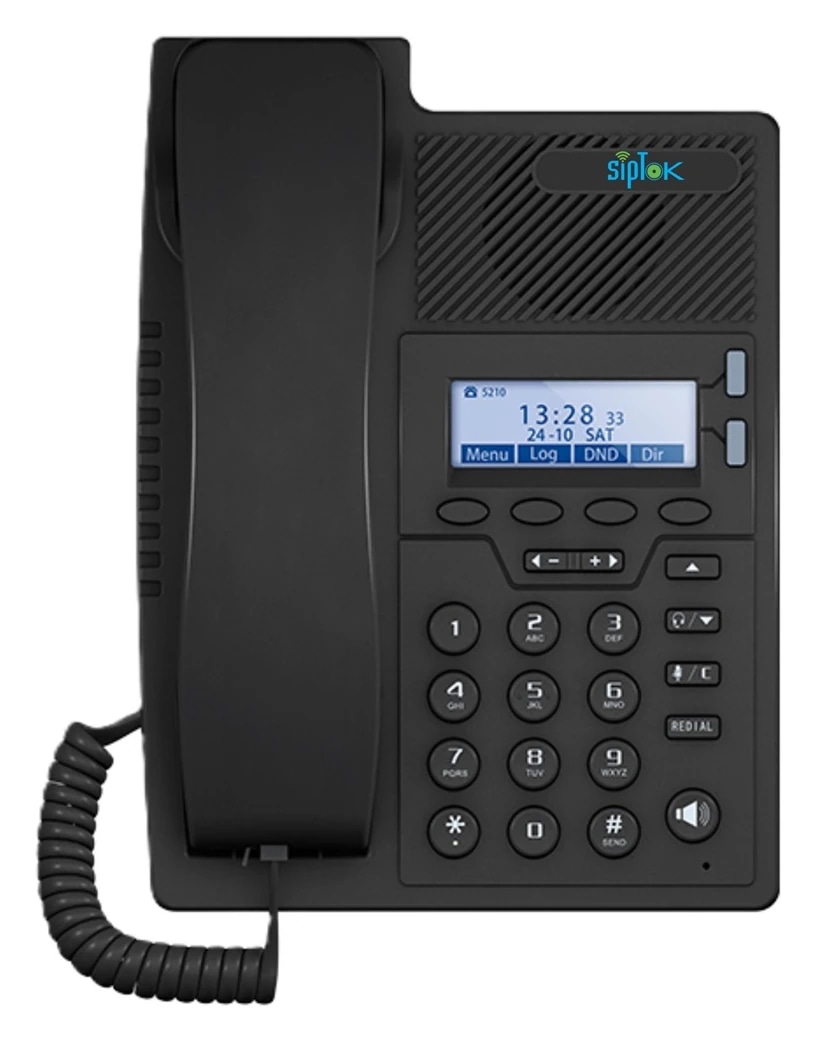
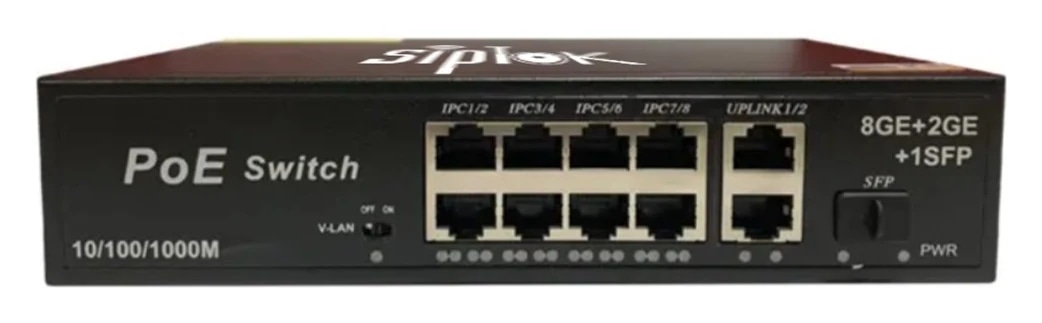

Use the gateway’s documented analogue connections to bring compatible existing PA equipment into an IP paging design.
Confirm input/output direction, signal level, amplifier connection and speaker load from current installation documentation before wiring.
Photographs show actual SipTok models. This is a conceptual connection diagram; cable routes, power and final equipment are confirmed during system design.
Explore the operating environment and communication requirements for each use case.
 Industry & Manufacturing
Evaluate the gateway when retaining suitable analogue audio equipment in a network paging design; verify every audio interface.
Explore the solution Commercial Buildings
Coordinate the existing amplifier and speaker connections with the gateway’s current installation documentation.
Explore the solution Education & Campuses
Plan supported SIP paging to compatible retained PA equipment and test the intended zone arrangement.
Explore the solutionReview the model’s connection, installation and documentation before finalizing the system.
Ask a product expertThe model’s published VoIP data lists SIP support. Match the platform, codecs, registration and required paging or calling workflow, then test the selected configuration before deployment.
The model documentation lists VMS compatibility via ONVIF and an HTTP API for alarm transmission. Agree the required audio action or alarm exchange, and confirm the selected platform, firmware and interface details with SipTok.
The published power-supply field states “12V-2A”. Check the installation supply and the current model document.
Include the model, quantities, site layout, intended workflow and connected equipment. For a complete system, share paging zones, network and power availability, and any BOQ, RFP or configuration support required.
From product selection to system planning, share your requirements with the SipTok team.
Explore project engineering support