

SIPTOK / PRODUCT RANGE
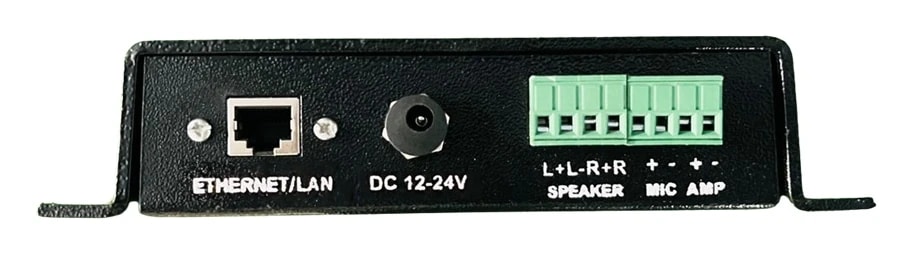
IP Paging Gateway & Audio Bridge
Bridge existing audio inputs into a network paging deployment.
View system connectionsProduct models
Compare up to 3 models in one family, or add models and quantities to your project.
A CONNECTED PRODUCT FAMILY
IP Paging Gateway in the system.
See how ip paging gateway fit with the operator equipment and interfaces in an example installation. The photographs and model links refer to the supplied SipTok catalogue.
SIPTOK · SCHEMATIC DIAGRAM
IP Paging Gateway: a typical system connection

Ethernet / LANAnalogue audio / wired outputSelect a product photograph for model details
Scroll across the diagram to explore each connection.
01 · Control room & system control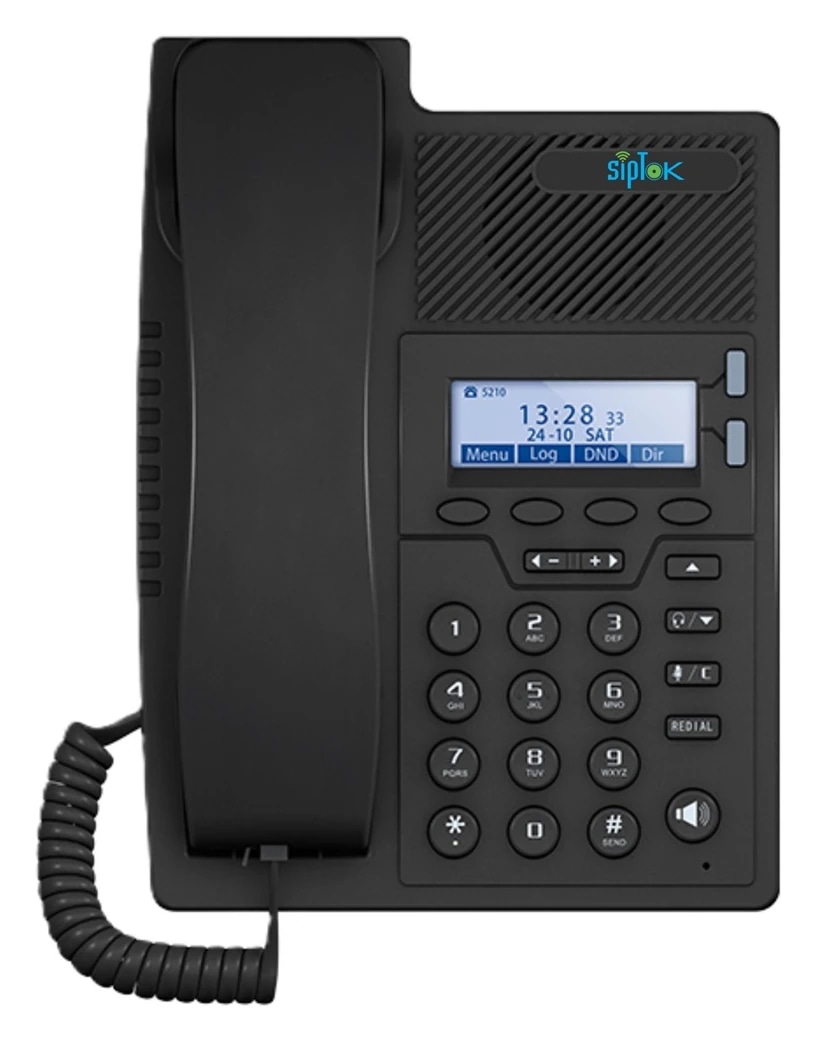 Example SIP operator phoneST-SP10IP Phone (Basic)Ethernet / LANView product
02 · Site network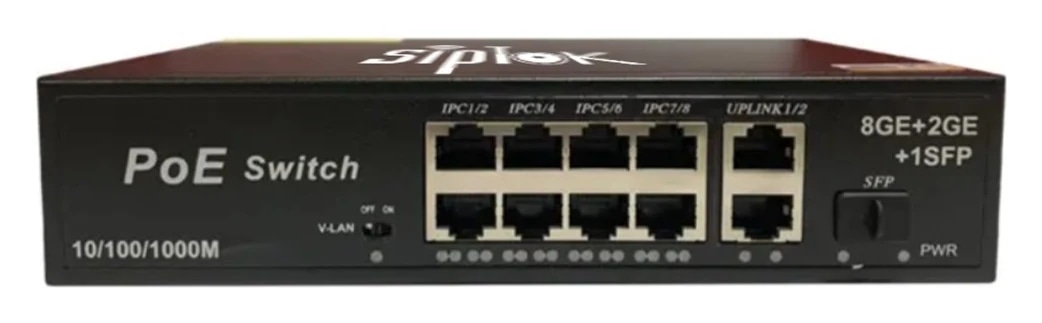 Example Ethernet switchST-PoE-8P8 Port PoE SwitchLAN switch · independent power reviewView product
03 · Application zones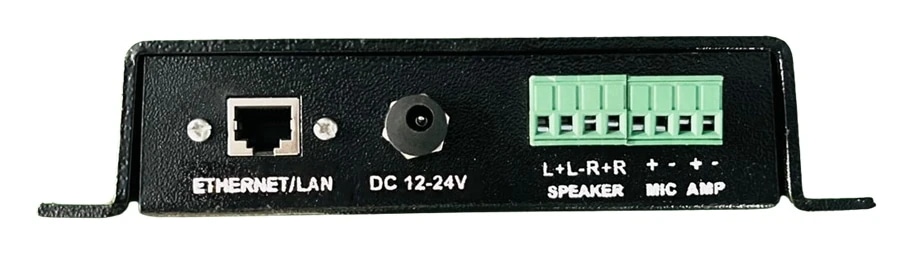 Example ip paging gatewayST-A2IIP Paging GatewayEthernet / LANView product
Existing equipment; match connection and loadAnalogue amplifier / speakersConfirmed analogue interface
01
IP paging to existing audio
Use the gateway’s documented analogue connections to bring compatible existing PA equipment into an IP paging design.
02
Interface coordination
Confirm input/output direction, signal level, amplifier connection and speaker load from current installation documentation before wiring.
Connection, power & commissioning notes
- Ethernet branches connect the shown IP devices to the site LAN switch. This is a connection concept, not a cable-routing or electrical wiring drawing.
- SIP handles call setup. RTP audio follows the configured media path; it does not necessarily pass through the SIP server. Multicast is a separate, model-supported paging option.
- Confirm power for each device independently. A PoE switch in this example does not establish the required PoE class, port budget or a universal one-cable installation.
- The schematic does not imply that any analogue speaker or amplifier can be connected without checking its electrical interface.
- Models illustrate alternative or separately zoned endpoints. This is not a fixed bill of materials; select quantities and installation details for the project.
Photographs show actual SipTok models. This is a conceptual connection diagram; cable routes, power and final equipment are confirmed during system design.
SELECT WITH CONFIDENCE
Choosing ip paging gateway.
The ST-A2I provides a SIP-enabled paging gateway between the documented audio interfaces and network communication workflows. It can be considered when a project calls for an IP audio bridge, but the required input/output signal, amplifier connection and existing PA equipment must be checked first.
- Identify the direction and type of each analogue audio connection.
- Confirm amplifier input, signal level and speaker-load requirements.
- Test the planned paging workflow with the actual connected equipment.
How do I choose the right product?
Start with the application, installation environment and required communication method. Review the specific model’s datasheet, then share your site requirements with SipTok.
Do all models support SIP and PoE?
No. SIP endpoints, CCTV active speakers, alarm panels and switches have different interfaces and power requirements. Check the actual model specifications.
Can I request a project quotation?
Yes. Include models, quantities, site details and the intended application so our team can discuss the right configuration.
LET’S BUILD THE RIGHT SYSTEM
Discuss your projectLet’s connect your next project.
Share the models, quantities, installation conditions and intended communication workflow for a project quotation.