

SIPTOK / PRODUCT RANGE
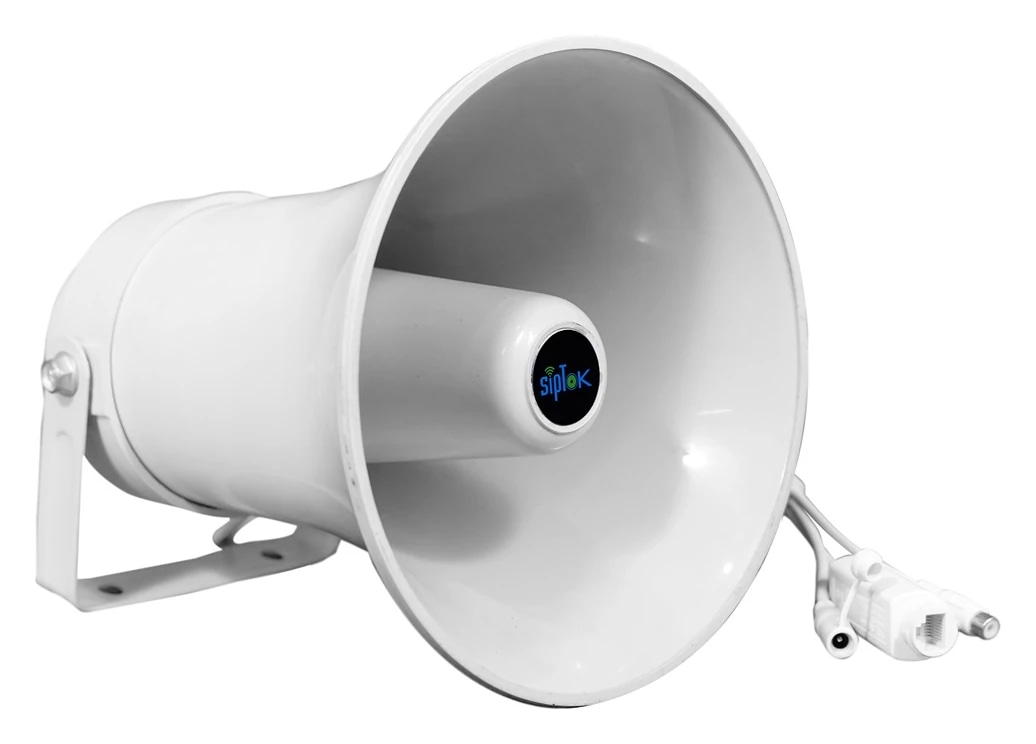
IP & SIP Horn Speakers
Directional audio for outdoor areas and large spaces.
View system connectionsProduct models
Compare up to 3 models in one family, or add models and quantities to your project.
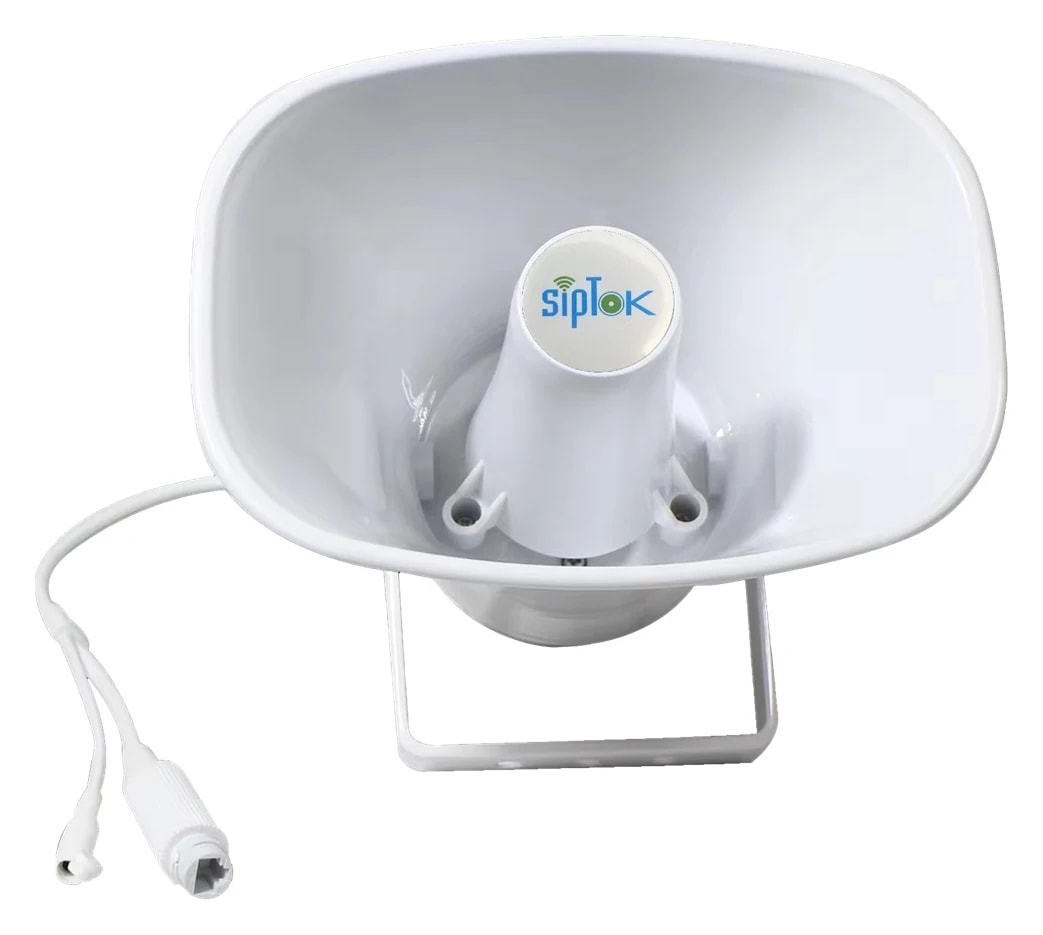
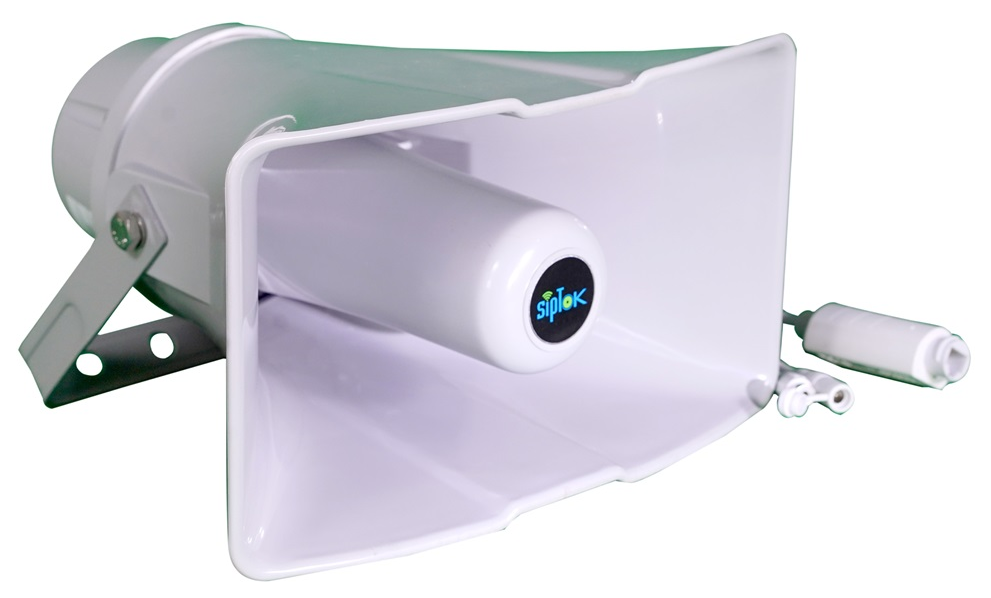
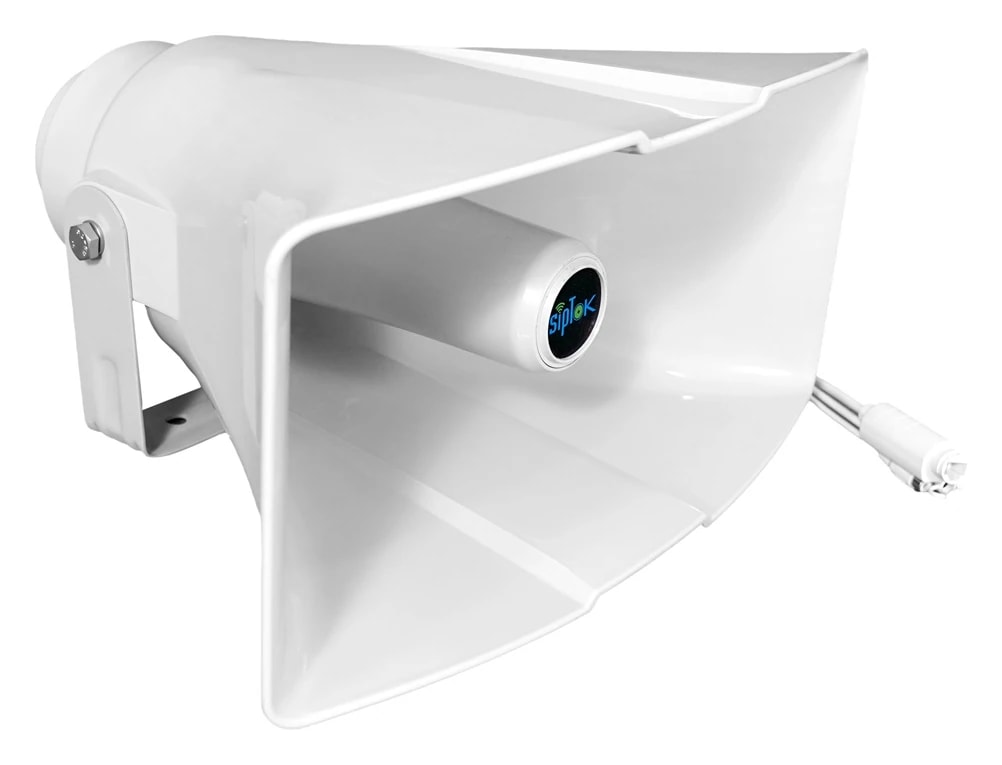
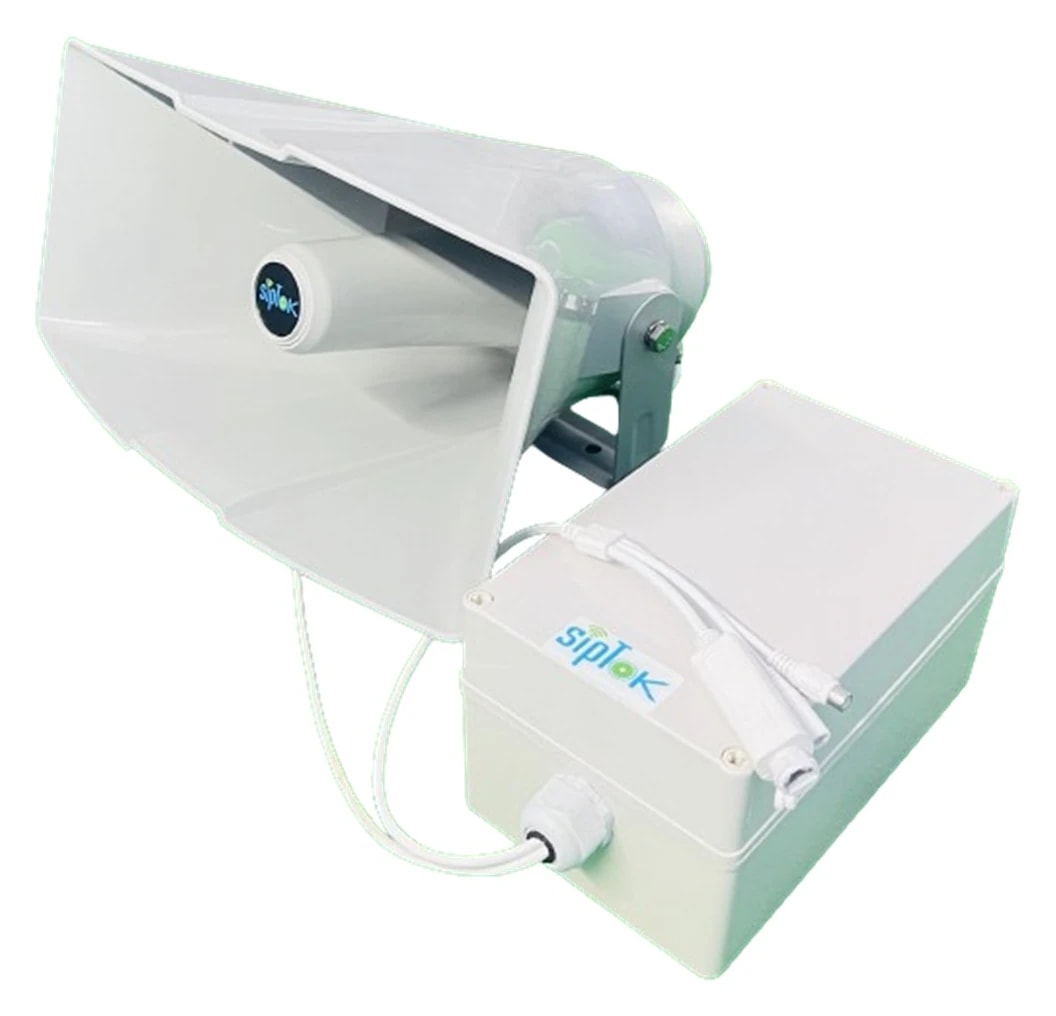
SELECTION & PROJECT PLANNING
Compare IP horn speakers for the proposed mounting point.
Review output, supply and mounting together when choosing a SIP horn speaker. The models below are starting points for comparison, not a promise of coverage distance or intelligibility at your site.
- 01
Position and aim the horn
Mark mounting heights, direction, coverage boundaries and nearby occupied areas on the layout.
- 02
Select the supply and network
Check each model's listed supply and the switch budget. Confirm the actual weather exposure and documented environmental rating.
- 03
Commission the paging zone
Test the selected announcement source and listening positions under representative site noise before agreeing quantities.
Swipe across the table to compare model details.
| Model | Selection consideration | Published model details |
|---|---|---|
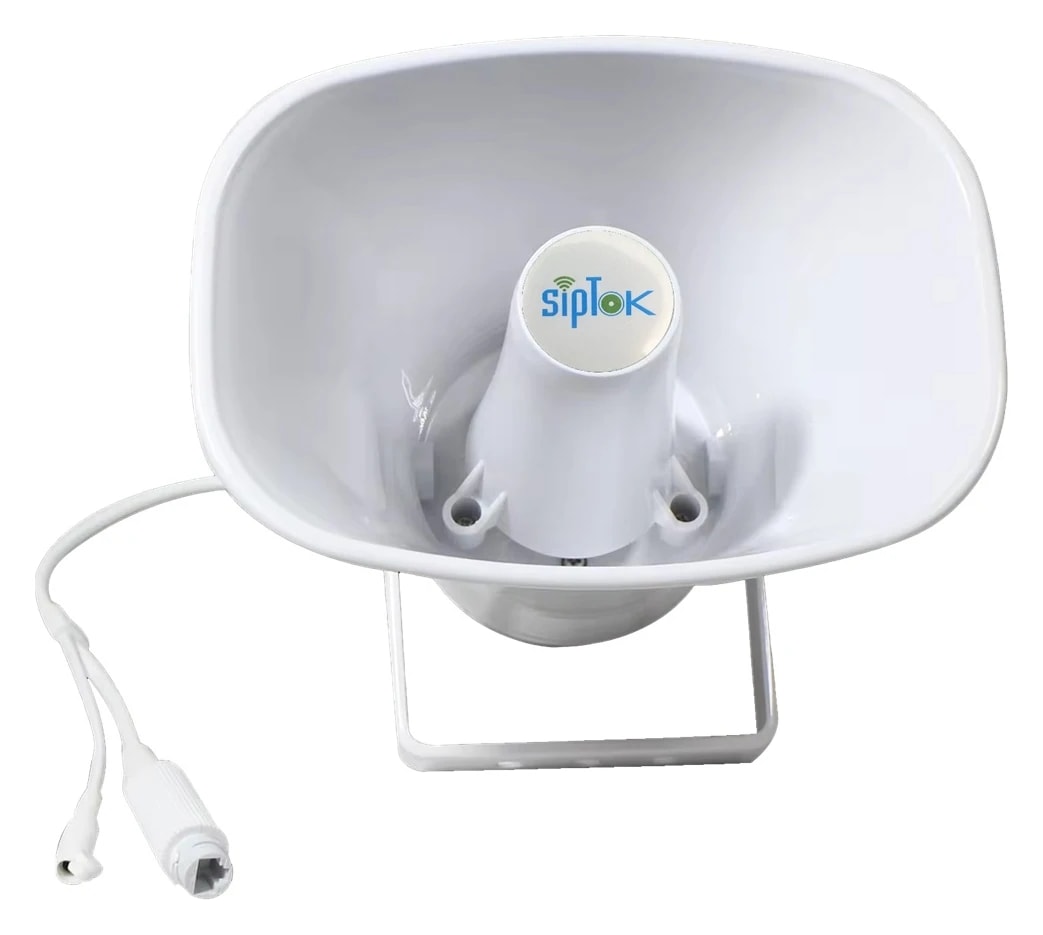
| ST-15HSRIP PA Horn Speaker 15W (R) | Compare the 15W option against the required listening area and noise assessment. |
|
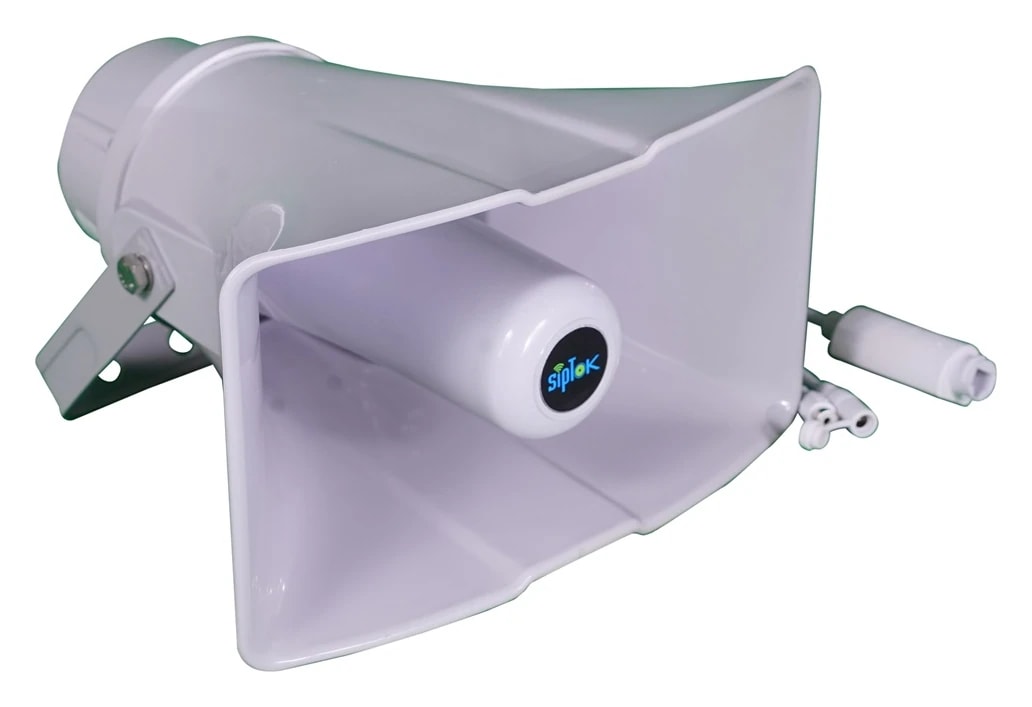
| ST-30HSRIP PA Horn Speaker 30W (R) | Compare the 30W option using the same mounting and acceptance criteria. |
|
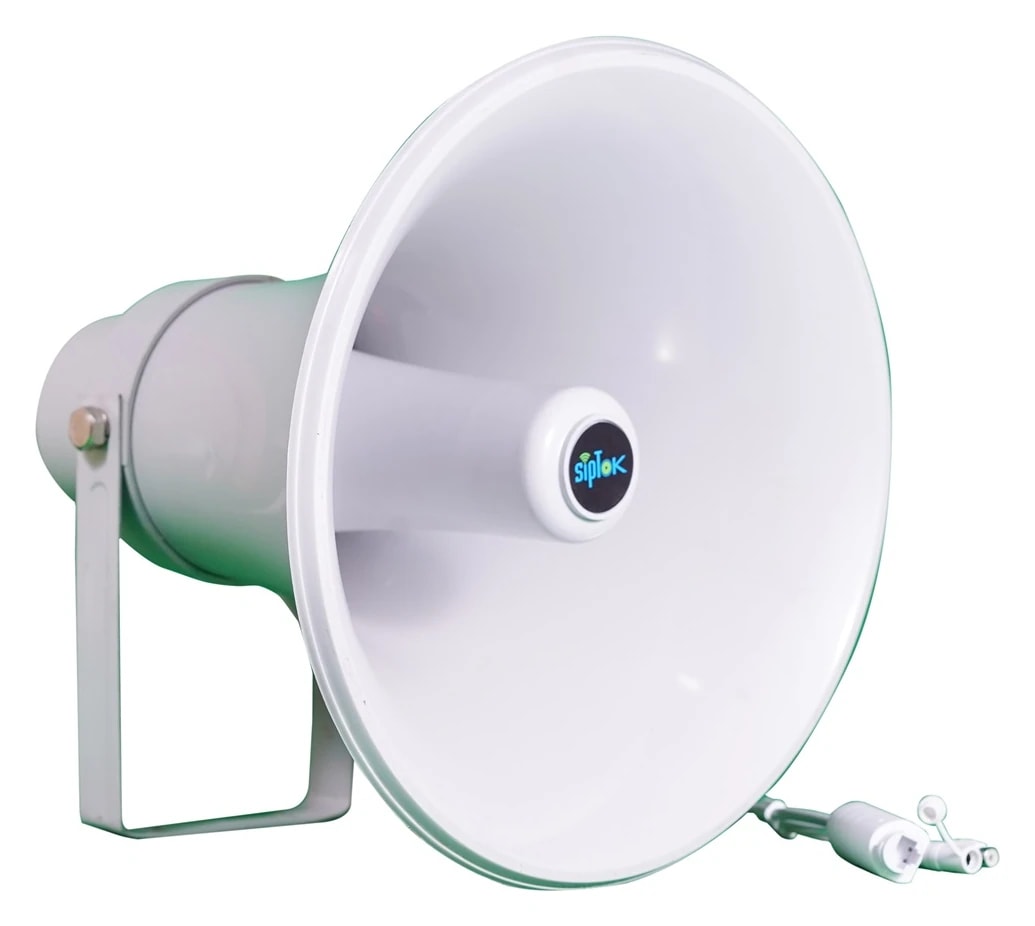
| ST-40HSRIP PA Horn Speaker 40W (R) | Review the 40W option together with its different listed power arrangement. |
|
PLANNING EXAMPLE
A loading yard with an adjacent office
Define the yard as its own paging area and assess the listening points around vehicle movements. Review horn direction and the effect on the office rather than aiming every speaker across the entire site. Network reach, mounting and power need to be planned for each position.
Illustrative planning scenario. Final selection and quantities require a reviewed site design.PREPARE YOUR QUOTATION
Share the details that shape the system.
- Yard or building layout, mounting heights and background noise
- Required announcement zones and listening positions
- Preferred model, quantities, cable routes and available endpoint power
A CONNECTED PRODUCT FAMILY
IP Horn Speakers in the system.
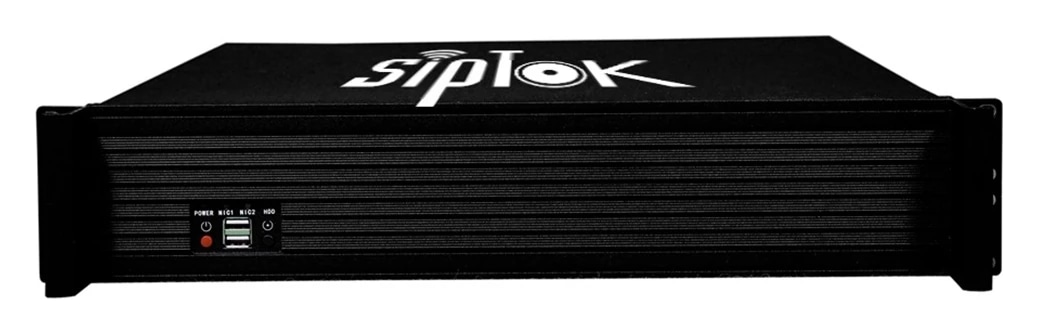
See how ip horn speakers fit with the operator equipment and interfaces in an example installation. The photographs and model links refer to the supplied SipTok catalogue.
SIPTOK · SCHEMATIC DIAGRAM
IP Horn Speakers: a typical system connection

Ethernet / LANSelect a product photograph for model details
Scroll across the diagram to explore each connection.
01 · Control room & system control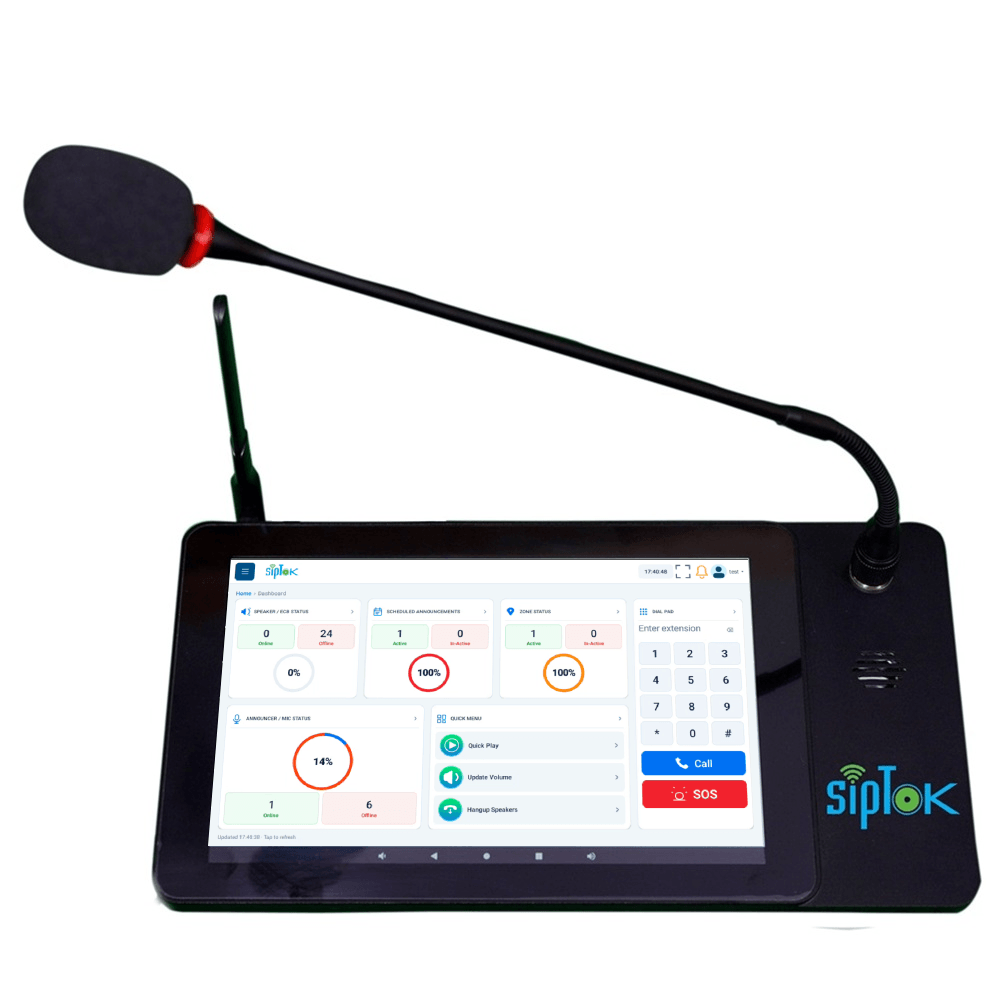 Example paging operator consoleST-C10IP Announcement Console PanelEthernet / LANView product
02 · Site network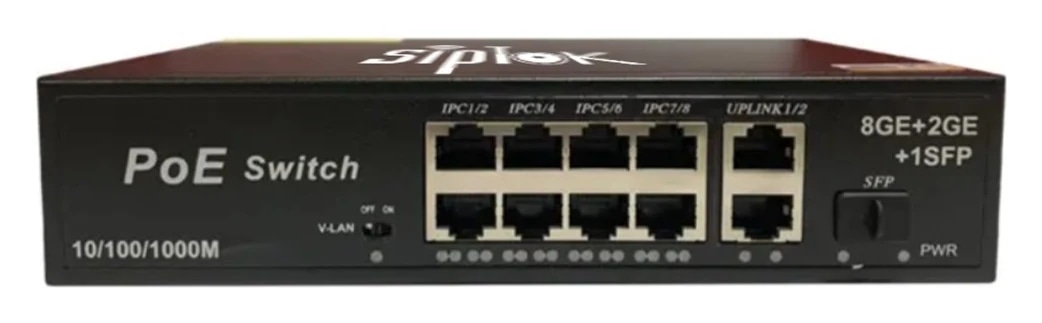 Example Ethernet switchST-PoE-8P8 Port PoE SwitchLAN switch · independent power reviewView product
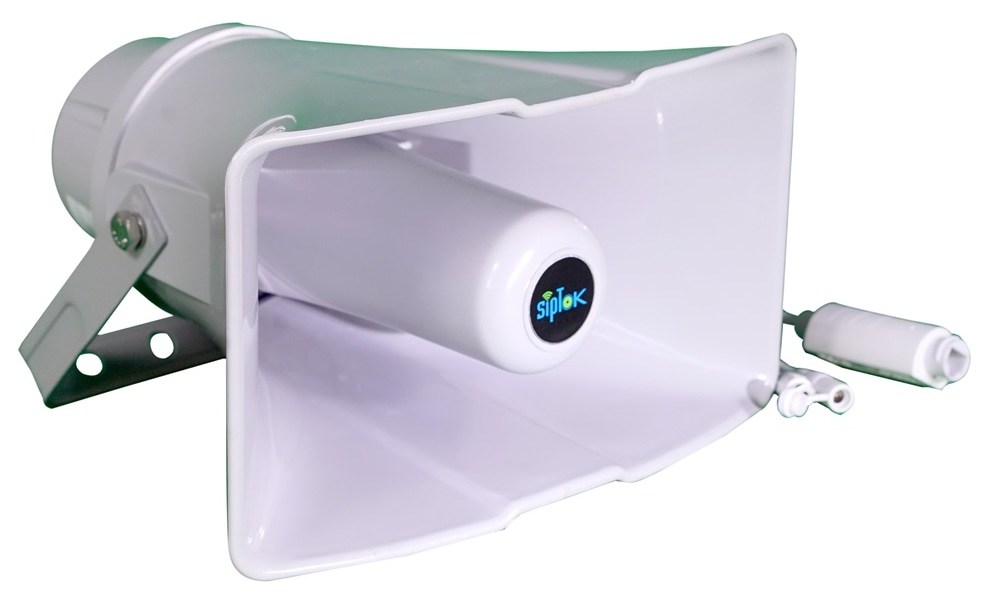
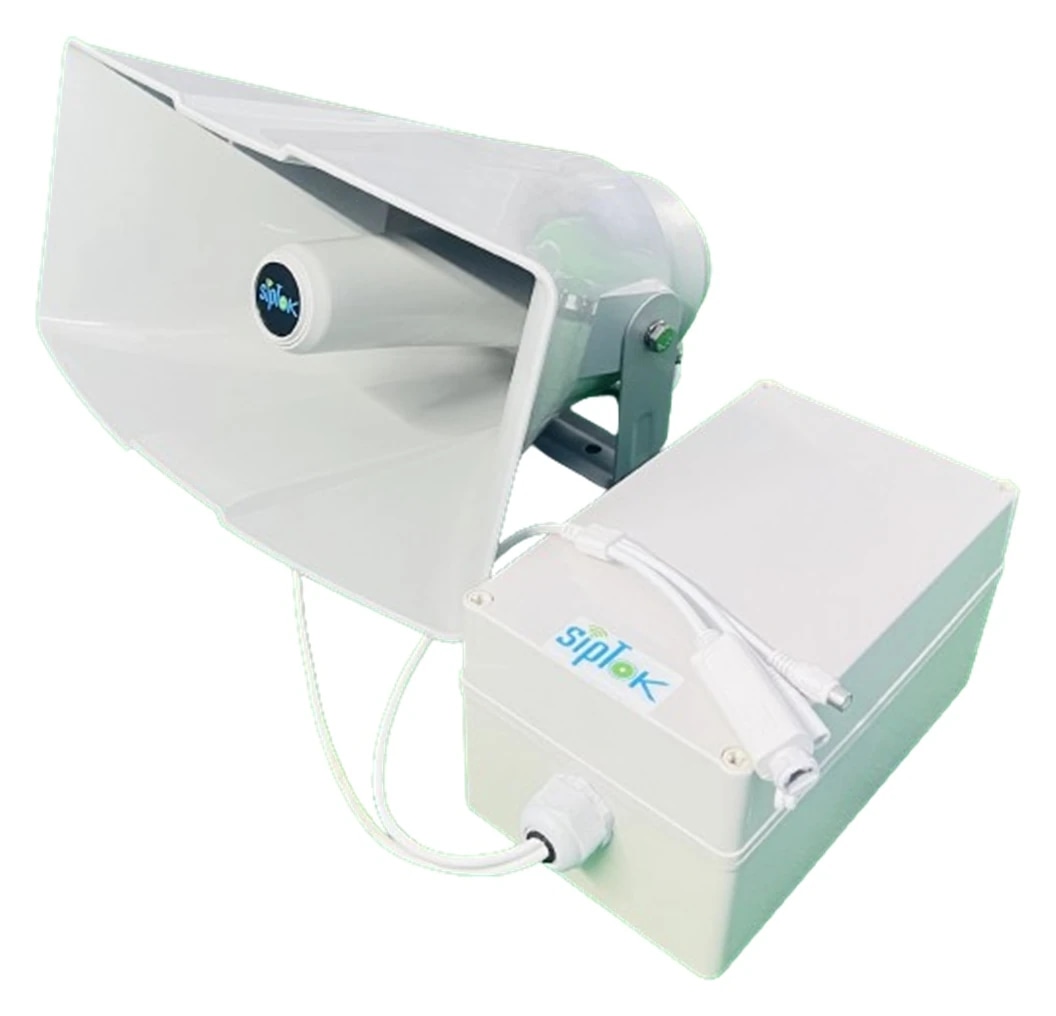
01
SIP paging
The operator addresses the configured destination through a compatible SIP platform. Confirm audio codecs, registration and paging behaviour during commissioning.
02
Multicast alternative
Where the selected model lists RTP multicast, a compatible sender distributes audio to configured receiver groups. This is separate from SIP call registration.
Connection, power & commissioning notes
- Ethernet branches connect the shown IP devices to the site LAN switch. This is a connection concept, not a cable-routing or electrical wiring drawing.
- SIP handles call setup. RTP audio follows the configured media path; it does not necessarily pass through the SIP server. Multicast is a separate, model-supported paging option.
- Confirm power for each device independently. A PoE switch in this example does not establish the required PoE class, port budget or a universal one-cable installation.
- Models illustrate alternative or separately zoned endpoints. This is not a fixed bill of materials; select quantities and installation details for the project.
Photographs show actual SipTok models. This is a conceptual connection diagram; cable routes, power and final equipment are confirmed during system design.
SELECT WITH CONFIDENCE
Choosing ip horn speakers.
An IP horn speaker directs announcements into the intended coverage area. A SIP horn speaker connects to the compatible communication platform for paging workflows. Coverage depends on placement, mounting direction, ambient noise and the actual model—not simply its rated power.
- Plan mounting height, direction and overlap against the site layout.
- Confirm weather exposure and the documented rating of the selected model.
- Review the required network and power supply before issuing the equipment schedule.
How do I choose the right product?
Start with the application, installation environment and required communication method. Review the specific model’s datasheet, then share your site requirements with SipTok.
Do all models support SIP and PoE?
No. SIP endpoints, CCTV active speakers, alarm panels and switches have different interfaces and power requirements. Check the actual model specifications.
Can I request a project quotation?
Yes. Include models, quantities, site details and the intended application so our team can discuss the right configuration.
LET’S BUILD THE RIGHT SYSTEM
Discuss your projectLet’s connect your next project.
Share the models, quantities, installation conditions and intended communication workflow for a project quotation.