Manufacturing & R&D in IndiaPartner login
SipTok
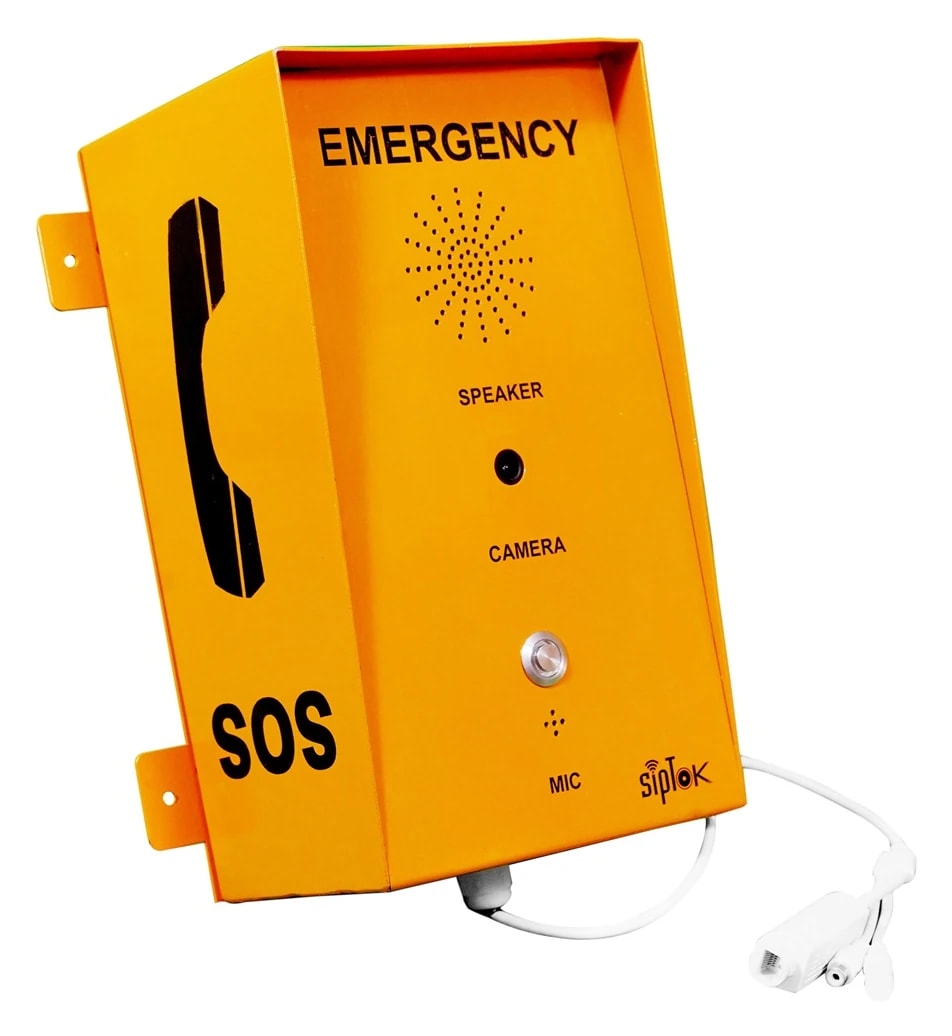
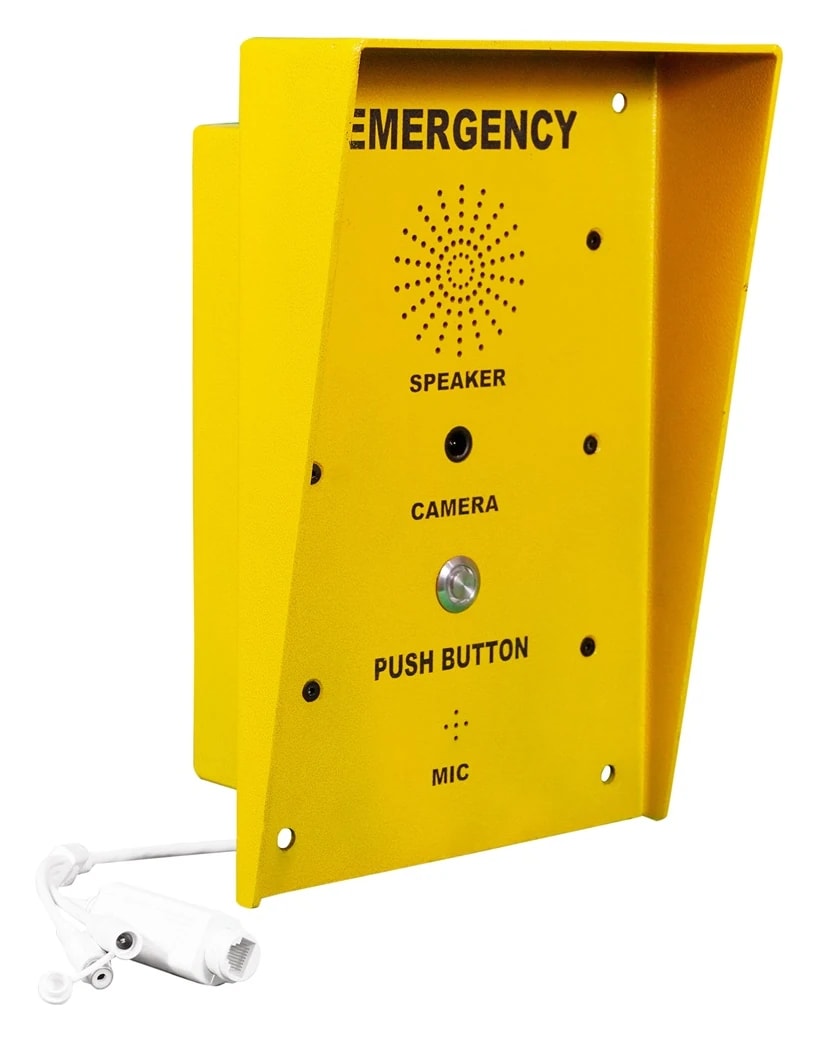
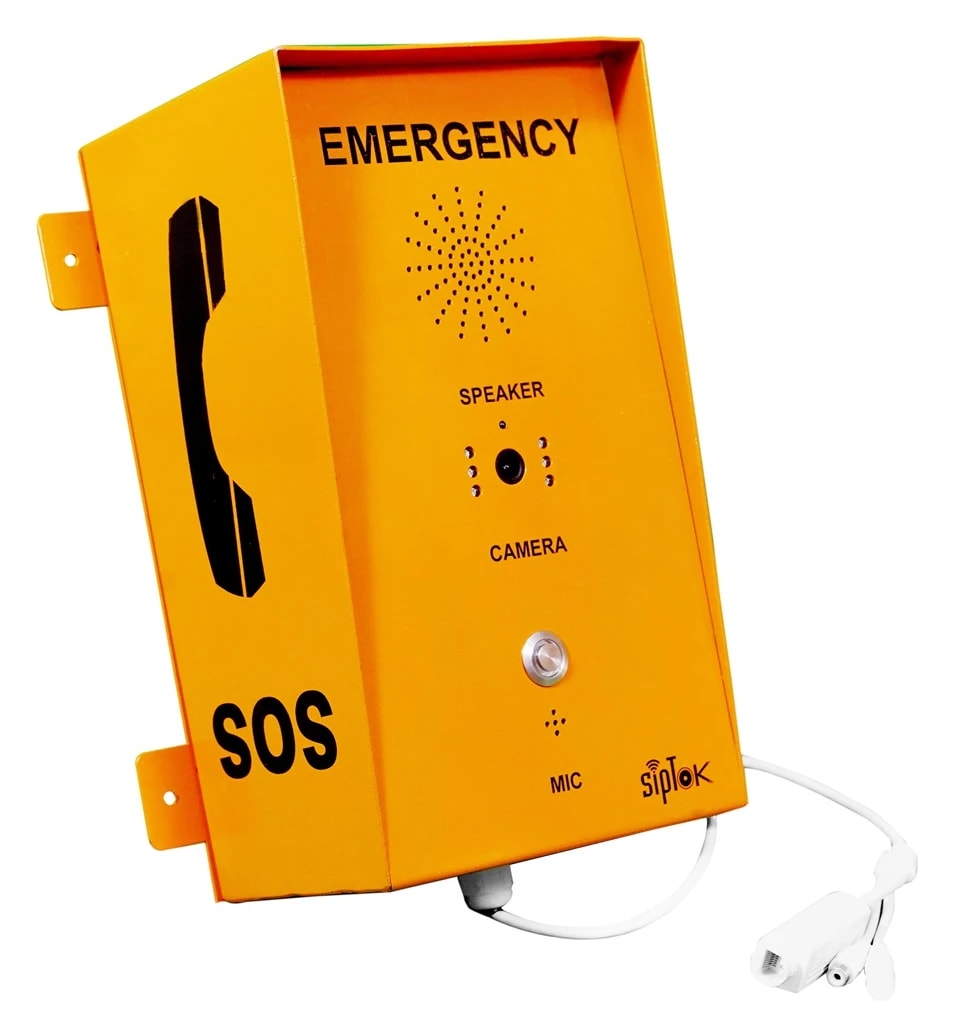
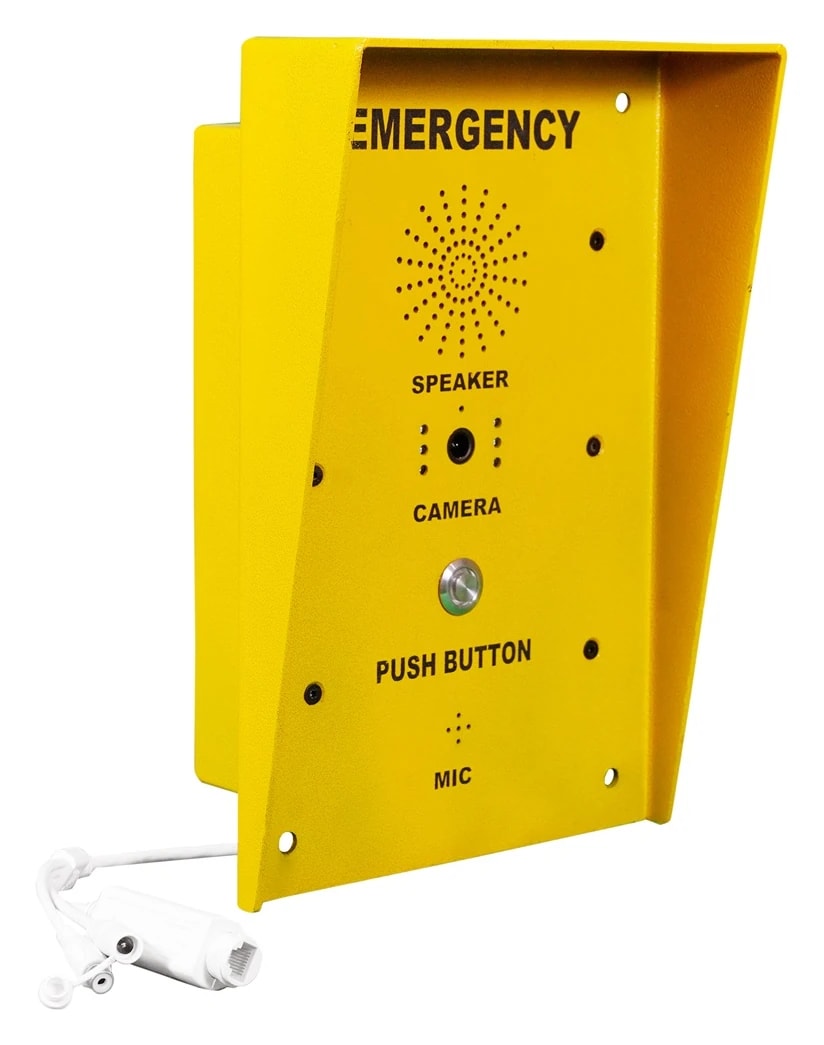
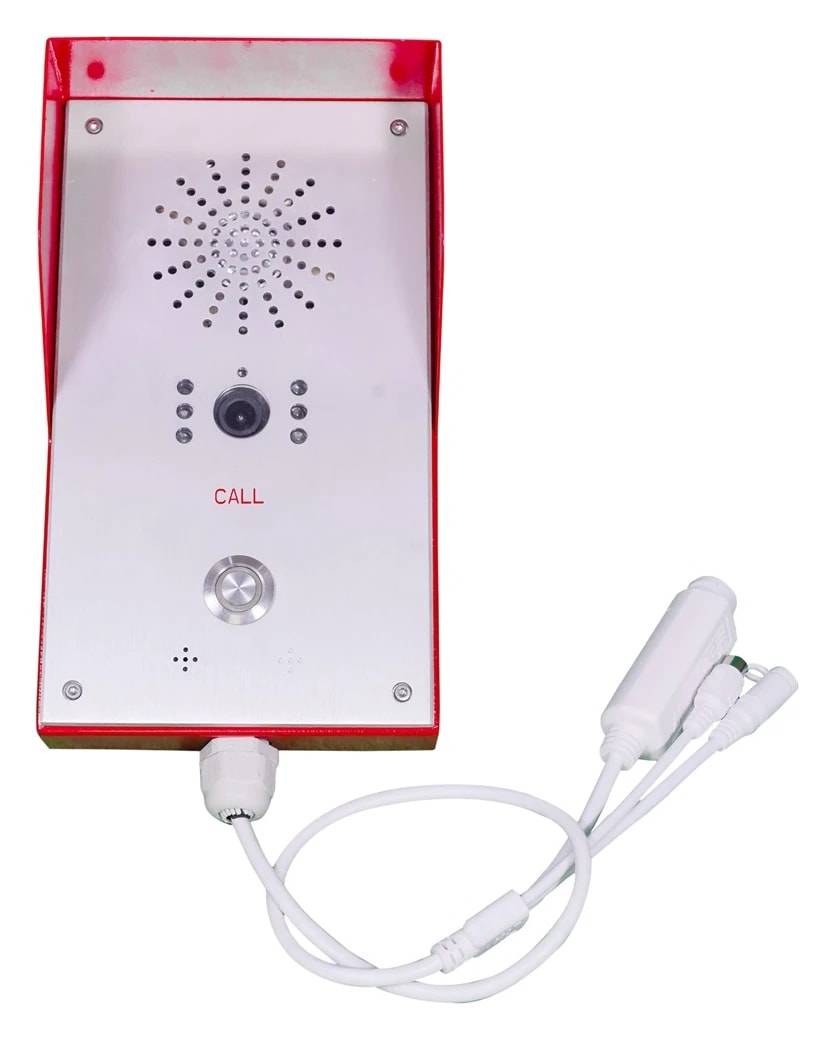
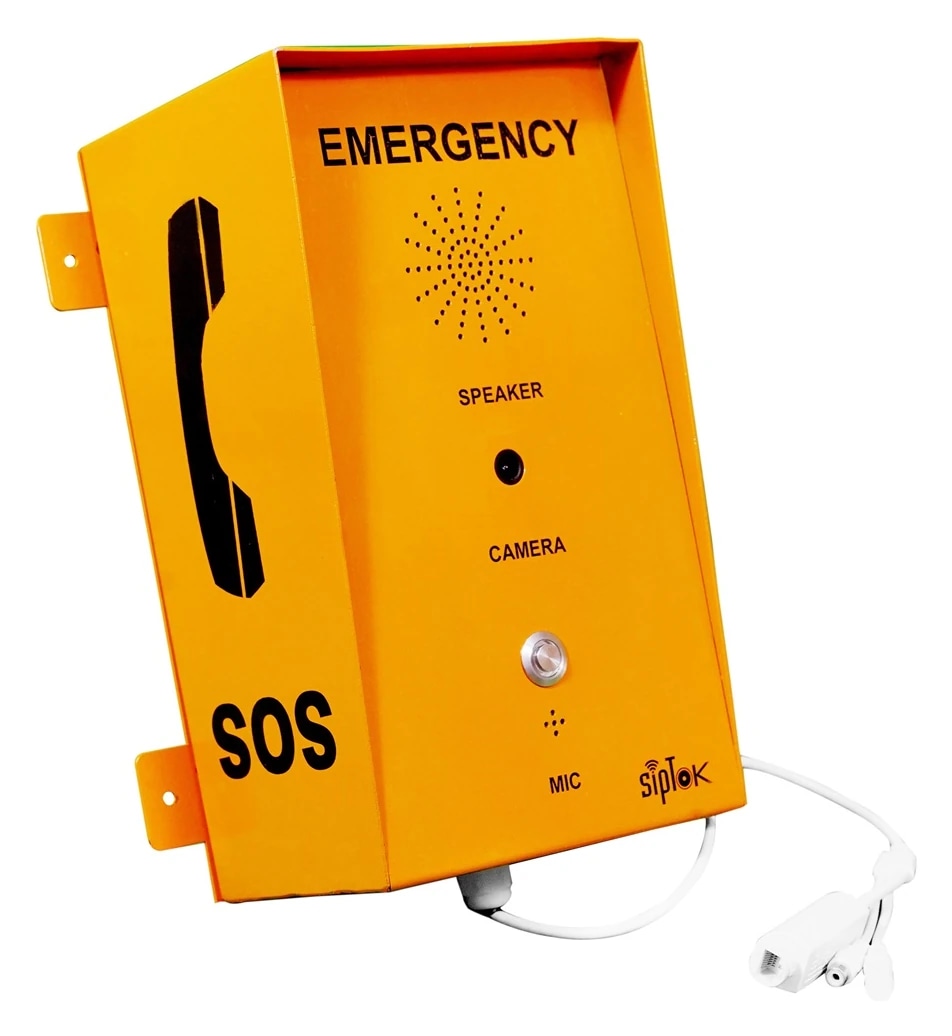
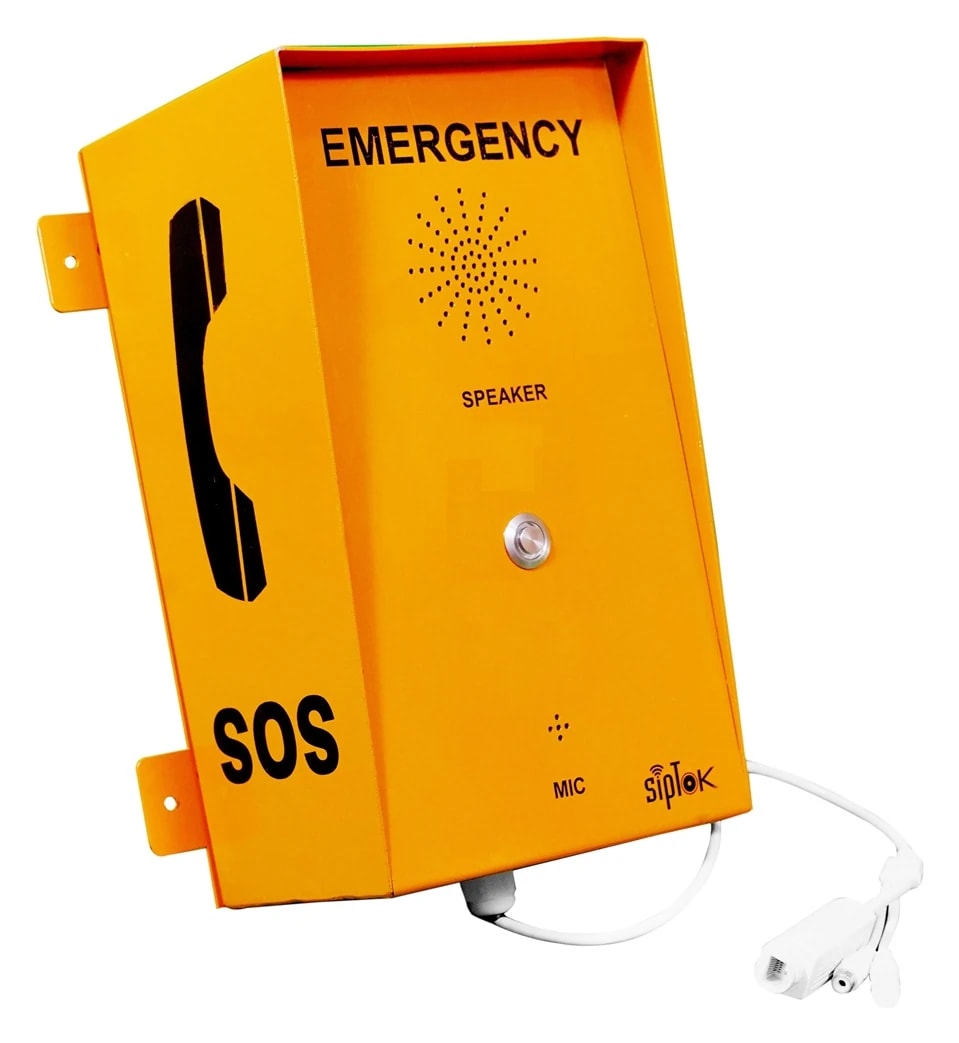
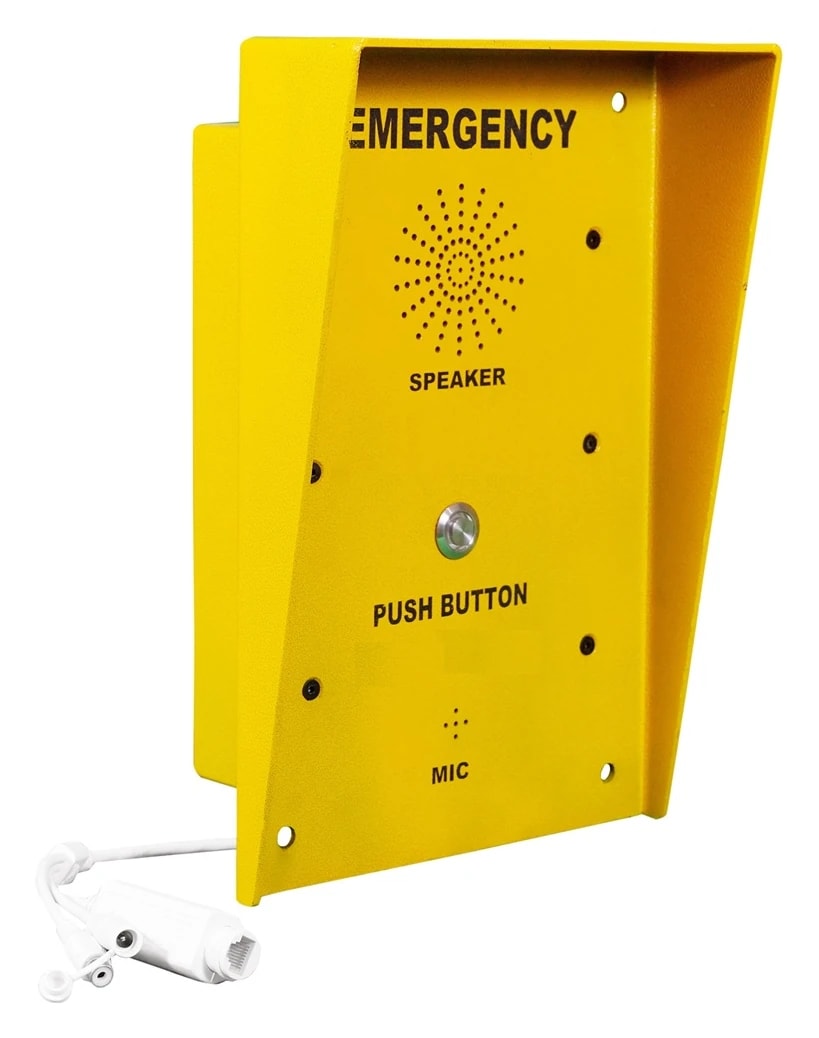
SipTok ST-ECB302 With IR camera, ST-ECB201 With camera, ST-ECB101 Without camera in a studio product composition
SIPTOK / PRODUCT RANGE

IP Emergency Call Boxes

A direct voice connection between people and control rooms.

View system connections
Emergency Call Boxes
  • Assistance points
  • Control-room calling
  • Camera variants

Product models

7 products

Compare up to 3 models in one family, or add models and quantities to your project.
SELECTION & PROJECT PLANNING

Choose the call box variant for the assistance point.

Compare the actual call-box models below by camera requirement, enclosure and installation. Keep the user's call and the operator's response at the centre of the selection.

  1. 01

    Specify the point

    Record visibility, accessibility, mounting and environmental conditions at every proposed location.

  2. 02

    Specify the destination

    Agree the operator terminal, VoIP platform, staffed hours and response process before procurement.

  3. 03

    Confirm the configuration

    Review the current model document, network reach and supply, then test the required call and video functions together.

Swipe across the table to compare model details.

A starting comparison from the emergency call box range
ModelSelection considerationPublished model details
ST-ECB101VoIP Emergency Call Box (without Camera)Published without a camera; review it for a voice-only requirement.
Material
Stainless Steel 304
Power Supply
PoE/12V-2A
ST-ECB201VoIP Emergency Call Box (Camera)Published camera variant; confirm the receiving video workflow.
Camera
2 MP
Material
Stainless Steel 304
Power Supply
PoE/12V-2A
ST-ECB303VoIP Emergency Call Box (with IR Camera)IR camera variant with the listed aluminium-alloy enclosure.
Camera
2 MP with Infrared
Material
Aluminium Alloy
Power Supply
PoE/12V-2A
PLANNING EXAMPLE

A roadside help-point brief

Identify each call-point location and its route to the control room. Confirm power and the complete network link before choosing camera options. The final design must document location identification, who answers and what happens when an operator is unavailable.

Illustrative planning scenario. Final selection and quantities require a reviewed site design.
PREPARE YOUR QUOTATION

Share the details that shape the system.

  • Site plan, help-point quantities and mounting conditions
  • Camera requirement and intended answering terminal/platform
  • Network route, available power and operator response procedure
Request a project quote
A CONNECTED PRODUCT FAMILY

Emergency Call Boxes in the system.

See how emergency call boxes fit with the operator equipment and interfaces in an example installation. The photographs and model links refer to the supplied SipTok catalogue.

SIPTOK · SCHEMATIC DIAGRAM

Emergency Call Boxes: a typical system connection

Ethernet / LANSelect a product photograph for model details

Scroll across the diagram to explore each connection.
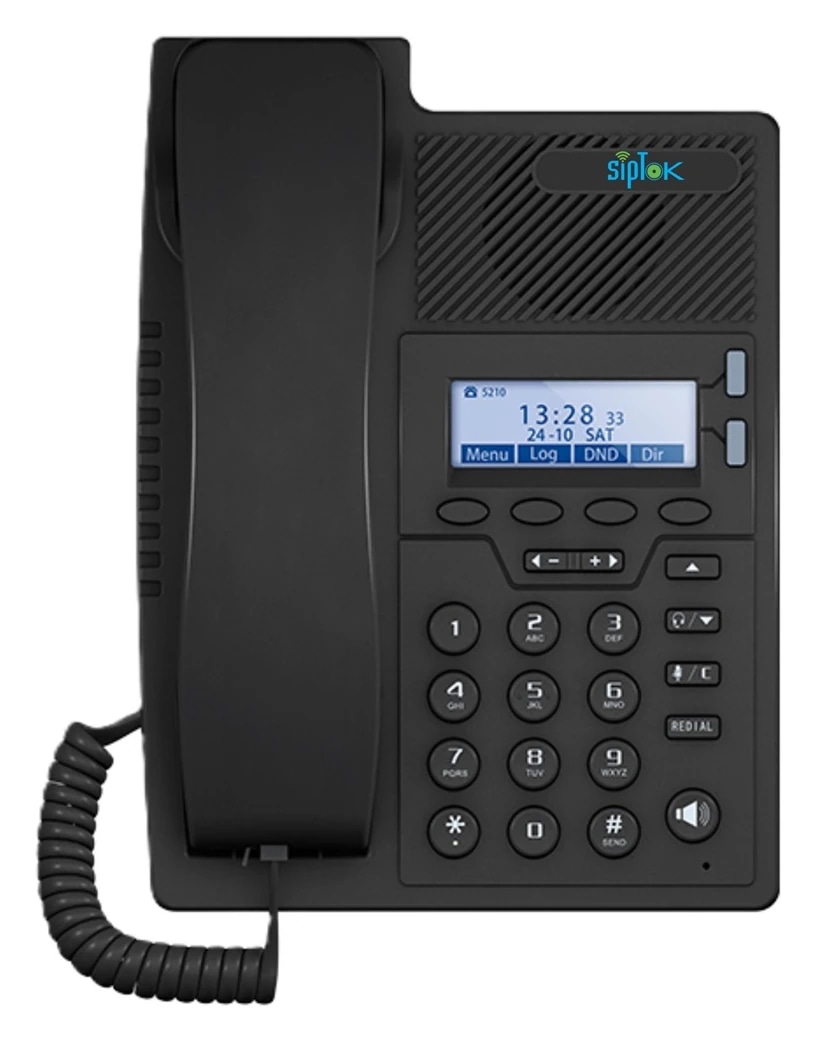
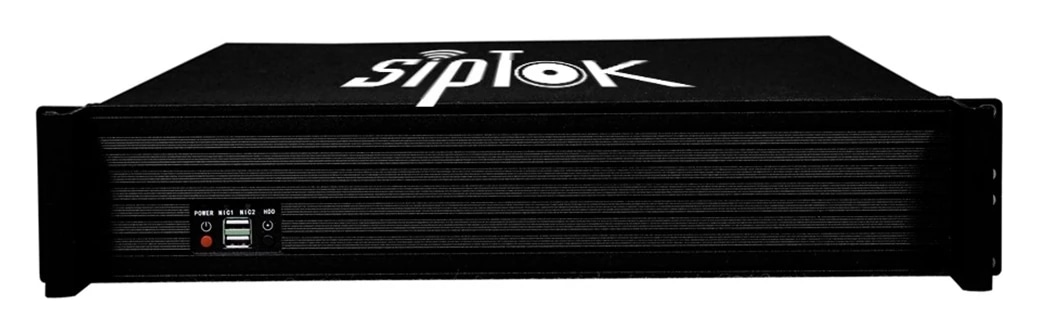
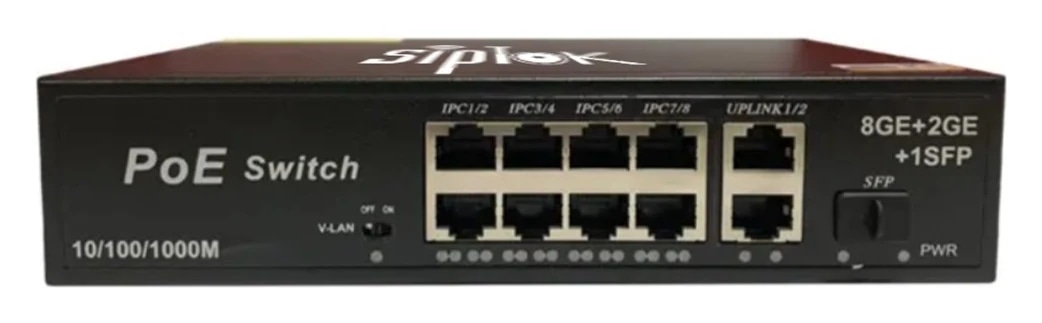
Emergency Call Boxes: a typical system connectionProduct photographs connected by labelled Ethernet branches to the site network switch. ST-SP10, ST-PBX-50U, ST-PoE-8P, ST-ECB201. Device model links open the corresponding SipTok product page.01 · CONTROL ROOM & SYSTEM CONTROL02 · SITE NETWORKSeparate Ethernet branchesto the network switch03 · APPLICATION ZONES & COMMUNICATION POINTSExample answering phone: ST-SP10ST-SP10IP Phone (Basic)Example SIP call-control platform: ST-PBX-50UST-PBX-50UIP PBX 50 EndpointsExample Ethernet switch: ST-PoE-8PST-PoE-8P8 Port PoE SwitchExample emergency call boxe: ST-ECB201ST-ECB201VoIP Emergency Call Box(Camera)
01

Assistance call

A user initiates a call from the selected terminal to its configured operator destination. The operator answers through the SIP platform.

02

Operator response

The two-way voice path supports the assistance conversation. Escalation, destination availability and call handling must be planned for the site.

Connection, power & commissioning notes
  • Ethernet branches connect the shown IP devices to the site LAN switch. This is a connection concept, not a cable-routing or electrical wiring drawing.
  • SIP handles call setup. RTP audio follows the configured media path; it does not necessarily pass through the SIP server. Multicast is a separate, model-supported paging option.
  • Confirm power for each device independently. A PoE switch in this example does not establish the required PoE class, port budget or a universal one-cable installation.
  • Models illustrate alternative or separately zoned endpoints. This is not a fixed bill of materials; select quantities and installation details for the project.

Photographs show actual SipTok models. This is a conceptual connection diagram; cable routes, power and final equipment are confirmed during system design.

SELECT WITH CONFIDENCE

Choosing emergency call boxes.

An emergency call box gives users a dedicated calling point to reach a staffed response location. The SipTok portfolio includes camera and non-camera variants. An emergency telephone requirement should define the answering destination, network availability, access and operating environment before a model is specified.

  • Define who answers, the operating hours and the escalation procedure.
  • Confirm camera requirements against the selected model’s documentation.
  • Plan network connectivity, power and accessibility at each help point.
Emergency call box manufacturer: plan a help-point system
How do I choose the right product?

Start with the application, installation environment and required communication method. Review the specific model’s datasheet, then share your site requirements with SipTok.

Do all models support SIP and PoE?

No. SIP endpoints, CCTV active speakers, alarm panels and switches have different interfaces and power requirements. Check the actual model specifications.

Can I request a project quotation?

Yes. Include models, quantities, site details and the intended application so our team can discuss the right configuration.

LET’S BUILD THE RIGHT SYSTEM

Let’s connect your next project.

Share the models, quantities, installation conditions and intended communication workflow for a project quotation.
Discuss your project
SIPTOK SALES & SUPPORT

How can we help?

Need help selecting IP speakers or planning an emergency communication system? Talk to our team.

Product selectionSystem planningProject support

Your conversation opens here. Privacy notice

Discuss your project or request a quote