Emergency Call Boxes
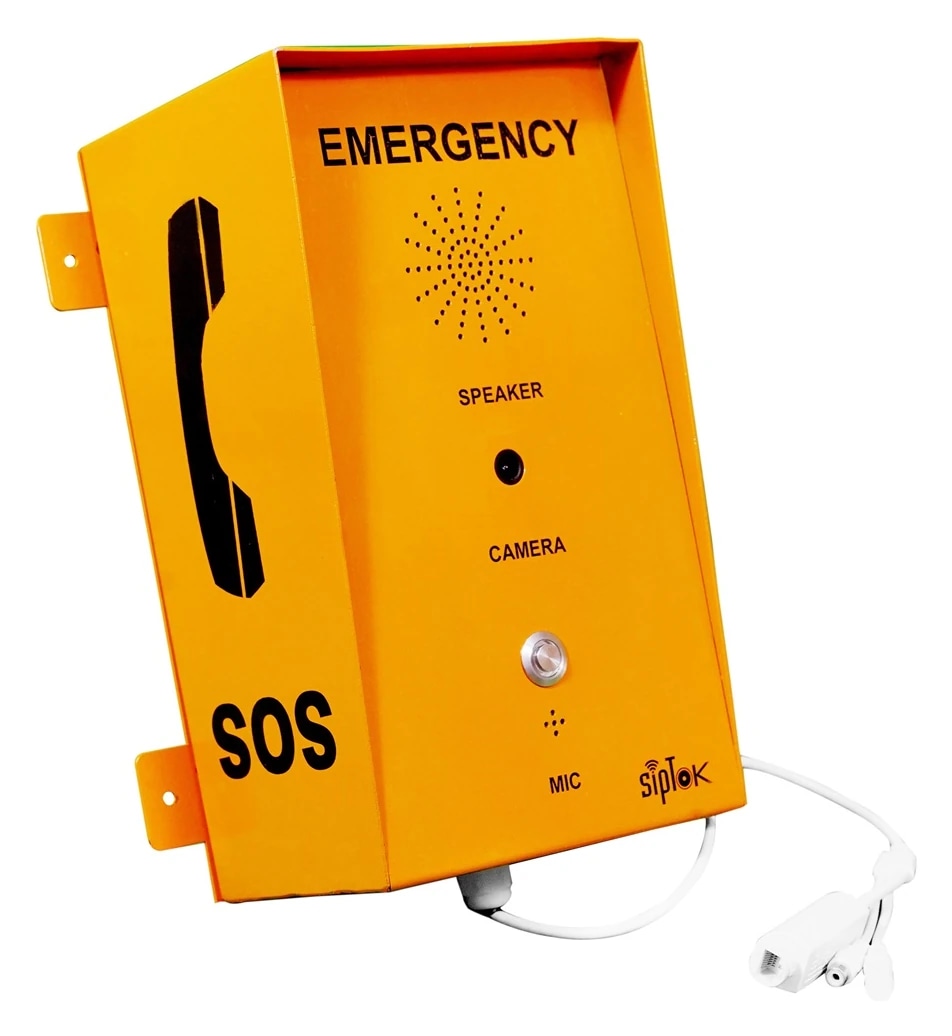
VoIP Emergency Call Box (Camera)
- Network Interface
- 10/100 Base-TX, RJ45
- Power Supply
- PoE/12V-2A

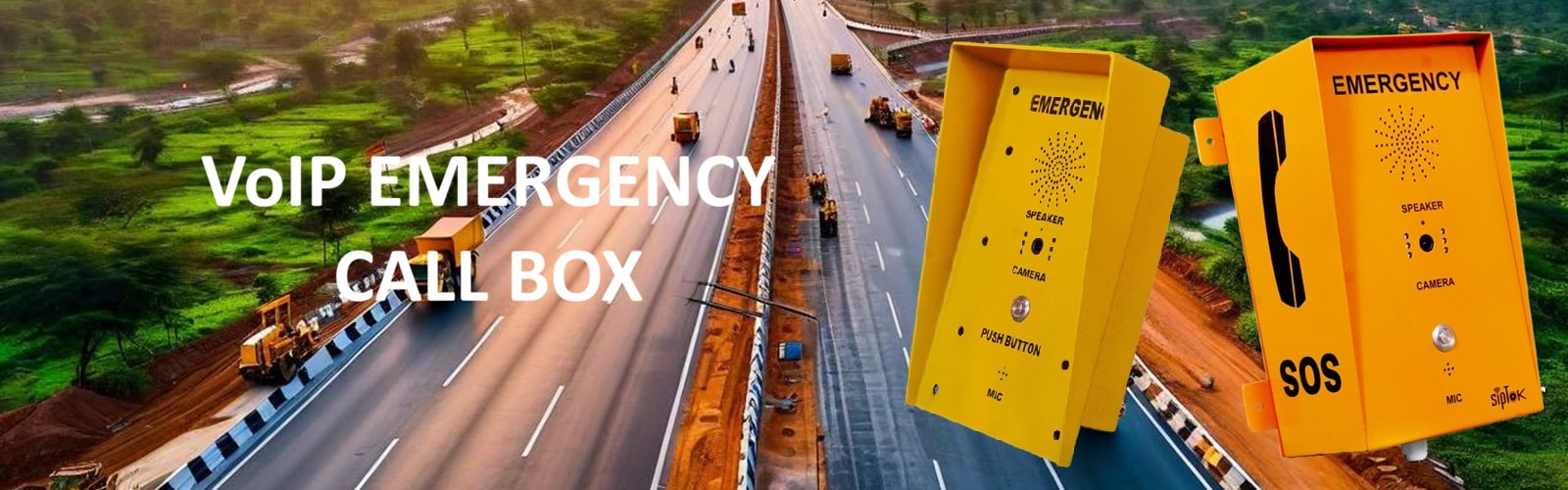
Plan a direct voice connection between the person requesting assistance and the team receiving the call. SipTok emergency call boxes and IP intercom terminals provide model-specific options for transport routes, campuses, public areas and operating facilities.
Begin with the person who needs help: where they approach the point, how they initiate the call and what information the operator needs. A roadside point, a campus help point and an indoor intercom have different mounting, visibility and environmental requirements. Locate devices where the intended user can find and reach them.
The SipTok emergency call-box range includes models with and without cameras. Review the exact audio, video, installation and power data for each model. A camera may support the operator's understanding of a situation, but camera presence alone does not establish integration with a particular VMS or recording system.
An Emergency Intercom typically provides an assistance conversation through a dedicated endpoint. An Emergency Telephone enquiry may describe a handset-based calling point, a hands-free unit or a site-specific operating procedure. State the physical interaction and destination instead of relying on the name alone.
The supplied SipTok portfolio has IP intercom terminals, VoIP emergency call boxes and SIP phones. Match the form and mounting to the intended user, then confirm how a call is initiated, answered, transferred and cleared. Do not assume a desk phone, industrial phone and public-facing call box can be exchanged without changing the user workflow.
A help point is useful only when a call reaches a responsible operator. Define the staffed destination, hours of operation and what happens if the primary operator does not answer. Identify the information that must accompany a call and the procedure for dispatching assistance; these are operating requirements as well as equipment requirements.
SipTok's supplied deployment description places call boxes and intercoms on an Ethernet network with a central VoIP/PBX platform and an operator terminal. For a proposed deployment, confirm the platform configuration, codec, call-routing behavior and endpoint power. Treat wide-area network links, remote operators and external emergency-service connections as separate integration tasks to be tested.
A Mines Emergency Telephone specification must start with the mine operator's environment classification, approved equipment requirements and communication procedure. An industrial enclosure or weather-protection rating cannot establish suitability for a hazardous atmosphere or underground mining application.
The supplied SipTok documents do not establish a mine-approved or flameproof telephone model. The existing industrial SIP phone remains available for evaluation against its published data, but it must not be described as a certified mines telephone. Submit the exact site conditions and approval requirements before proposing equipment for a specialist location.
Provide the site layout, help-point quantities, proposed mounting positions, indoor/outdoor conditions and available network/power. State whether video is required, identify the receiving platform and describe the operator's response procedure. Include any existing telephone or intercom infrastructure that must remain.
Use the original datasheet and a demonstration of the proposed system to settle model and interface questions. The schematic on a product or solution page explains the intended roles, while the approved design must define the actual cabling, power, network configuration and operating procedures. Confirm any differing source values before procurement.
SipTok's emergency call box range includes voice-only, camera and IR camera variants. Start with the assistance task and staffed answering destination, then compare the exact model, installation and network requirements.
Define how users find and reach each call box, mounting, exposure and the location information operators need.
Specify the staffed destination, operating hours, unanswered-call procedure and how assistance is dispatched.
Confirm network, power and compatible VoIP configuration. Test video or third-party integration separately where required.
Swipe across the table to compare model details.
| Model | Selection consideration | Published model details |
|---|---|---|
| ST-ECB101VoIP Emergency Call Box (without Camera) | Voice-only call box without a camera, as identified in its published model name. |
|
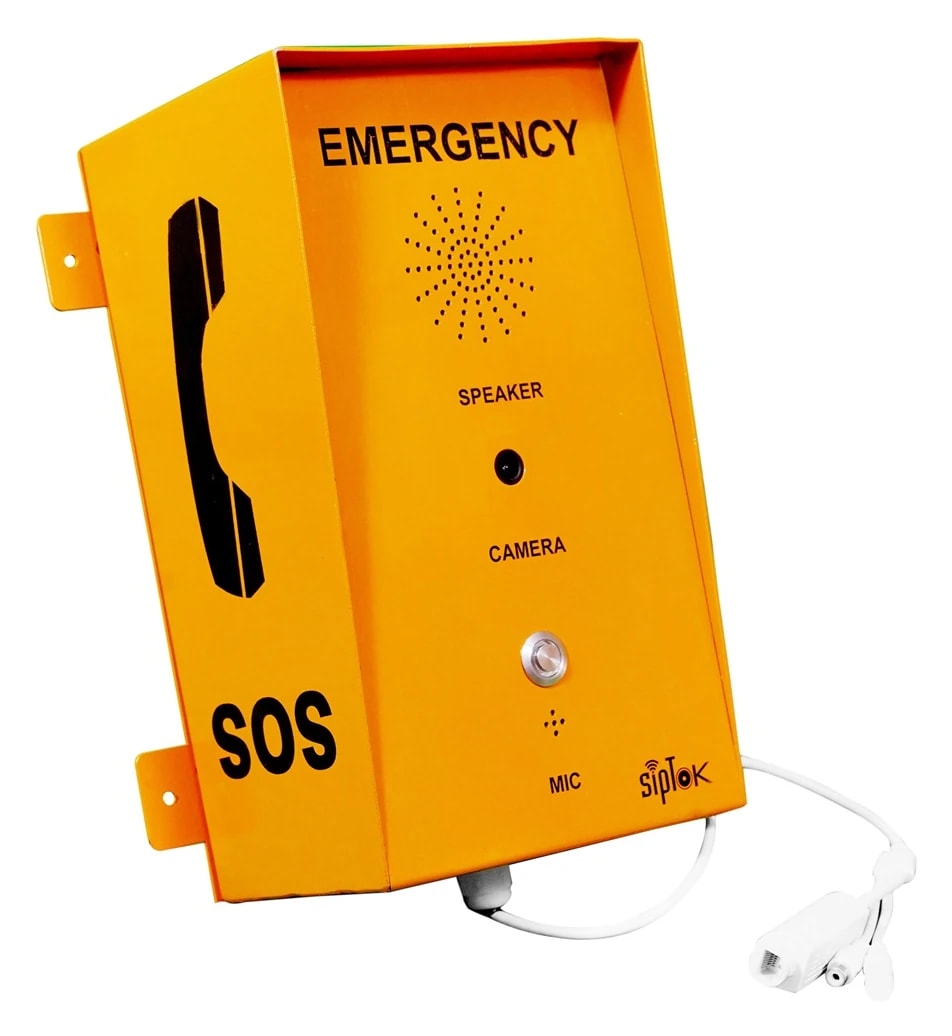
| ST-ECB201VoIP Emergency Call Box (Camera) | Camera call box where the operator's workflow includes a documented video requirement. |
|
| ST-ECB301VoIP Emergency Call Box (with IR Camera) | IR camera variant. Review the actual lighting and video requirements with the receiving platform. |
|
Label each proposed call point on the site plan and agree which staffed location answers. Decide whether each point needs voice only or a camera, then check network reach and power. During commissioning, place a call from every point and test the agreed response procedure.
Illustrative planning scenario. Final selection and quantities require a reviewed site design.An assistance point and operator endpoint connect through the site IP network and a compatible SIP platform. Calling and announcements are separate workflows with their own configuration.

Scroll across the diagram to explore each connection.
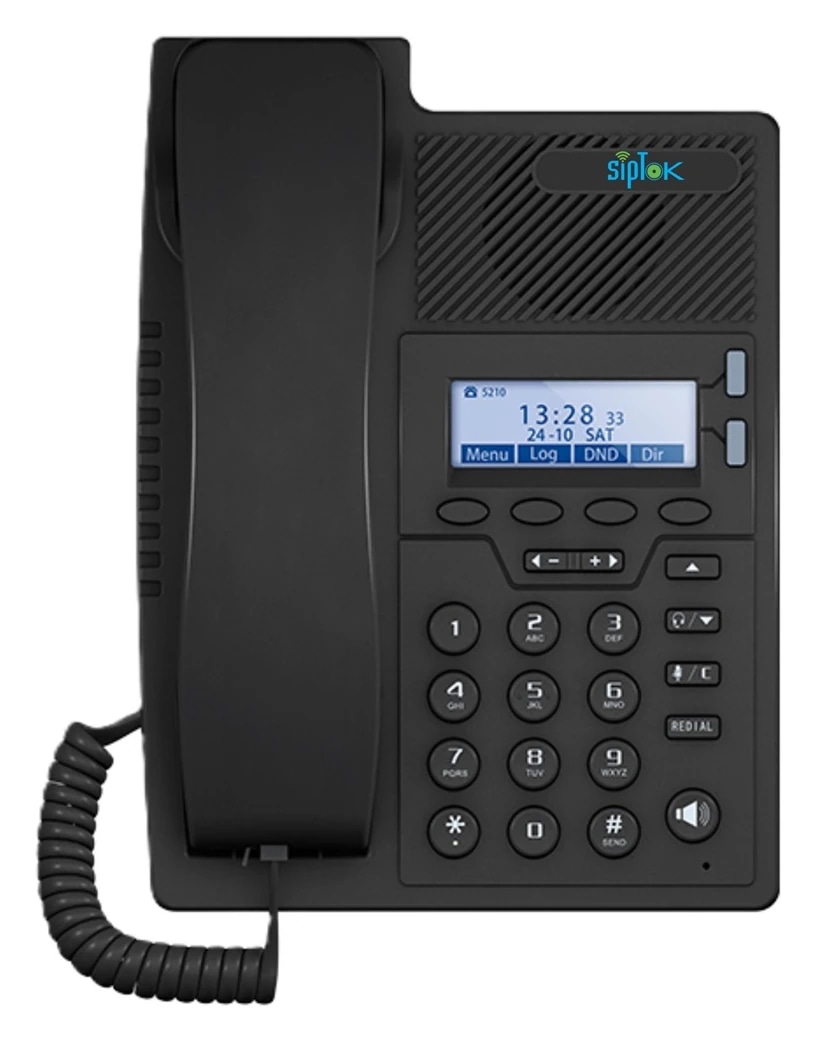
A user initiates a call from the selected terminal to its configured operator destination. The operator answers through the SIP platform.
The two-way voice path supports the assistance conversation. Escalation, destination availability and call handling must be planned for the site.
Photographs show actual SipTok models. This is a conceptual connection diagram; cable routes, power and final equipment are confirmed during system design.
These are actual supplied call-box and intercom models. Their presence here does not assert mine, explosive-atmosphere or statutory life-safety approval.
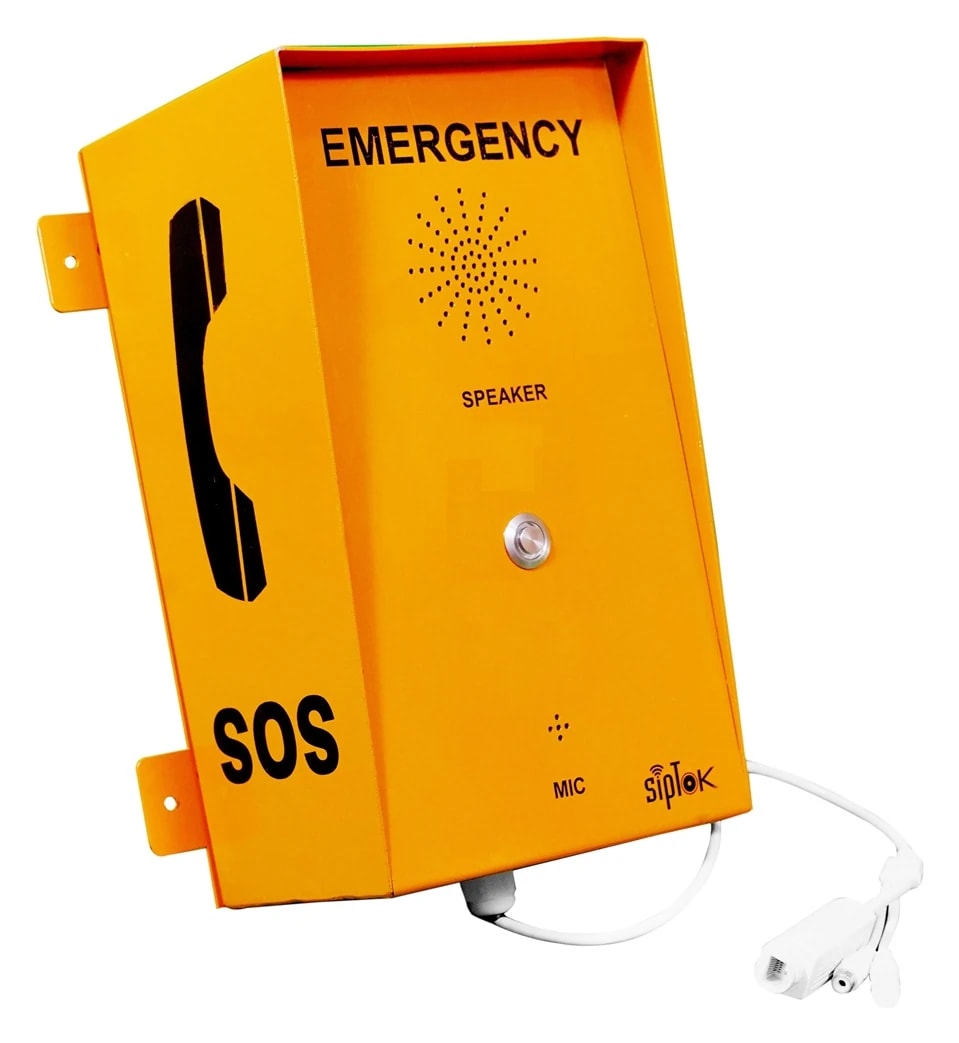
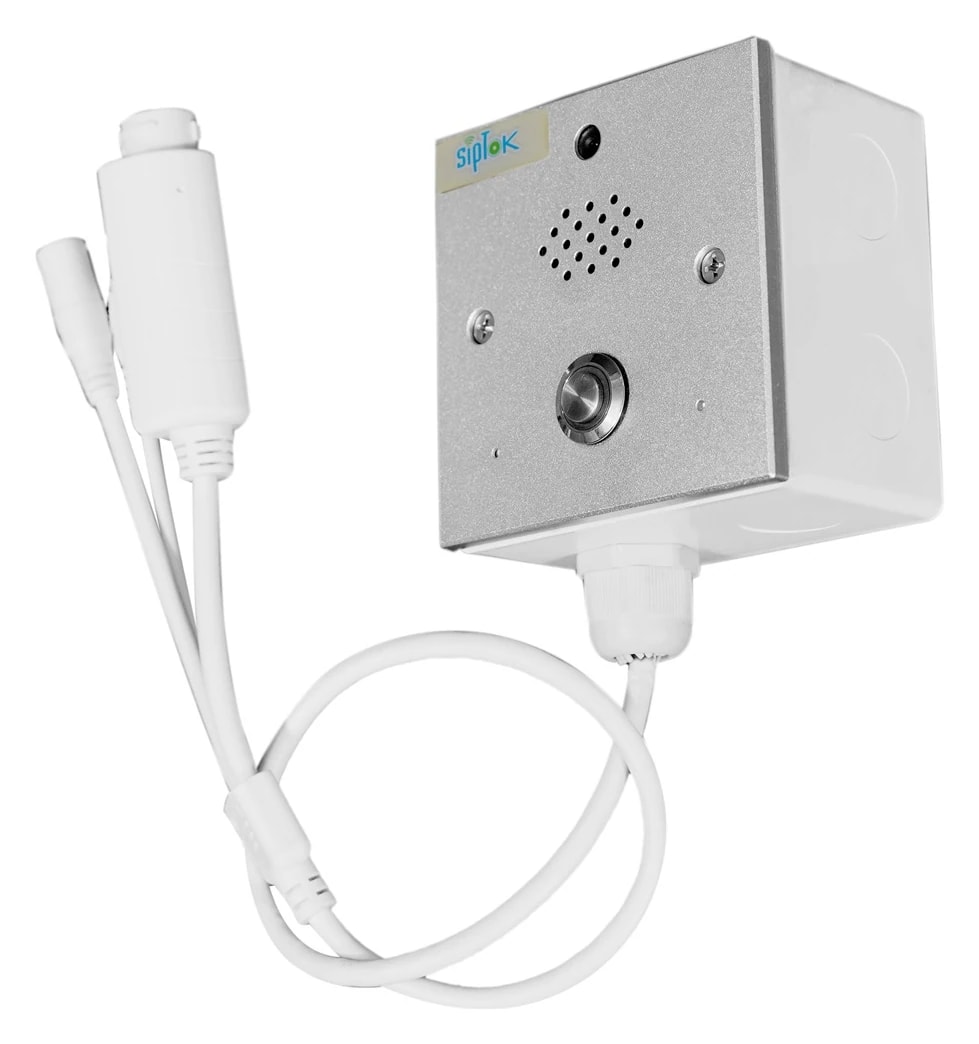
Use the published product data and a test of the proposed workflow to confirm the final selection.
Provide the site and call workflow, then request the current model document, mounting requirements, power arrangement and a platform demonstration. Confirm camera and third-party integration requirements separately.
No. The supplied SipTok range contains different models with and without cameras. Select from the model's published specification rather than the family name.
No. The supplied industrial phone information does not establish mine or hazardous-area approval. Specialist sites require an environment assessment and model-specific evidence accepted for the project.
From product selection to system planning, share your requirements with the SipTok team.
Explore project engineering support