Reception and public-area announcements
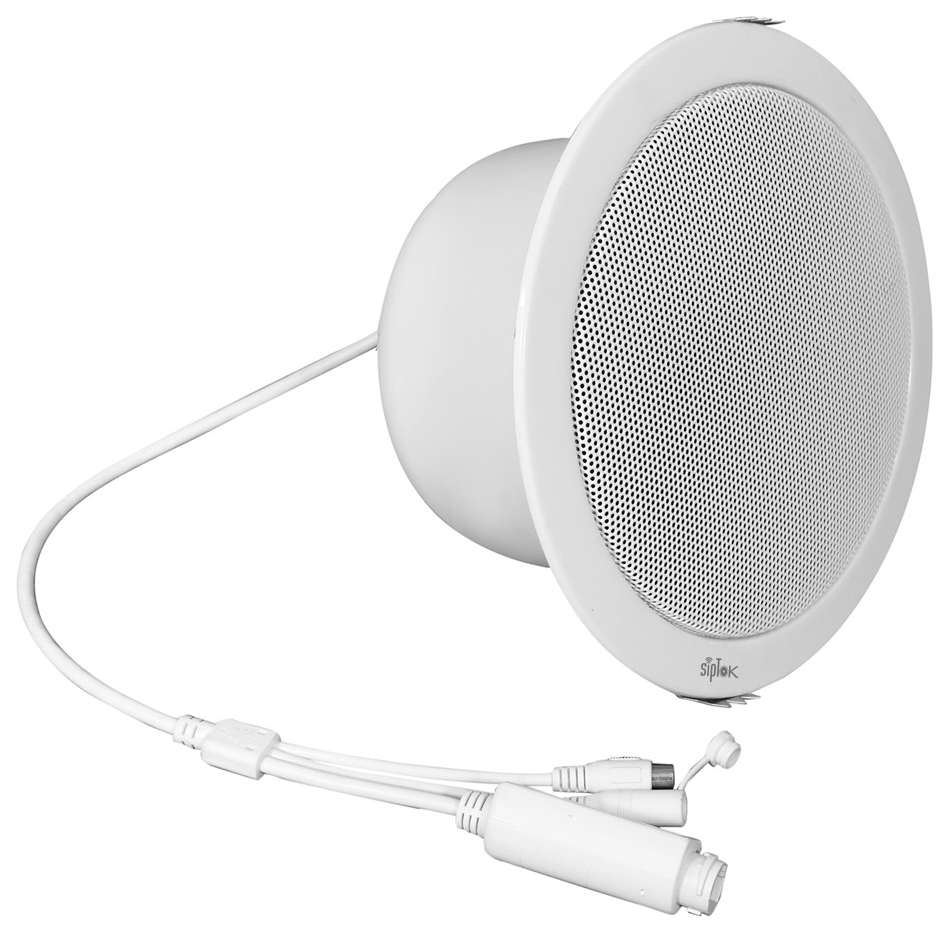 PRODUCT IN THIS APPLICATIONST-8CIP PA Ceiling Speaker 8W

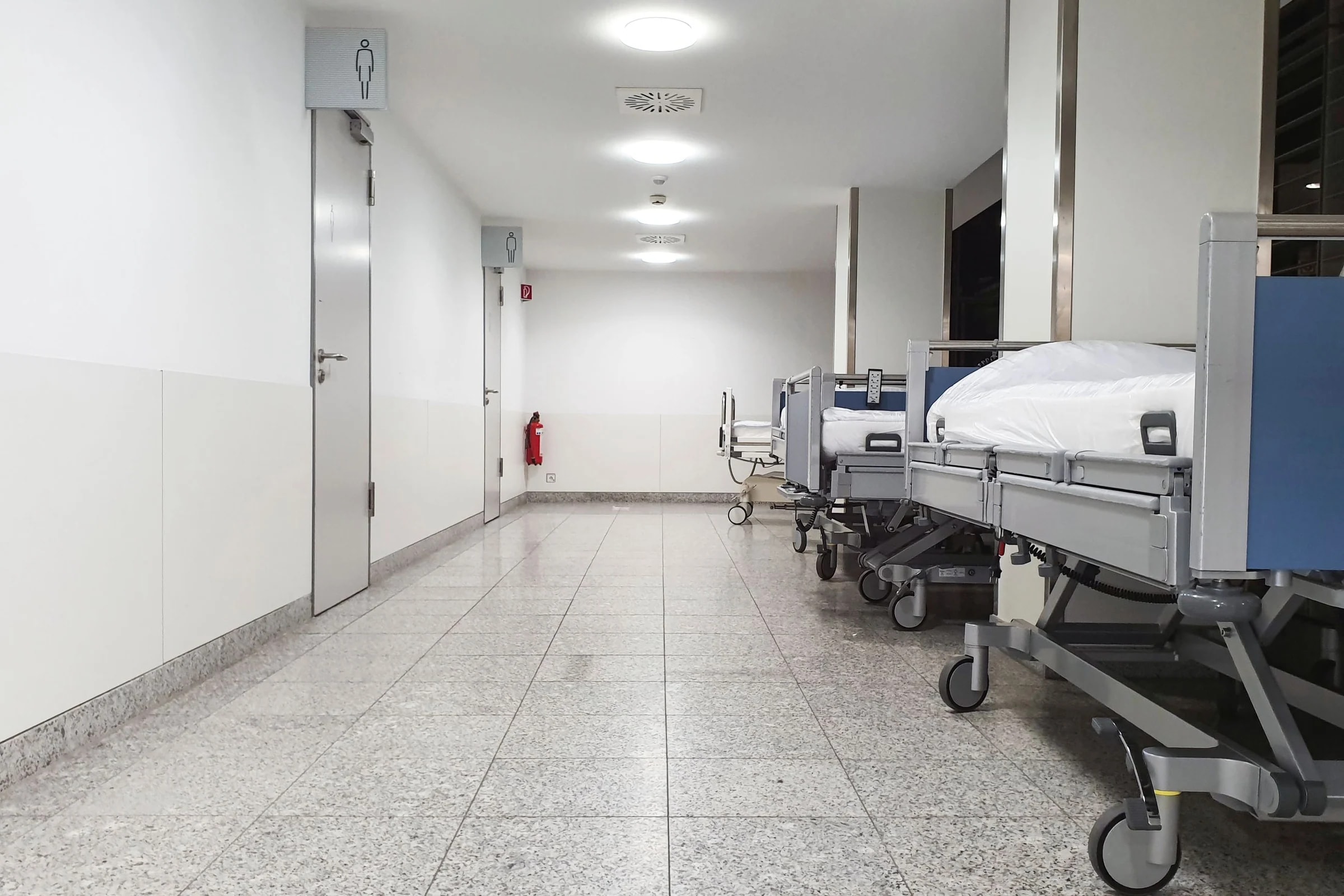
Design targeted announcements and staff communication for hospital reception areas, circulation spaces and support facilities.
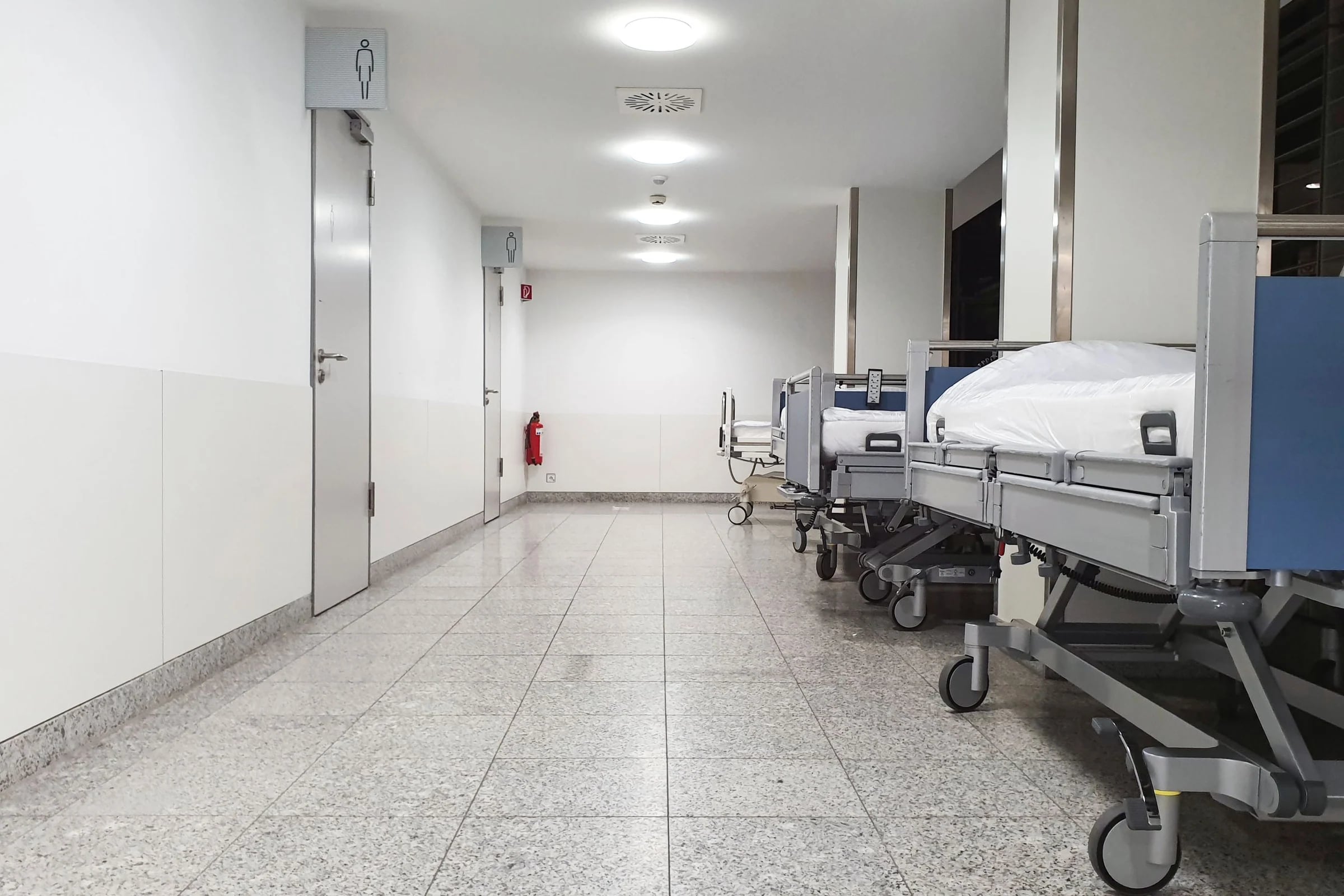
Busy public areas and quieter clinical environments have different communication needs. Paging groups and operator permissions should reflect these differences.
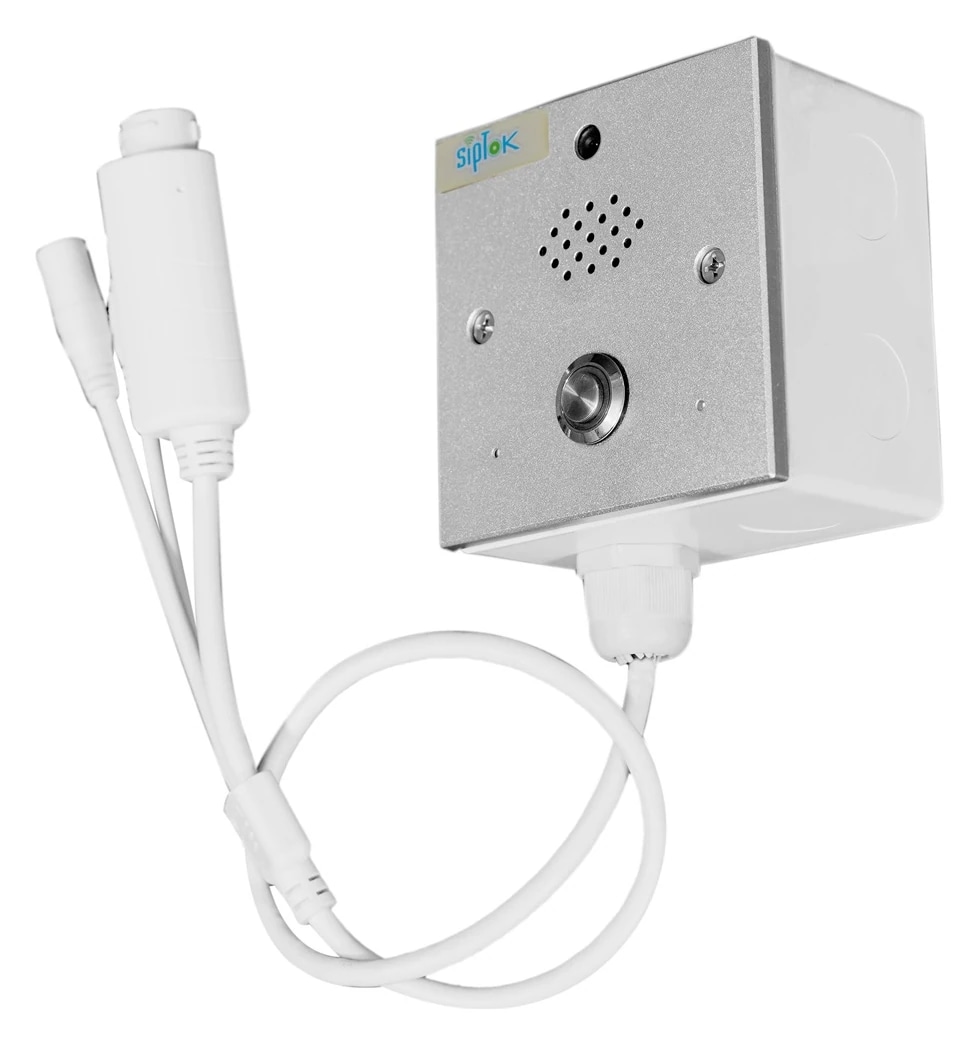
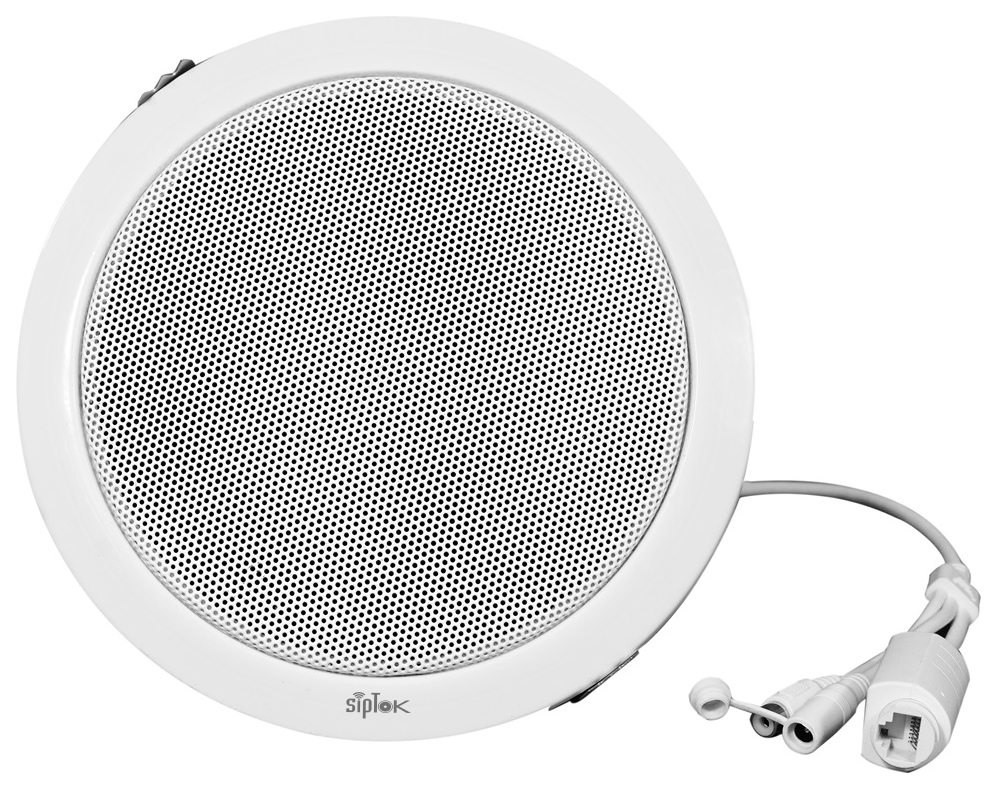
PRODUCT IN THIS APPLICATIONST-8CIP PA Ceiling Speaker 8W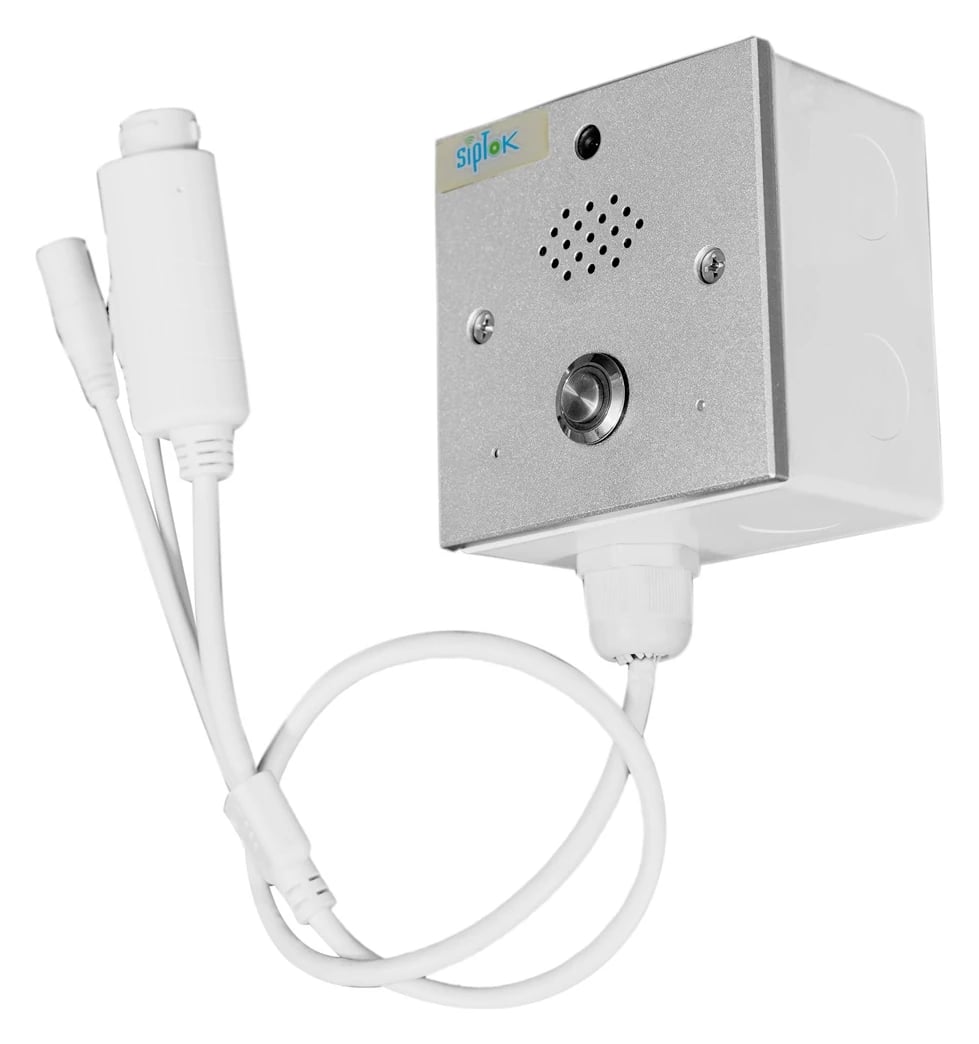 PRODUCT IN THIS APPLICATIONST-IND201IP Intercom Terminal (with Camera)
Department-based paging
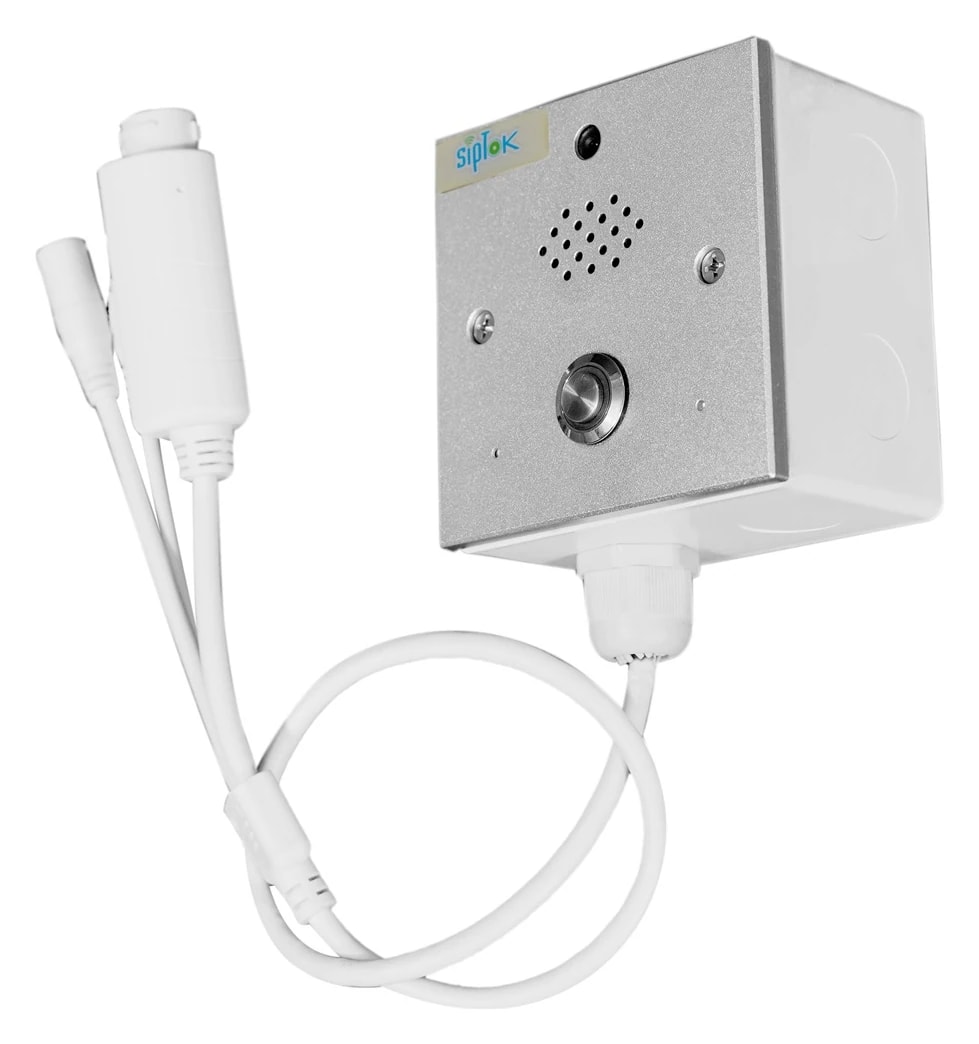
Communication with support and security teams
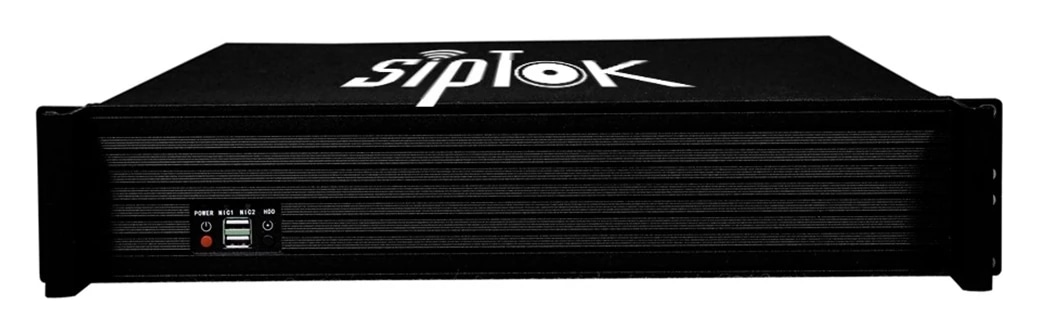
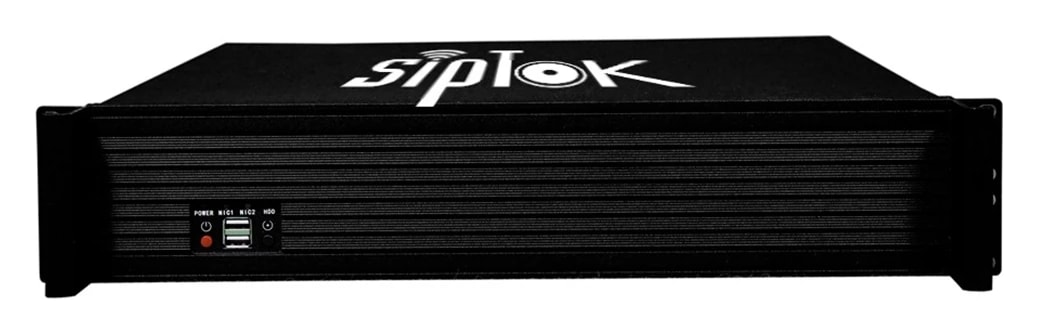
Suggested SipTok models are shown in their system roles. The network, operator workflow and final configuration are planned for the application rather than implied by a product list.

Scroll across the diagram to explore each connection.
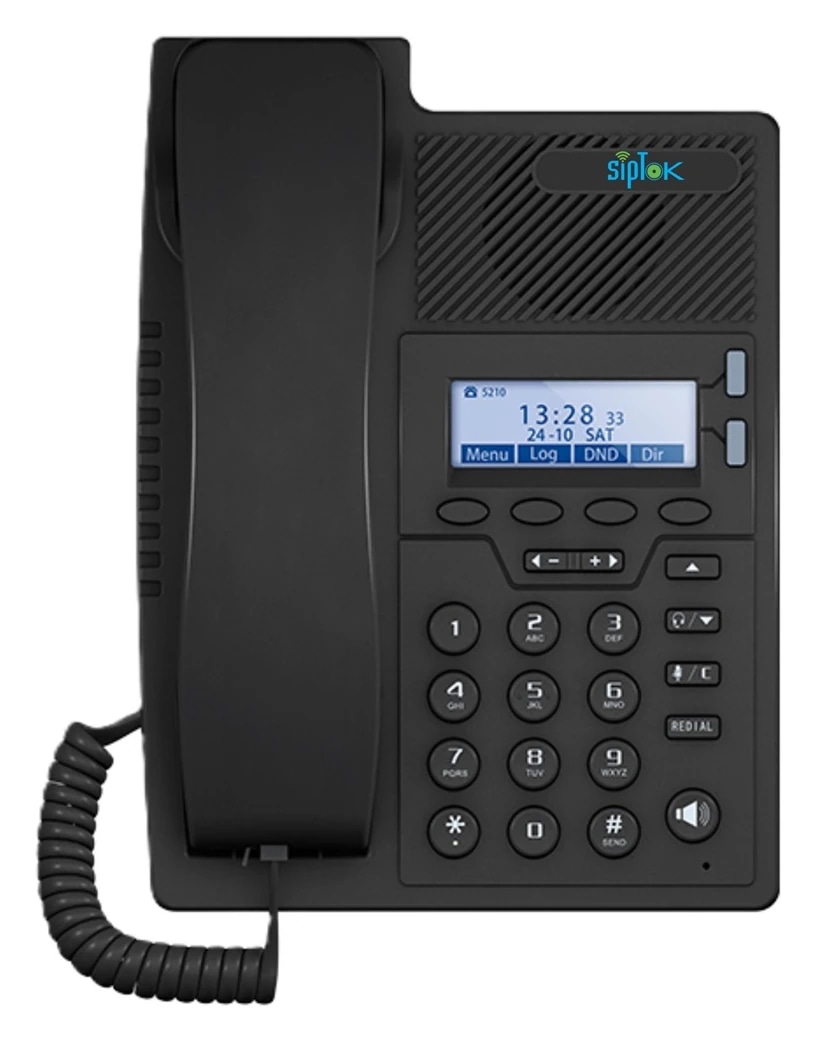

Define paging groups for Reception, Public corridors, Support areas. Match the selected speakers and announcement method to each area’s acoustic and operational needs.
Route the suggested call box or intercom to an attended operator through a compatible SIP platform. Define answering and escalation procedures separately from speaker paging.
Photographs show actual SipTok models. This is a conceptual connection diagram; cable routes, power and final equipment are confirmed during system design.
Separate public information zones from restricted operational areas. Select indoor speakers for the room layout and review integration with the hospital SIP platform before procurement.
This is a public-address planning approach. Clinical alarm, nurse-call and regulated life-safety requirements require their own qualified assessment.
Product selection depends on the final site requirements, network design and documented device capabilities.
An IP PA system carries announcement audio over an Internet Protocol network. Instead of taking every speaker back to a central audio amplifier, network endpoints receive digital audio and reproduce it locally.
Read the guideSIP & VoIPA SIP speaker combines a network audio endpoint with a loudspeaker and amplifier. SIP establishes the communication session; a media protocol such as RTP carries the audio.
Read the guideEducation applicationsA campus system should help staff reach the right people with clear, proportionate announcements. Classroom blocks, open assembly areas and administration spaces need different coverage and zone decisions.
Read the guideShare your site layout, communication workflows and integration requirements with our project team.