How SIP speakers work in a paging system
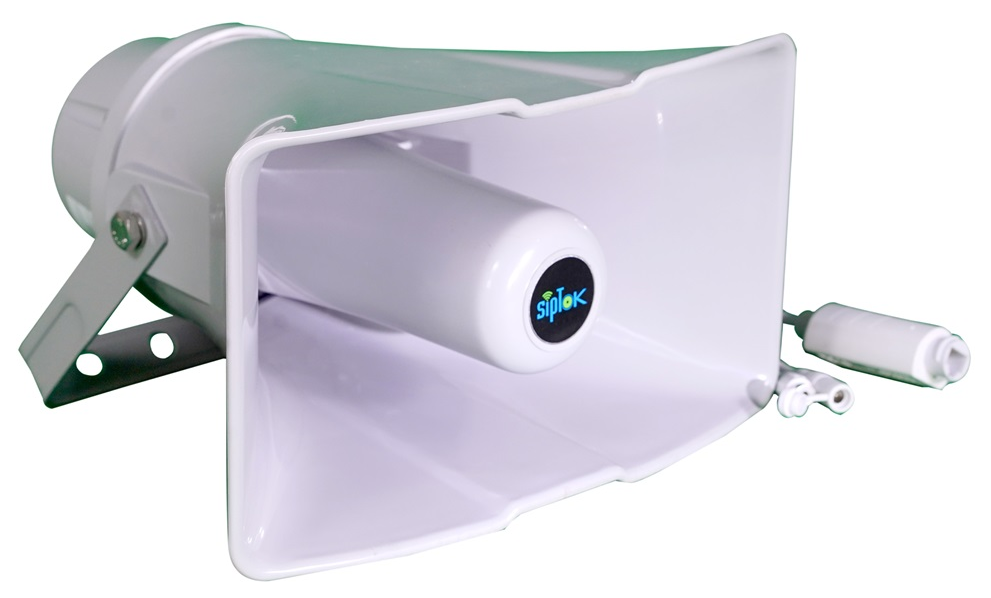
A SIP speaker combines a network audio endpoint with a loudspeaker and amplifier. SIP establishes the communication session; a media protocol such as RTP carries the audio.
Registration and calling
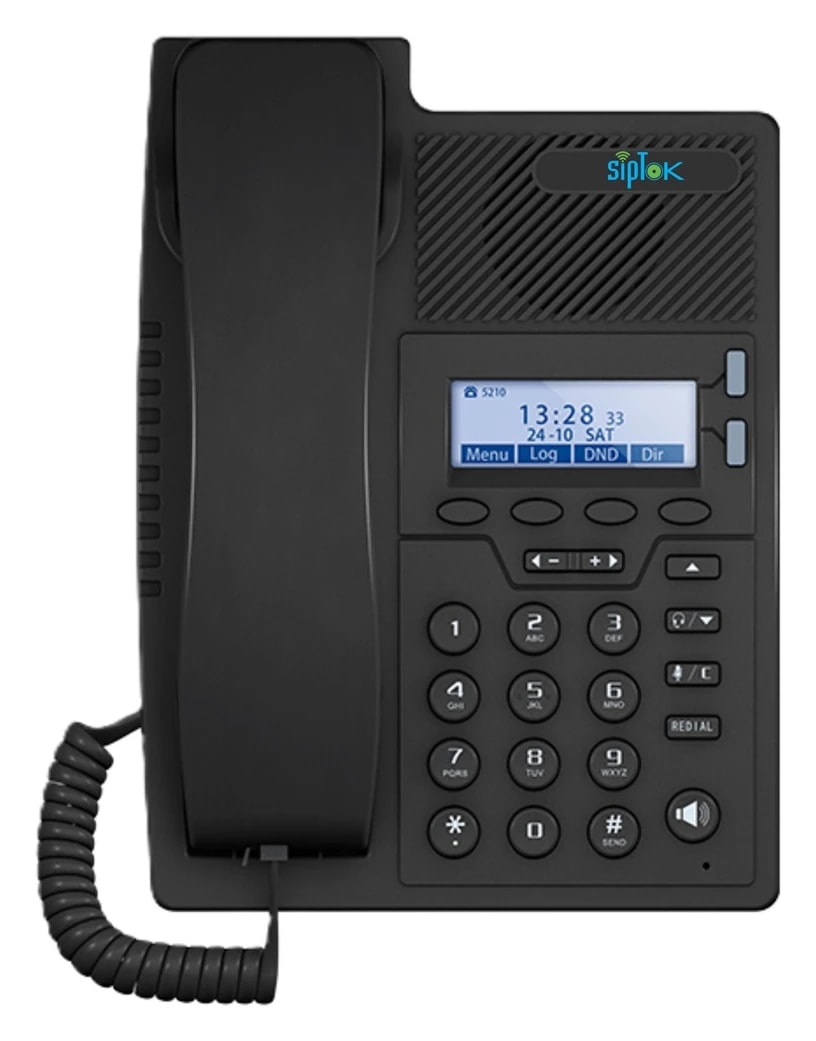
A SIP endpoint can register with a compatible IP PBX or communication platform. The operator calls its assigned extension, or a platform-defined paging group. Some devices also support direct IP calls. Check the selected model and platform settings rather than assuming either mode is available.
SIP signaling and audio are different
Successful registration does not prove that audio can flow in both directions. Addressing, media ports, codec negotiation and network policy affect the media path. Test calls from the actual operator device and network segment that will be used after installation.
One-way paging and talkback
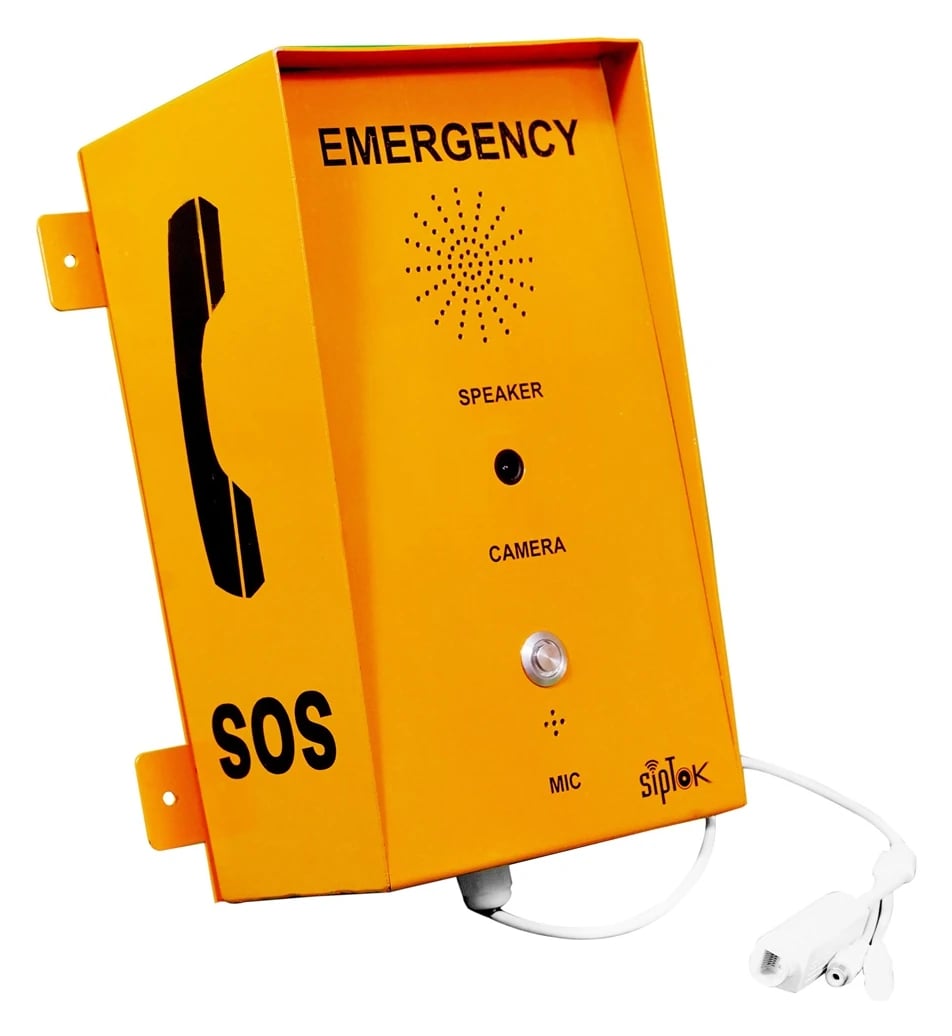
A speaker intended for announcements should not automatically be specified as a two-way intercom. Talkback requires suitable microphone hardware and supported device behavior. Use the intercom or emergency call-box catalogue when a return voice path is required.
Codec compatibility
The calling platform and endpoint need a shared codec and matching configuration. The SipTok catalogue lists codecs by model. Confirm the intended bandwidth, sound quality and supported sampling before commissioning, and test with real announcements.
Commissioning steps
Assign the endpoint, secure its management account, register it with the chosen platform, and test answer behavior, volume, group operation and call termination. Keep a record of extensions and zones so that operators can reliably address the correct location.
A typical communication path
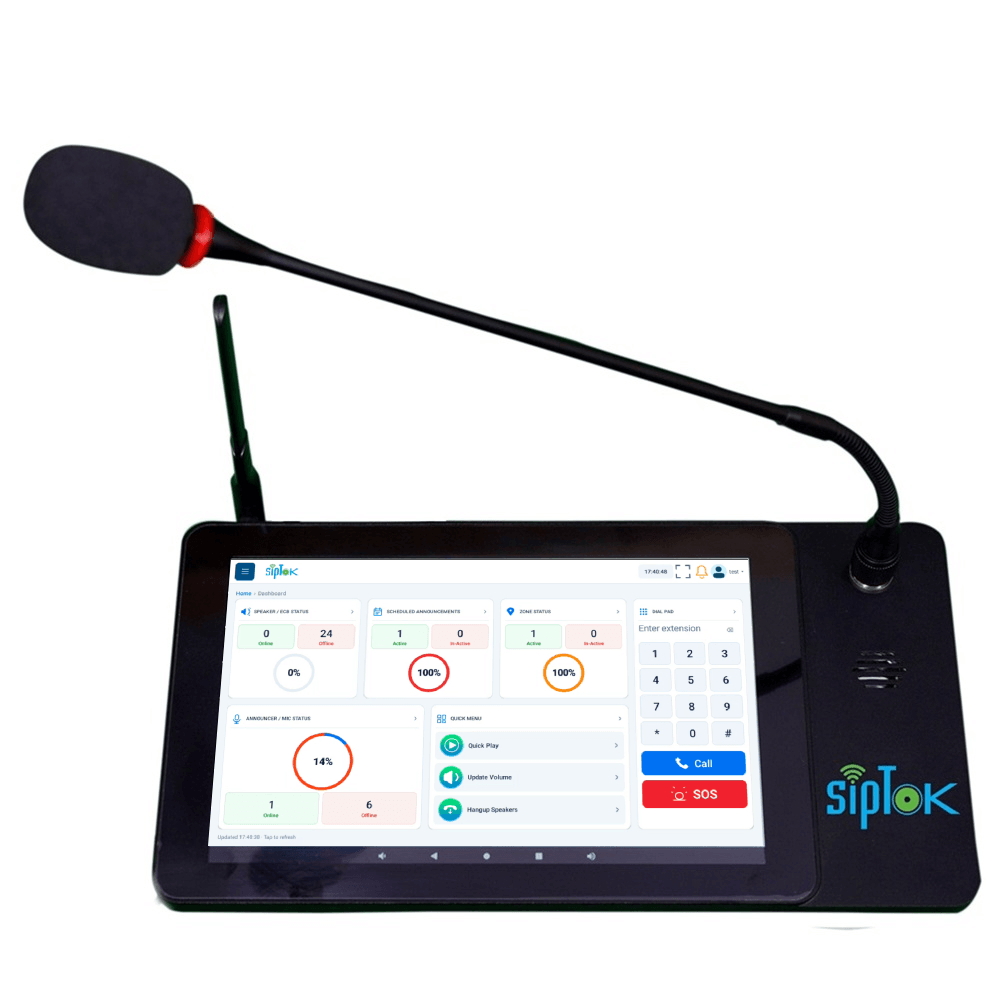
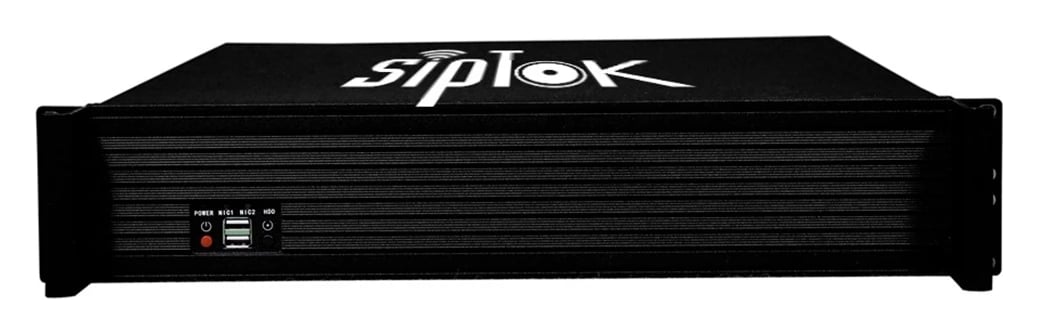
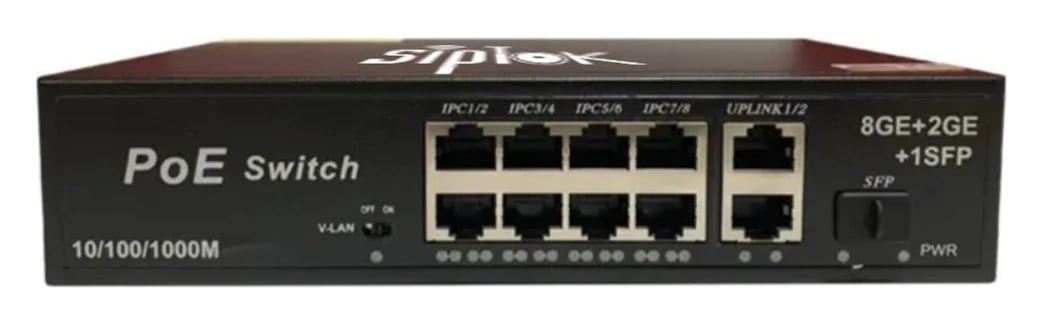
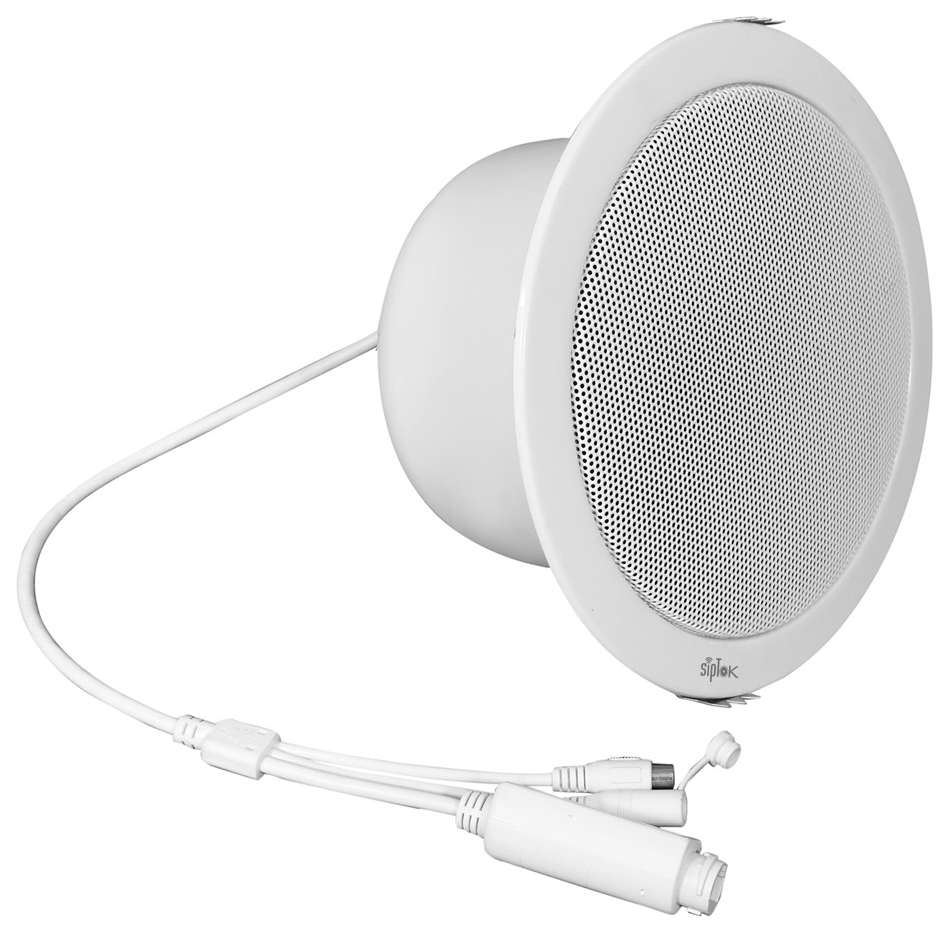
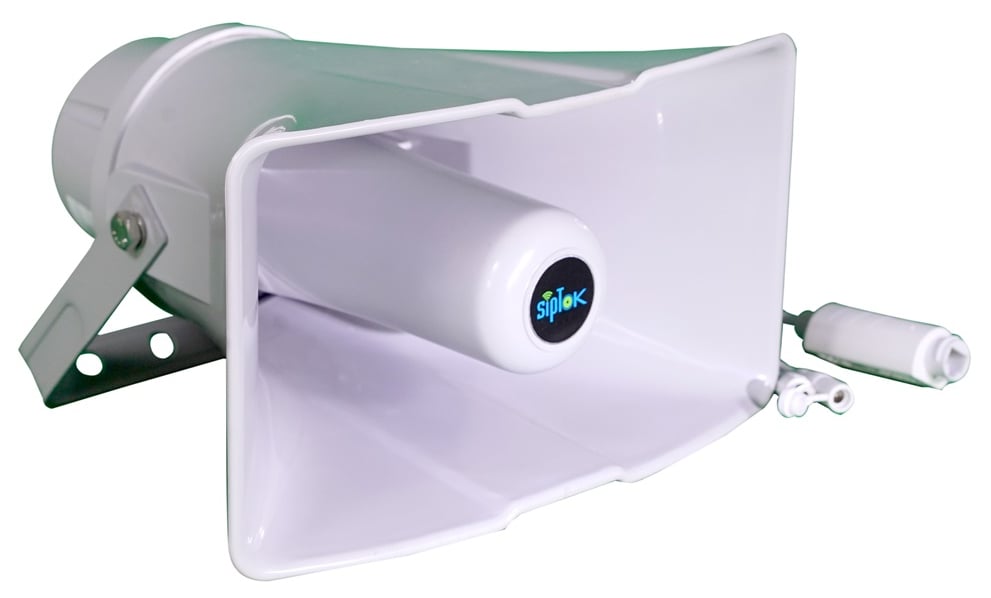
SIP controls calls; audio routing follows the system configuration. Confirm device power and network settings during design.