How multizone IP paging works
Multizone paging lets an operator address selected areas instead of sending every message to the entire site. The useful starting point is the way people work, move and respond in those areas.
Start with a zone schedule
List buildings, floors, operating areas and shared spaces. For each zone, identify the intended audience, operator and types of message. Allow for overlapping groups only where the selected platform supports the required behavior.
Map zones to endpoints
Give every endpoint a meaningful name and document its location. A group may be represented through platform configuration, SIP paging functions or multicast settings. Choose the actual mechanism after confirming device and controller support.
Define permissions and priorities
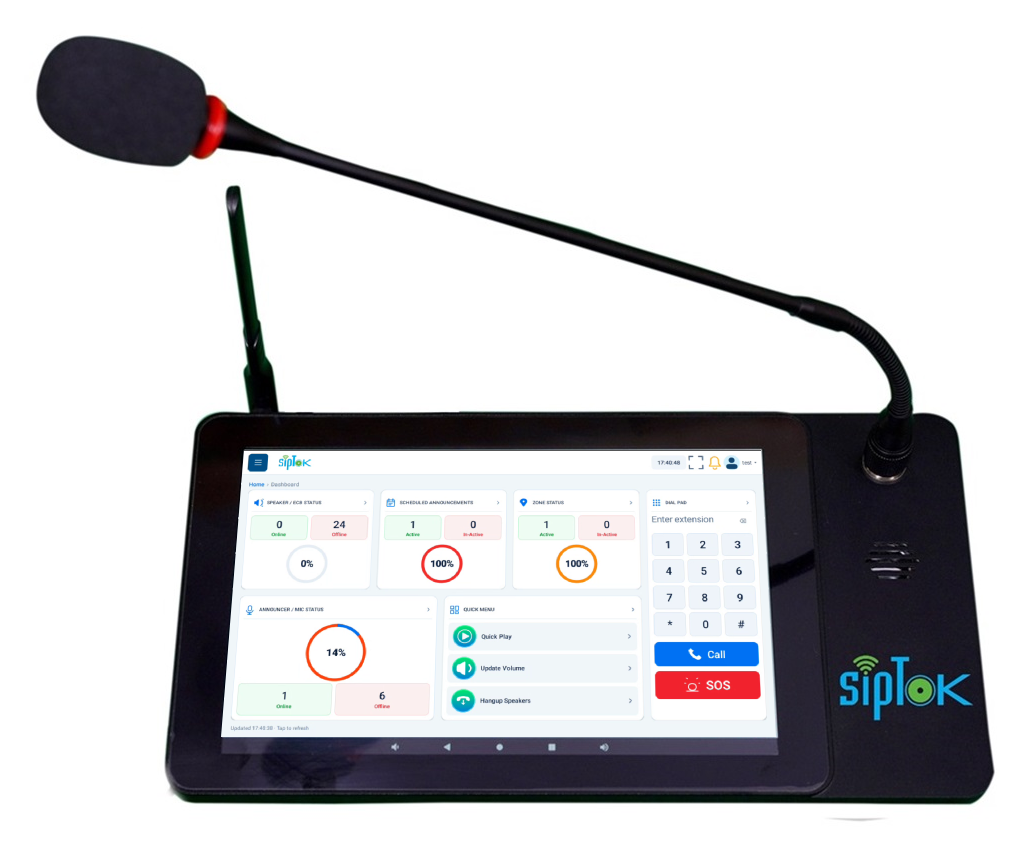
An all-call function has different operational consequences from a local page. Limit access appropriately and confirm how higher-priority audio interrupts or queues other messages. These rules should be tested, documented and explained to operators.
Size the controller correctly
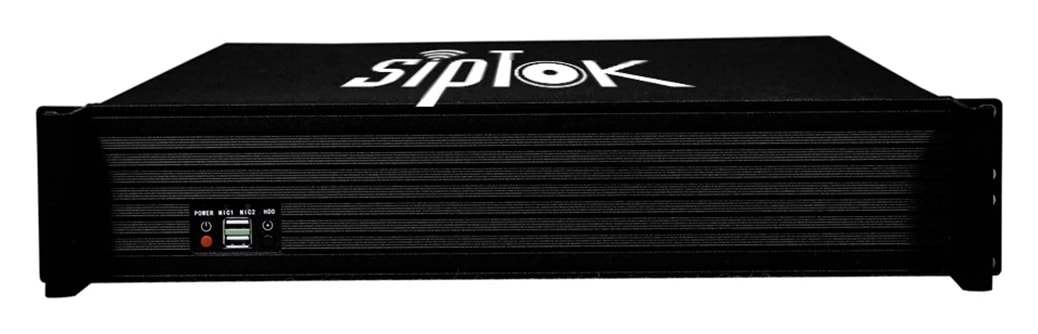
Look separately at registered endpoint capacity, concurrent communications and operator access. The SipTok gateway specifications distinguish maximum supported devices from parallel announcement or intercom capacity; these values should not be treated as interchangeable.
Test a real operating scenario
Run a local announcement, a multi-area page and any required site-wide instruction. Check that only the intended endpoints reproduce audio, confirm volume in each environment, and verify what happens after a connection interruption. Update the zone record whenever devices move.
A typical communication path
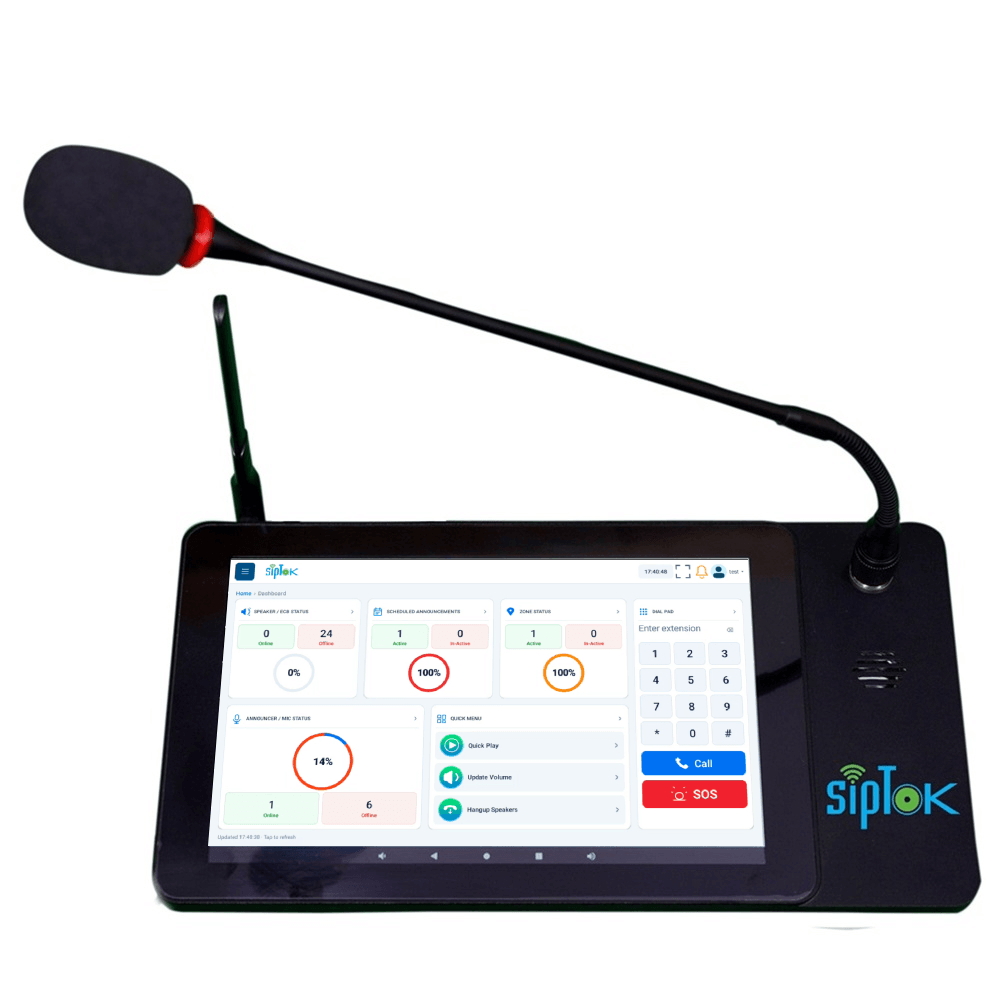
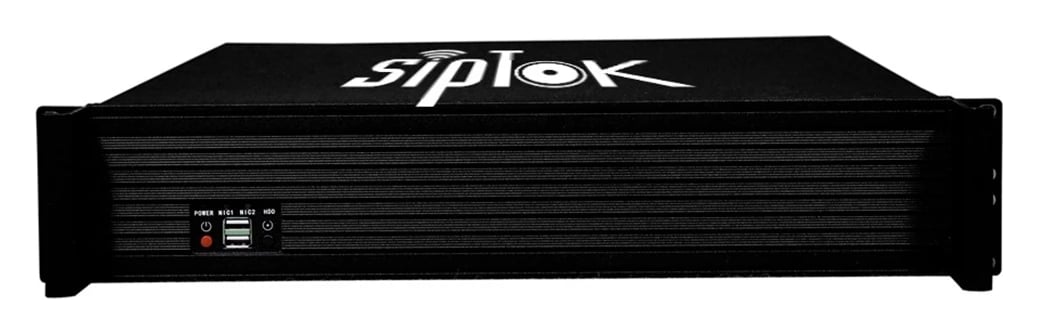
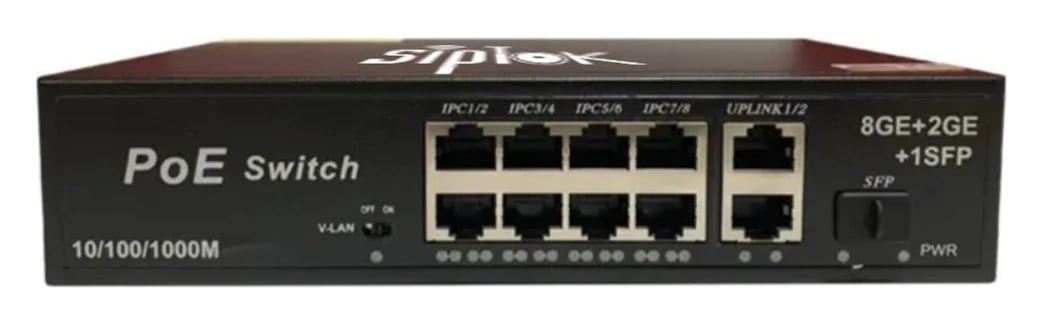
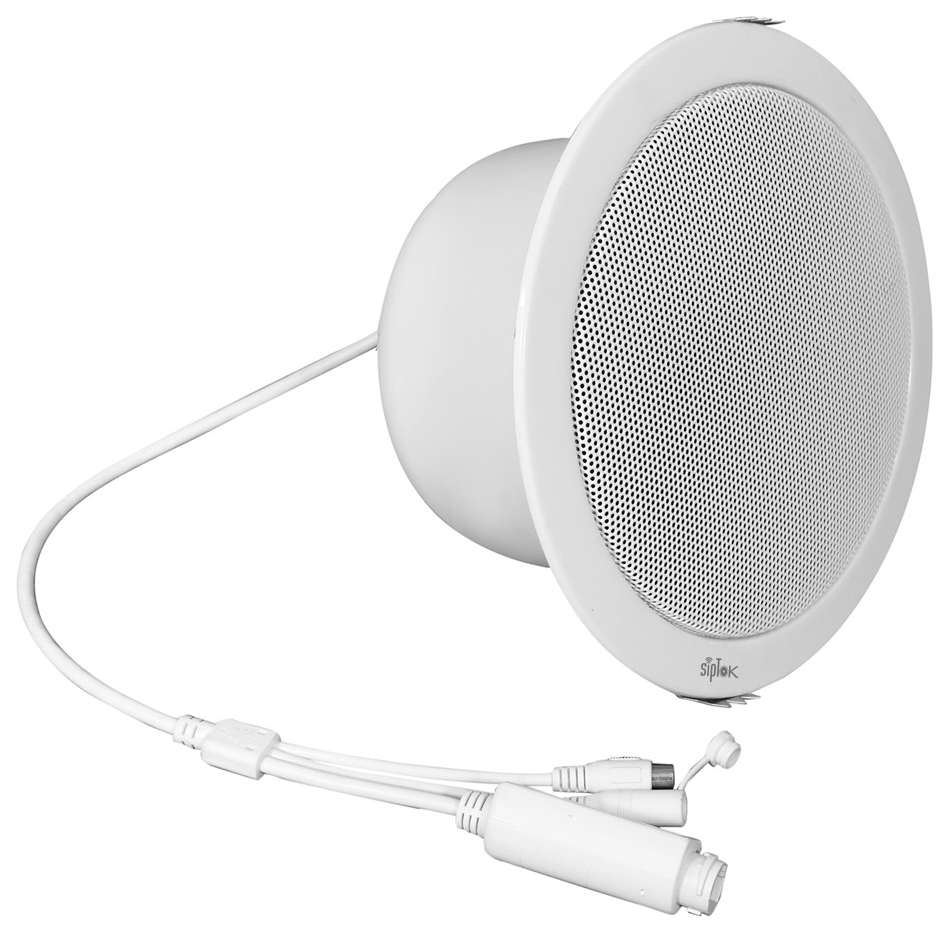
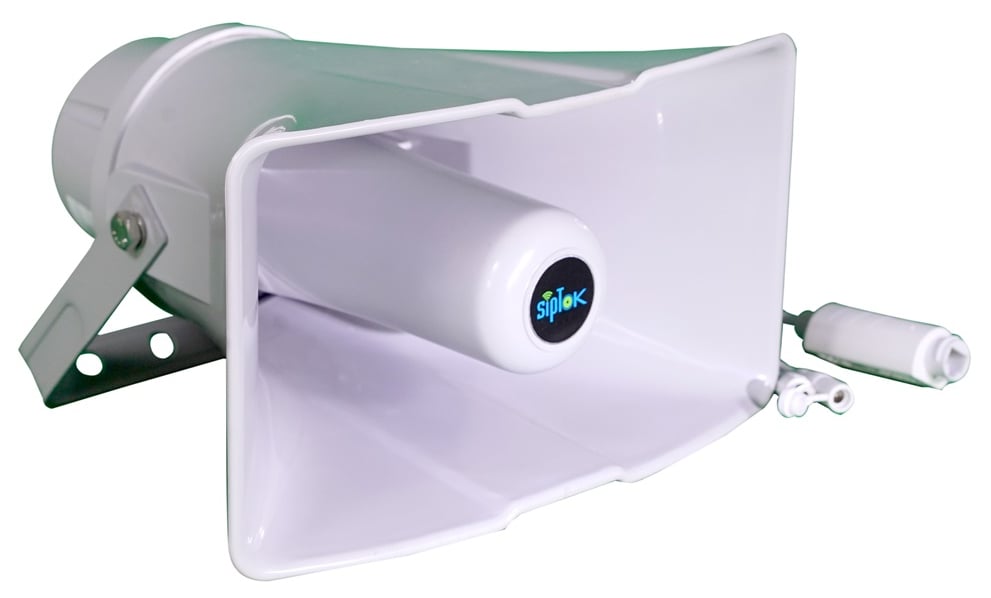
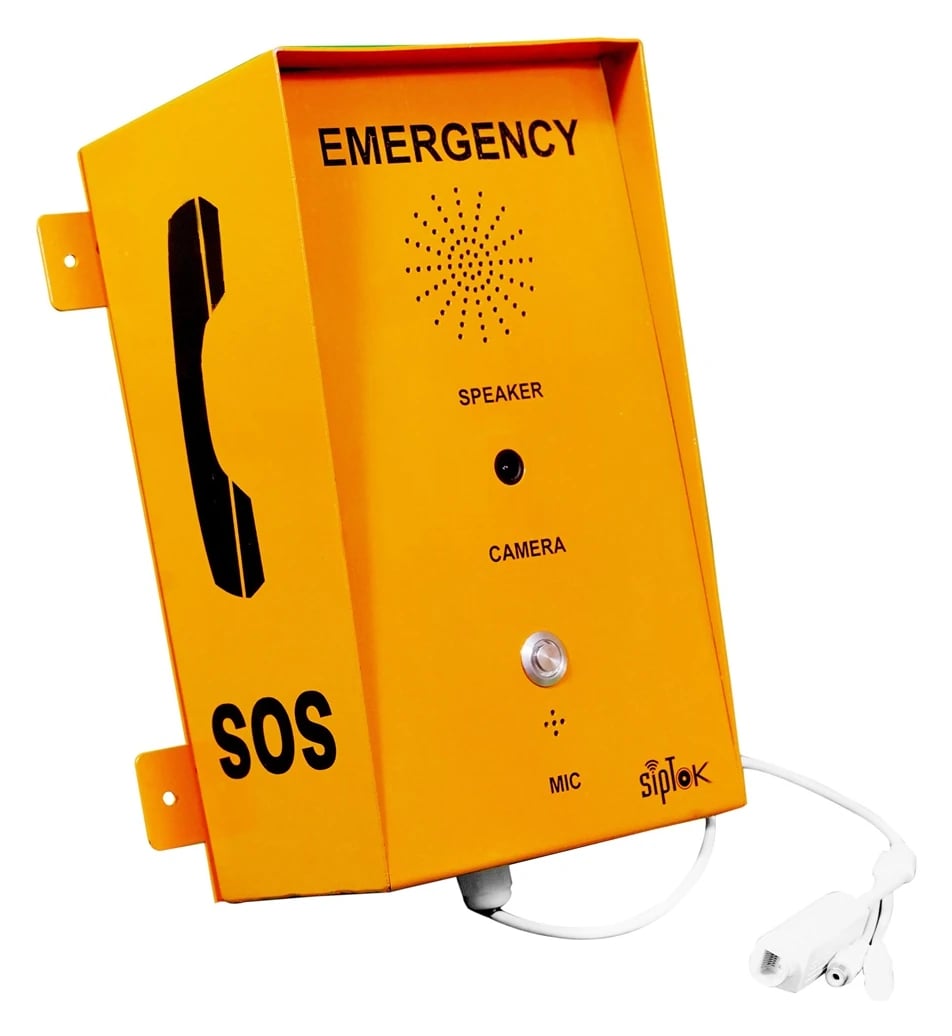
SIP controls calls; audio routing follows the system configuration. Confirm device power and network settings during design.