Reception announcements
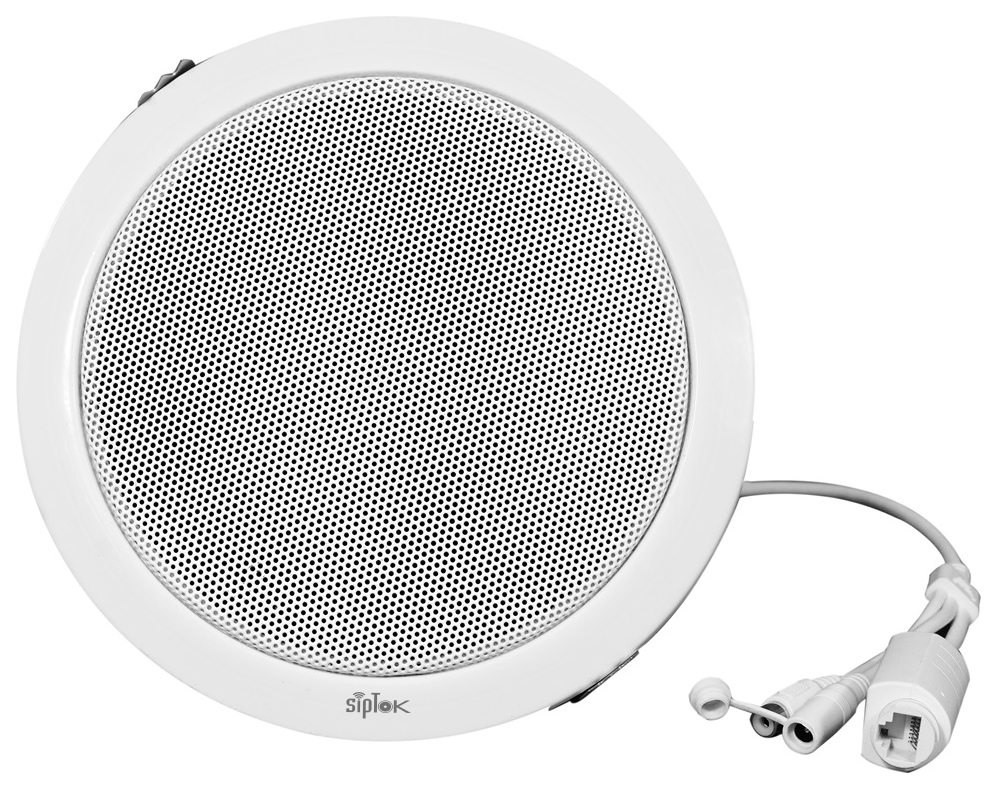
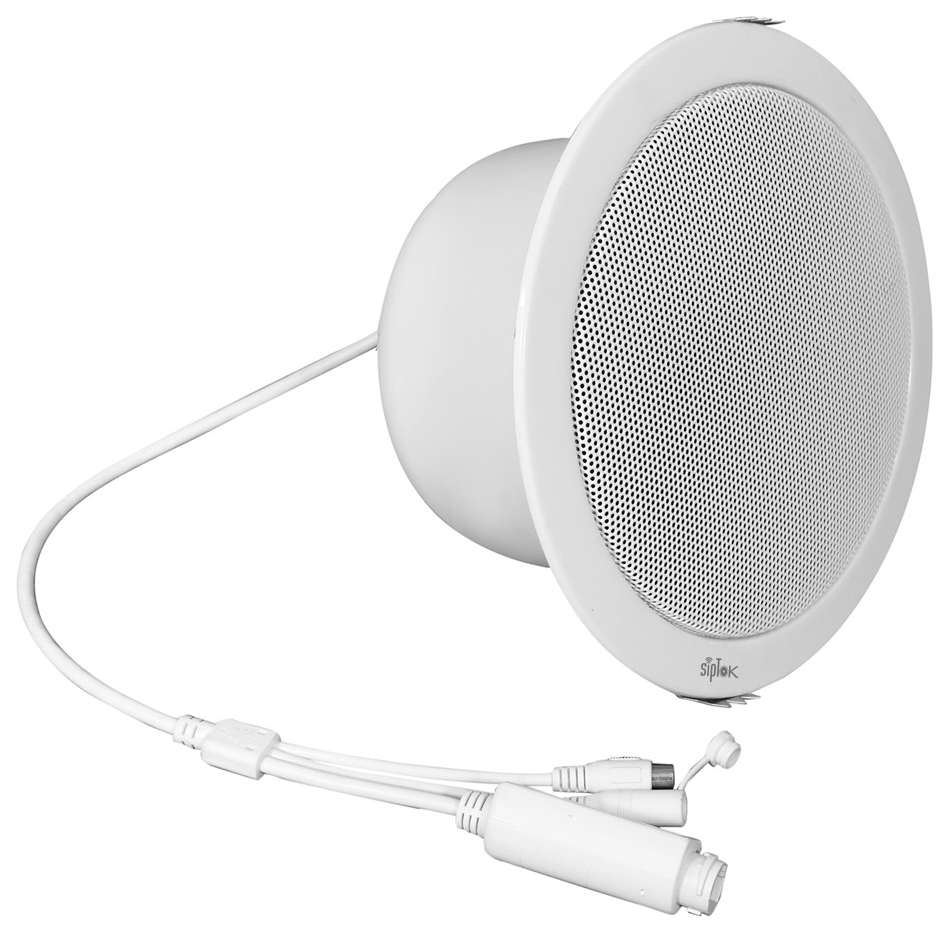 PRODUCT IN THIS APPLICATIONST-15CIP PA Ceiling Speaker 15W


Connect reception, office floors and shared spaces with a clear, manageable network audio system.

A building may combine quiet workspaces, busy lobbies and service areas. The audio plan should match these different acoustic and operational conditions.
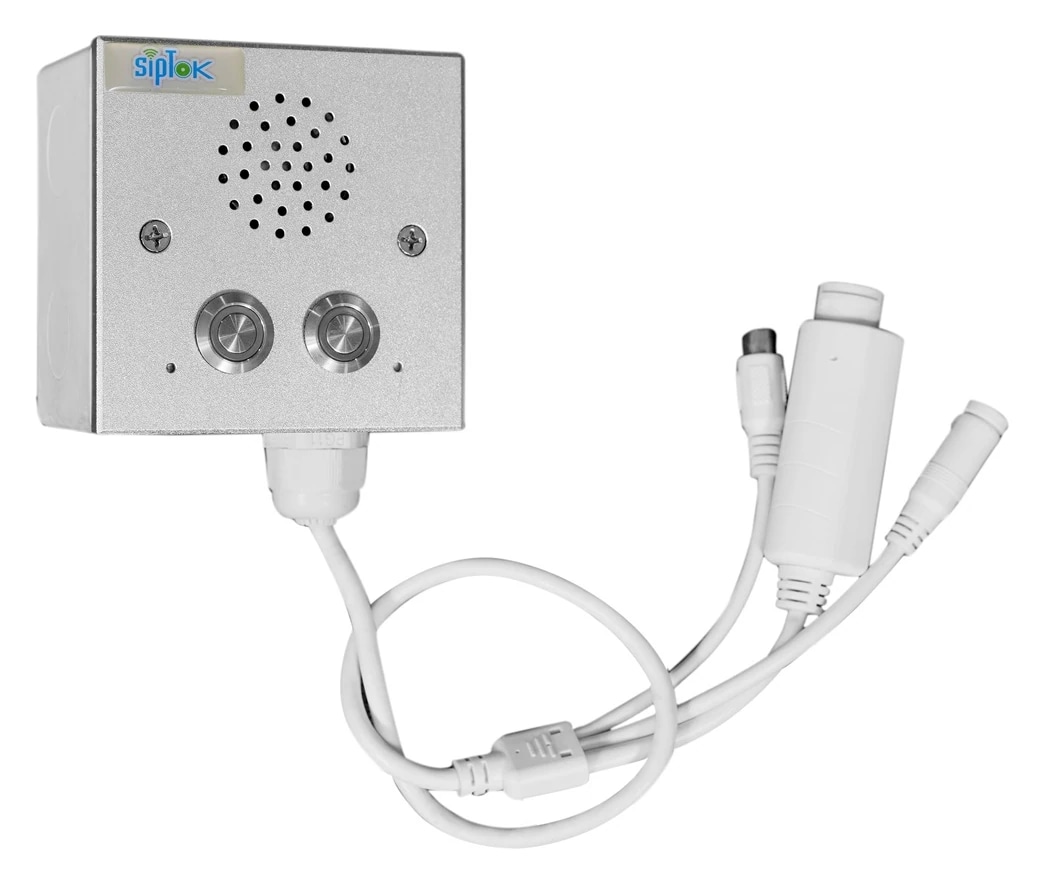
PRODUCT IN THIS APPLICATIONST-15CIP PA Ceiling Speaker 15W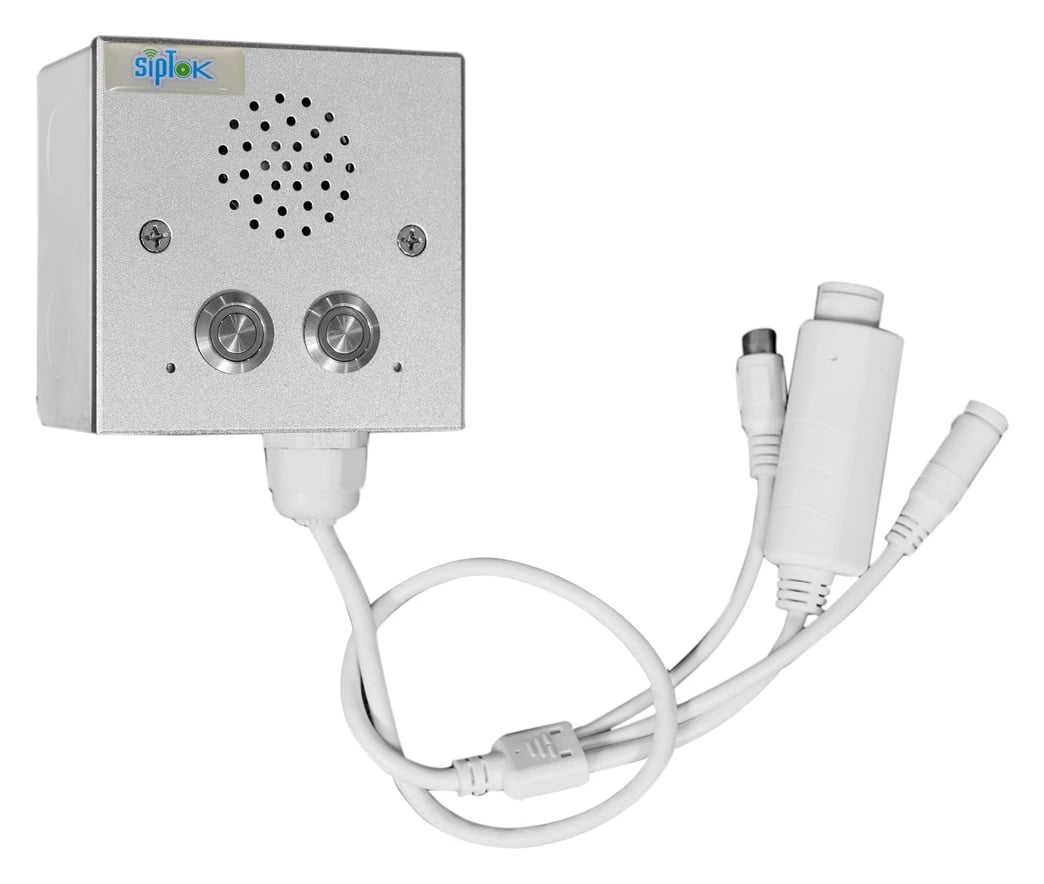 PRODUCT IN THIS APPLICATIONST-IND101IP Intercom Terminal (without Camera)
Floor-by-floor paging
Public information in common areas
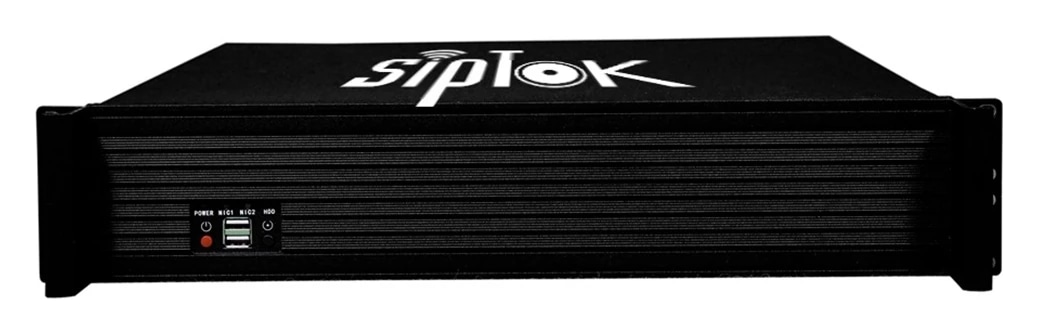
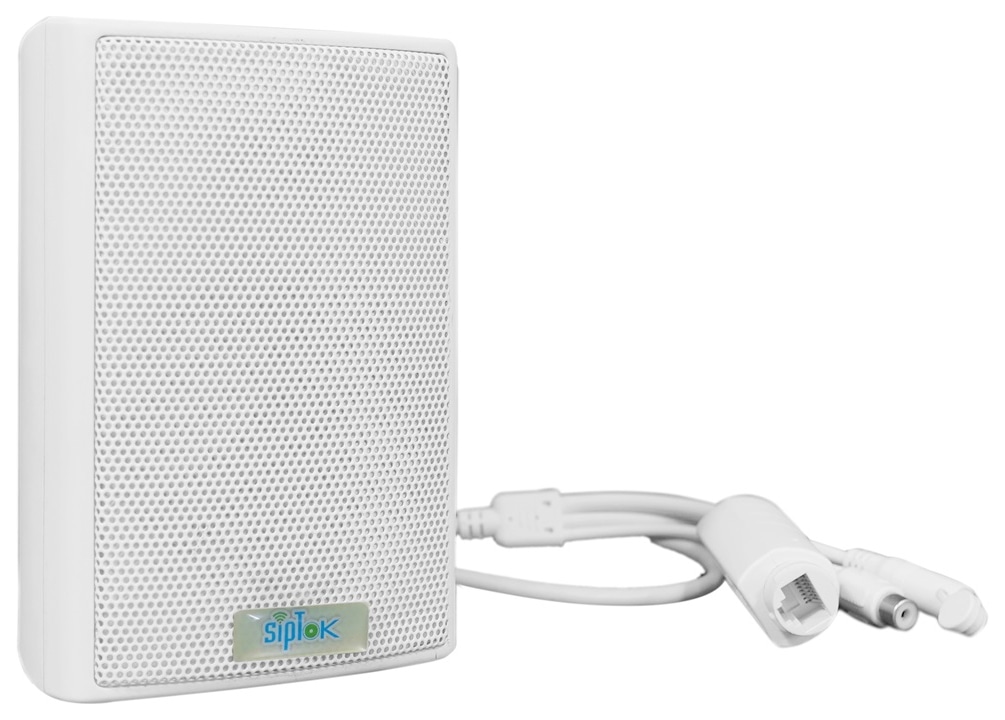
Suggested SipTok models are shown in their system roles. The network, operator workflow and final configuration are planned for the application rather than implied by a product list.

Scroll across the diagram to explore each connection.
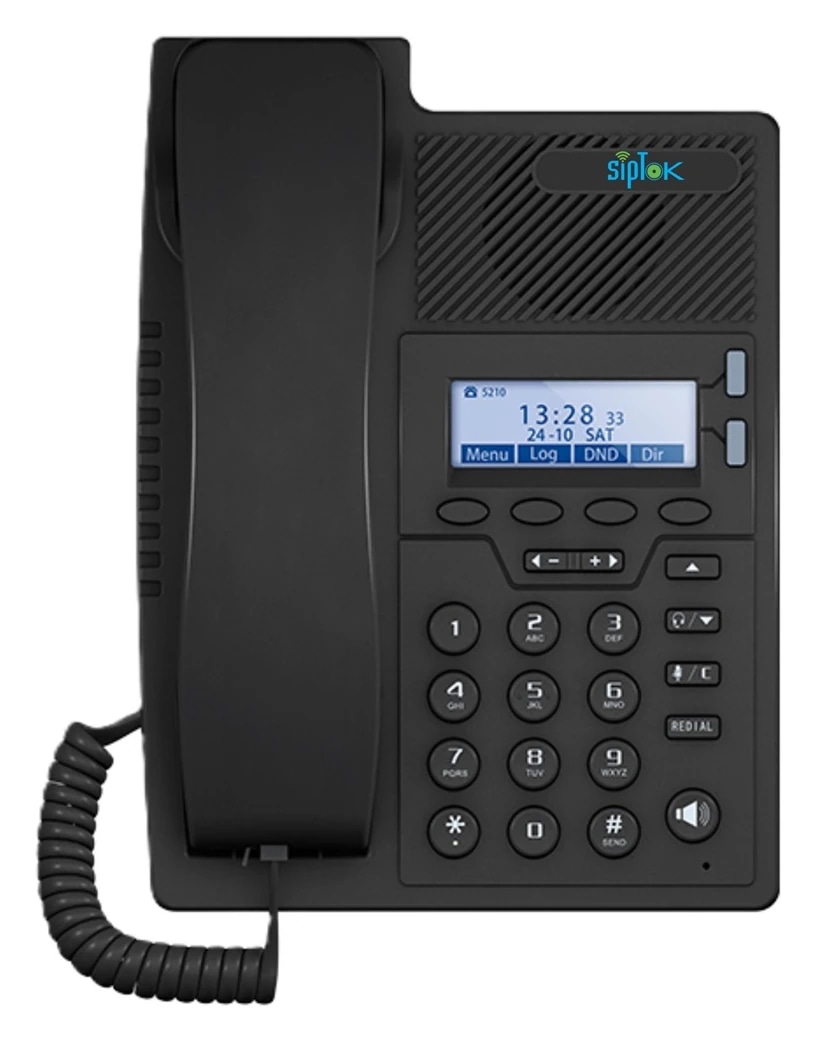
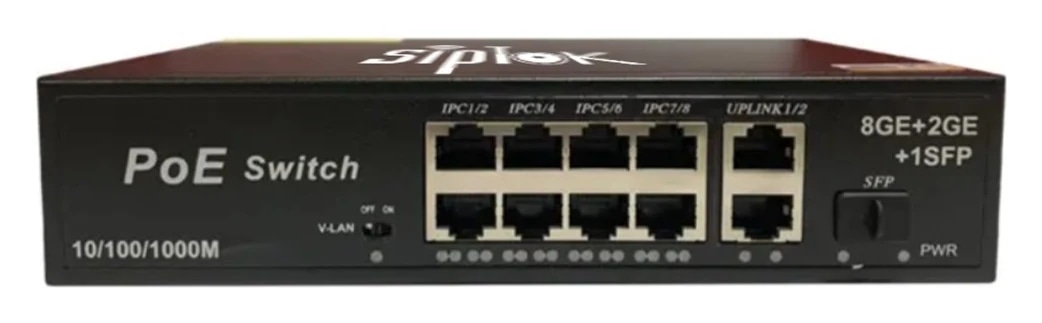
Define paging groups for Reception, Office floors, Service areas. Match the selected speakers and announcement method to each area’s acoustic and operational needs.
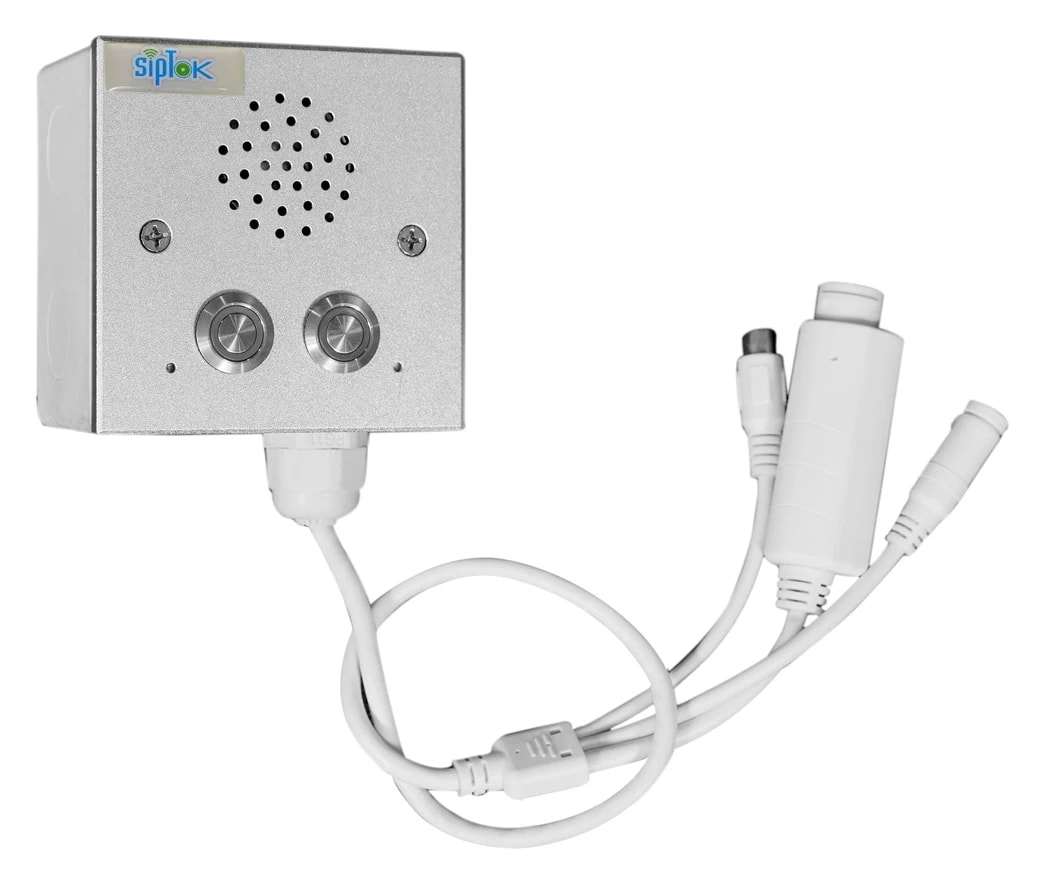
Route the suggested call box or intercom to an attended operator through a compatible SIP platform. Define answering and escalation procedures separately from speaker paging.
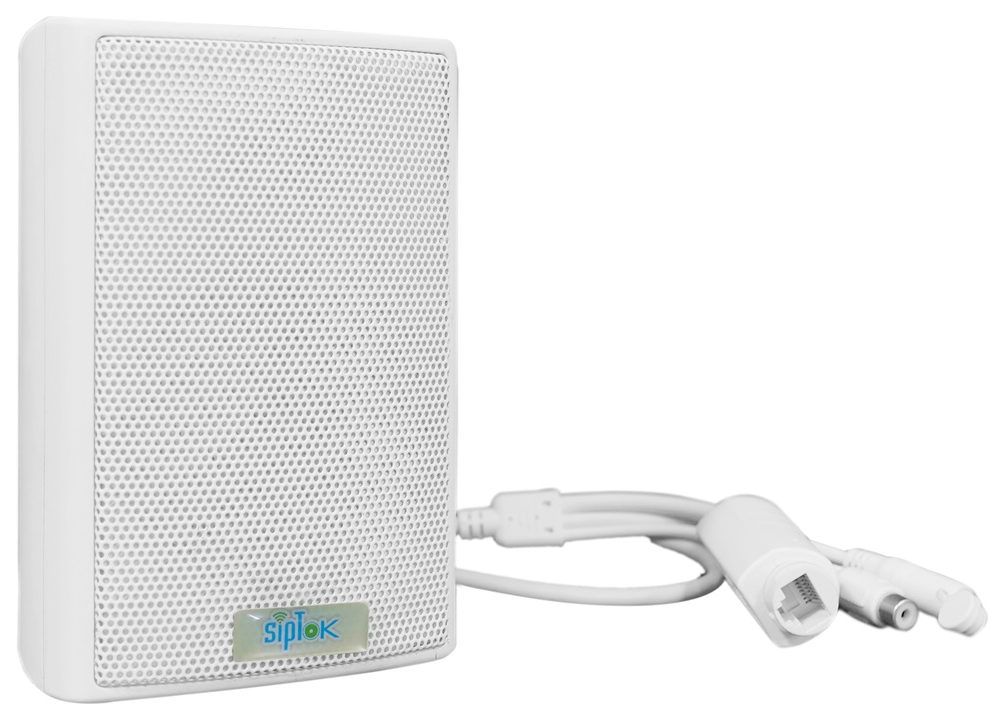
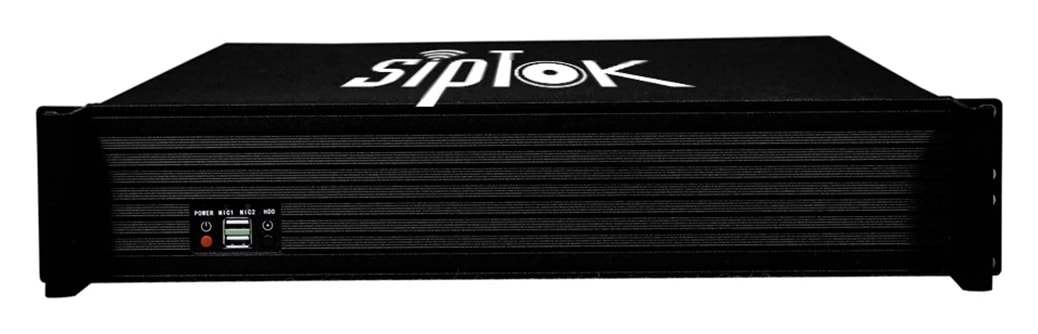
Photographs show actual SipTok models. This is a conceptual connection diagram; cable routes, power and final equipment are confirmed during system design.
Map paging zones to floors and building functions. Use ceiling speakers in finished interiors and wall-mounted devices where ceiling installation is unsuitable.
Coordinate mounting, cable routes and network power budgets with the building services team.
Product selection depends on the final site requirements, network design and documented device capabilities.
An IP PA system carries announcement audio over an Internet Protocol network. Instead of taking every speaker back to a central audio amplifier, network endpoints receive digital audio and reproduce it locally.
Read the guideSystem designThe choice between network audio and a conventional amplifier-based public address system depends on the site, existing infrastructure and operating requirements. Neither architecture removes the need for sound acoustic design.
Read the guidePaging & controlMultizone paging lets an operator address selected areas instead of sending every message to the entire site. The useful starting point is the way people work, move and respond in those areas.
Read the guideShare your site layout, communication workflows and integration requirements with our project team.