Understanding PoE for IP speakers
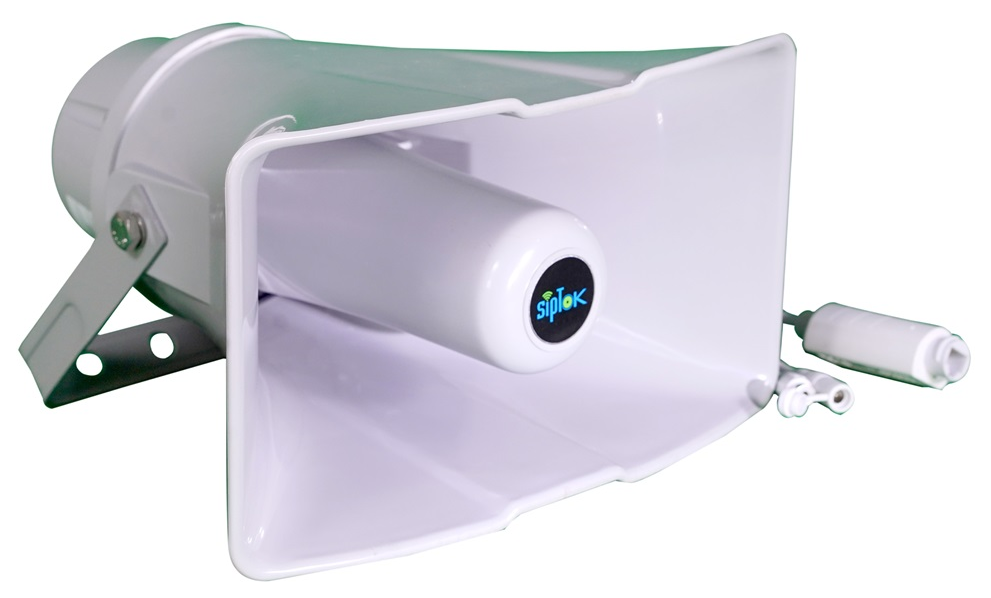
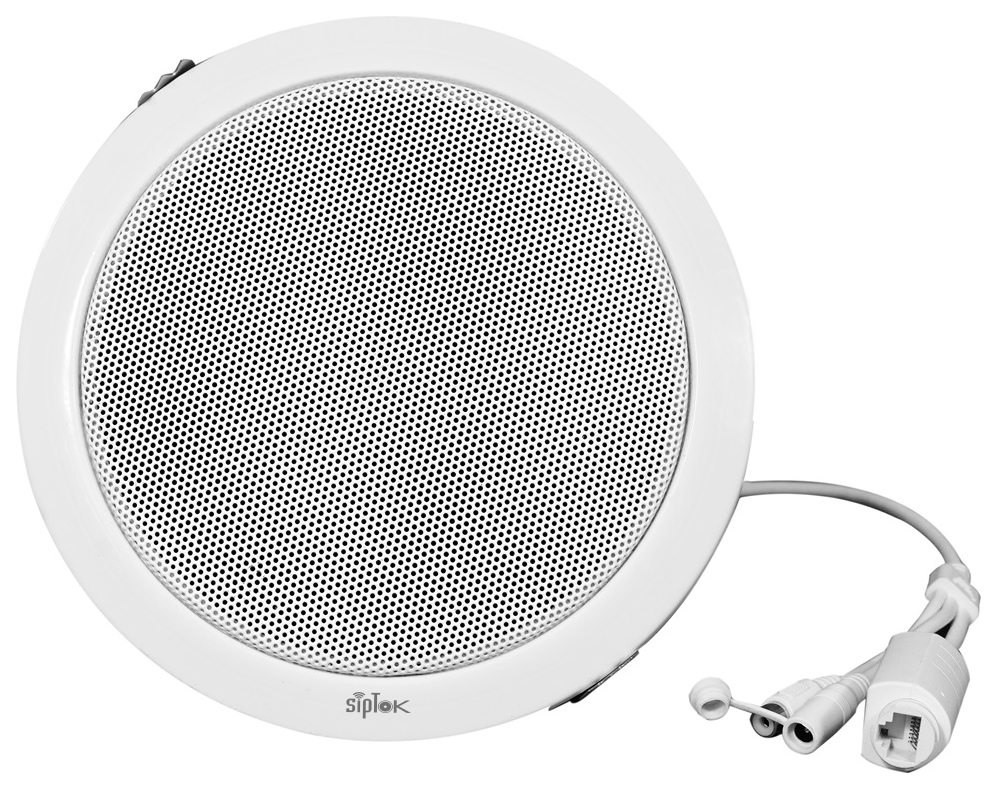
Power over Ethernet carries device power and network data over compatible Ethernet cabling. It can simplify an IP speaker installation, but only when the endpoint and power source are correctly matched.
Match the stated standard
Check the actual model documentation for its supported power input and required PoE class or standard. PoE and PoE+ are not interchangeable capacity assumptions. The original catalogue may describe alternative DC power inputs; these must also be checked by model.
Calculate the switch budget
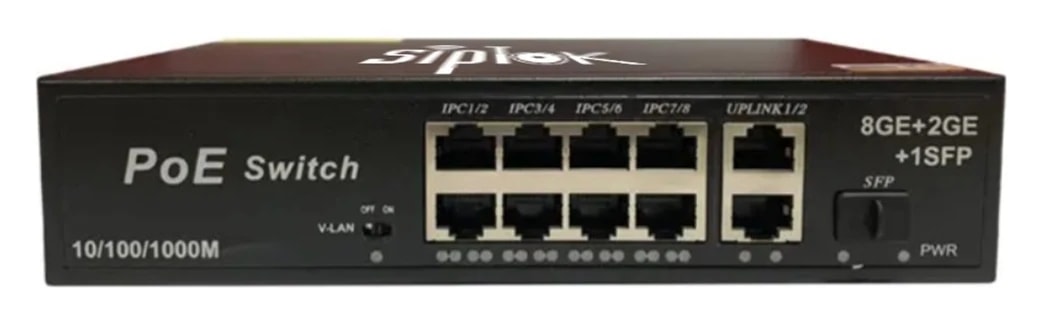
A switch needs enough power on each port and across the whole chassis. Add the requirements of all connected powered devices and allow appropriate design margin. Confirm the available budget from the switch datasheet rather than multiplying a nominal port maximum.
Audio output is not input power
A loudspeaker amplifier rating does not tell you the device power demand. Electronics, conversion losses and operating conditions affect input requirements. Use the documented endpoint input specification and seek clarification if source data is inconsistent.
Plan cabling and installation
Review cable type, length, terminations and environmental exposure with the network installer. Outdoor installations also need appropriate protection and grounding practices. Where a separate supply is used, verify voltage, current and connector requirements.
Test under the intended load
Bring all intended devices online and test representative audio at the configured operating levels. Review the switch status for power faults and verify recovery after power interruption. Document the port-to-endpoint mapping for maintenance.
A typical communication path
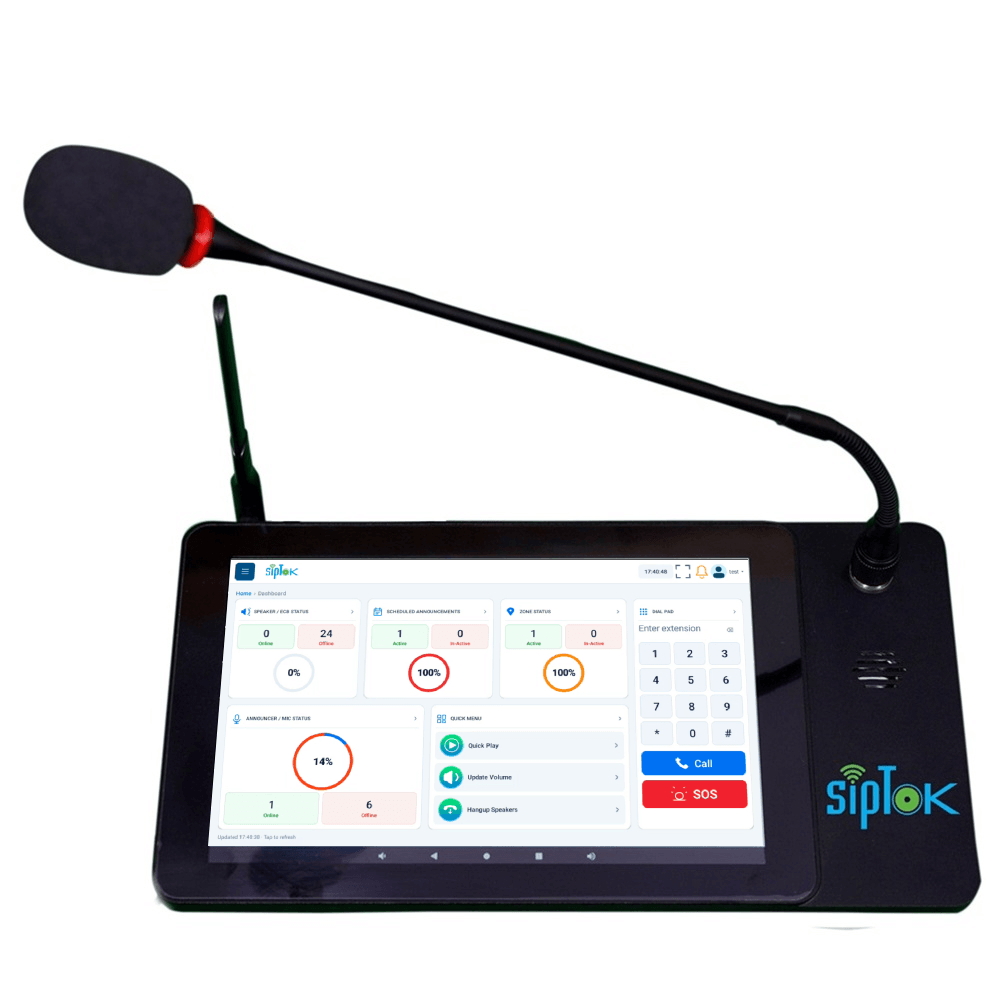
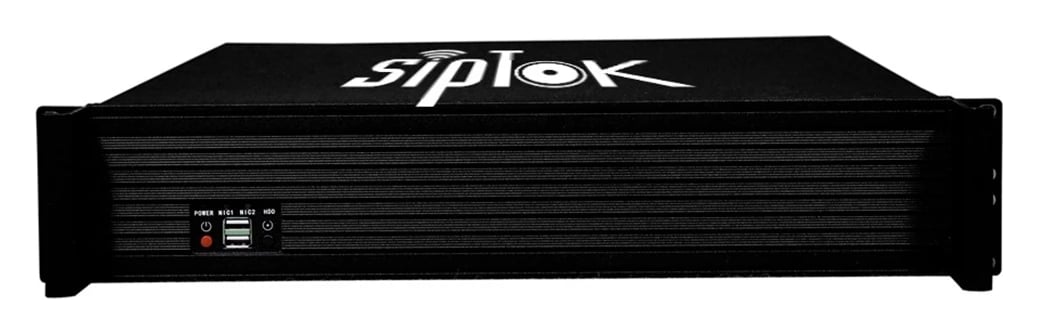
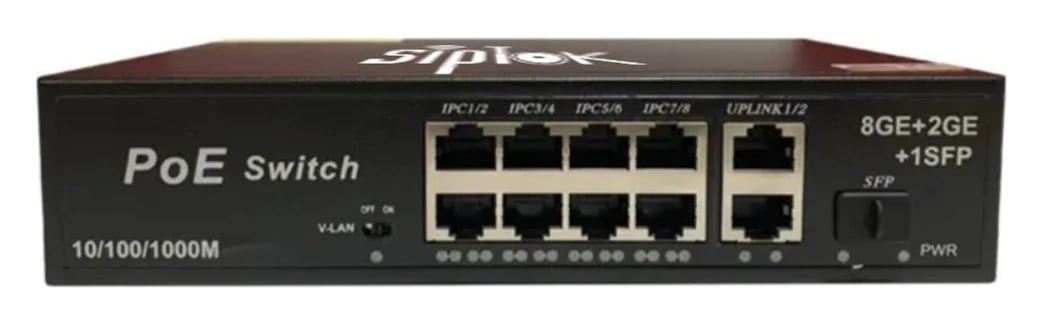
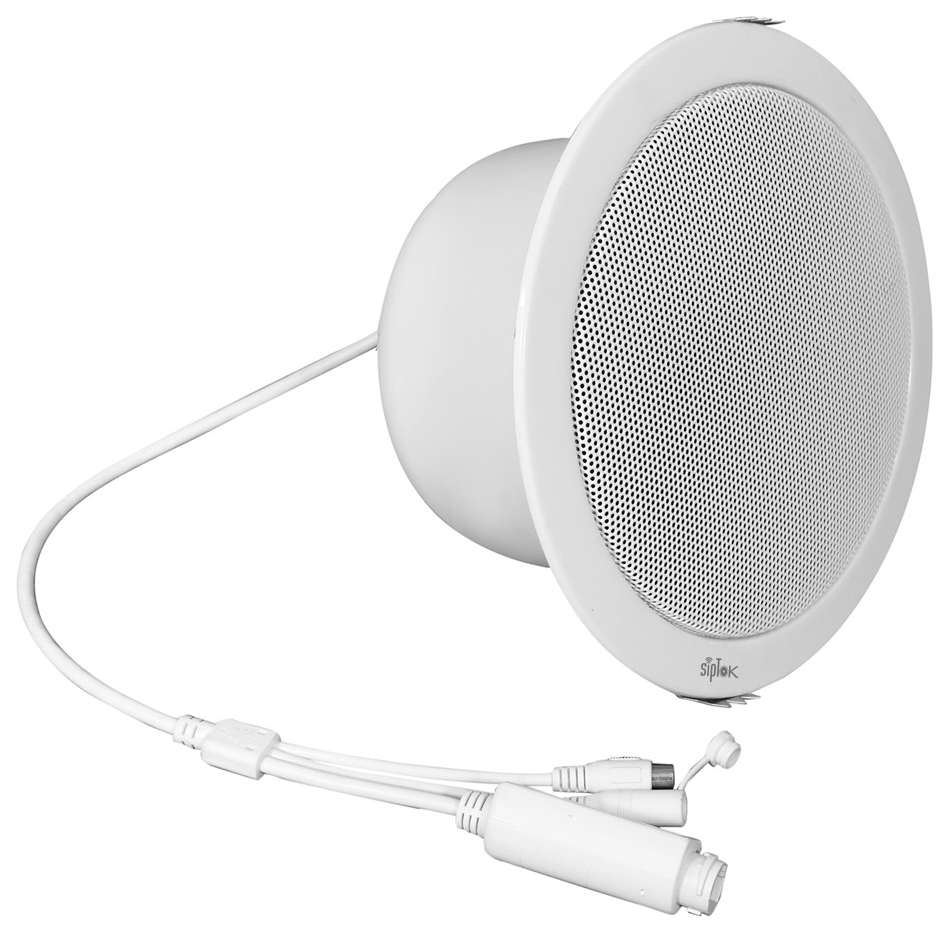
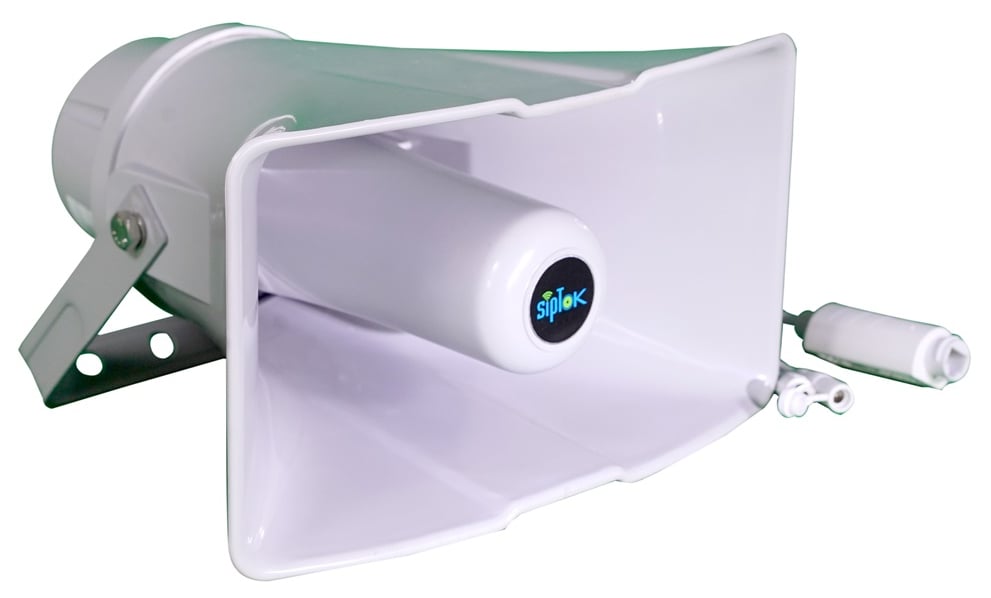
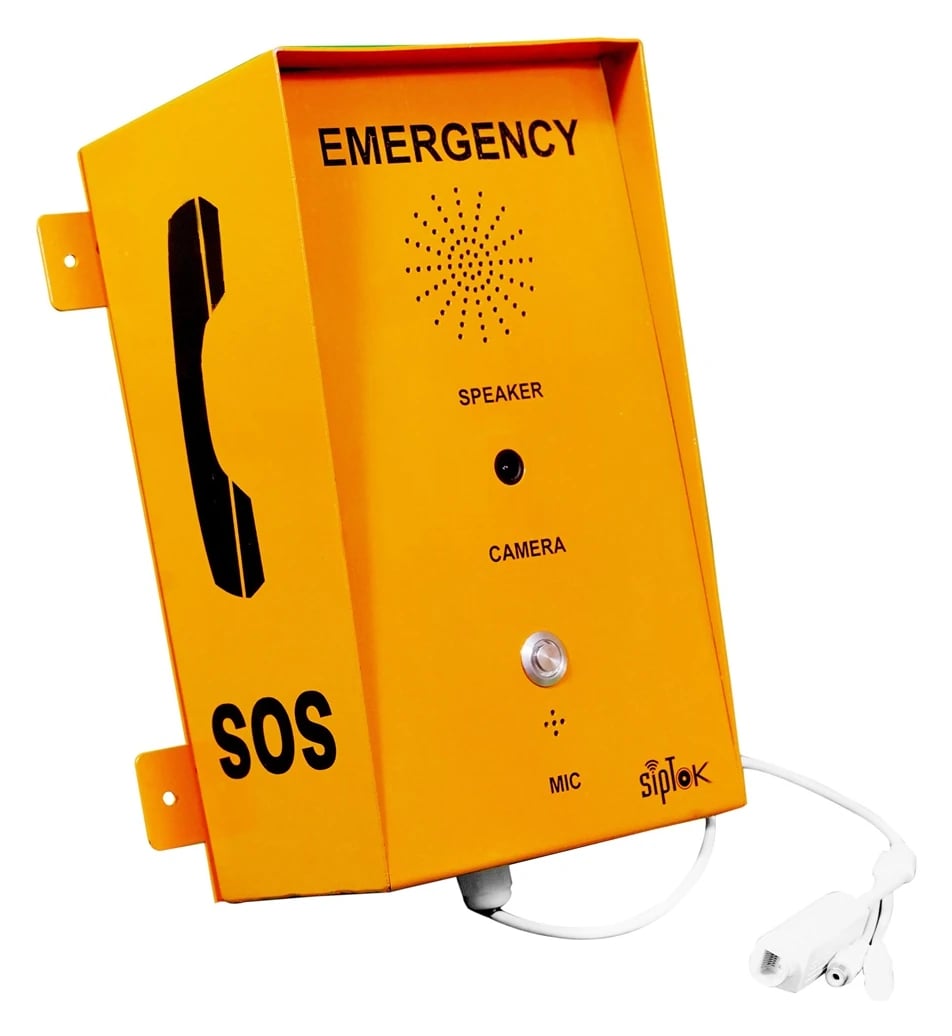
SIP controls calls; audio routing follows the system configuration. Confirm device power and network settings during design.