
IP Phones
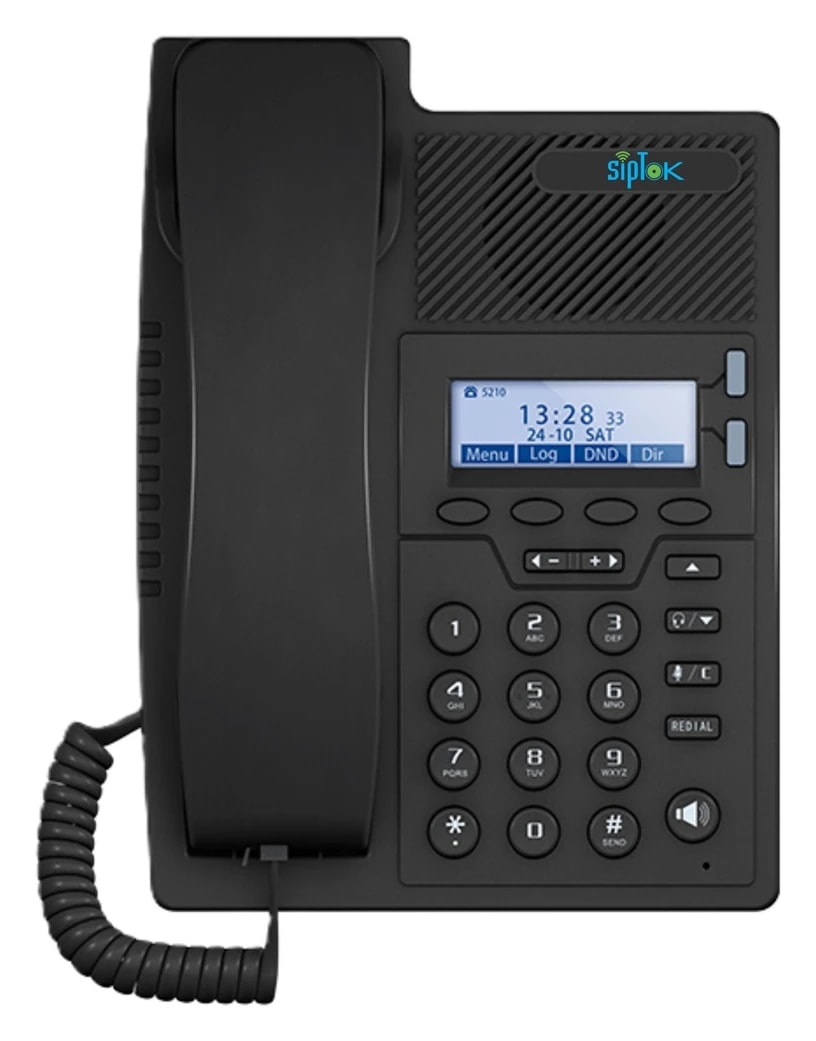
ST-SP20IP Phone (Advanced)
ST-SP20: 10/100 Base-TX, RJ45 network interface; ABS construction. Review the complete technical data and system connections below.
- Network Interface
- 10/100 Base-TX, RJ45
- Display
- 2.4" 128x64 pixel backlit
- Power Supply
- Corded Electric
Overview
ST-SP20 is a SIP phone for incoming and outgoing calls, intercom communication and supported paging workflows. Calling and broadcasting behavior depend on the configured platform.
Plan network connectivity, operator workflow, mounting and power as part of the complete communication system. Explore the application guides for deployment considerations.
Key features
- Network Interface: 10/100 Base-TX, RJ45
- Display: 2.4" 128x64 pixel backlit
- Power Supply: Corded Electric
Technical specifications
ST-SP20| Parameter | Specification |
|---|---|
| Audio | |
| Codec | OPUS 48 kHz, MP3 44.1 kHz, G.722 ADPCM 16 kHz, G.711 PCMU 8kHz, G.711 PCMA 8 kHz |
| Network | |
| Security | Password protection, IP address filtering, Digest authentication, User access log, firewall |
| Network Protocol | SIP, ONVIF, HTTP, HTTPS, IPv4, DHCP, RTSP, RTP, RTCP, TCP/IP, UDP, ARP, SNMP, TFTP, NFS, NTP, FTP, ICMP, SSH, SSL, DNS, SNTP |
| Network Interface | 10/100 Base-TX, RJ45 |
| General | |
| Material | ABS |
| Power Supply | Corded Electric |
| Display | 2.4" 128x64 pixel backlit |
| Dimensions | 320x213x73 mm |
| Net Weight | 1.67 Kg |
| Standard Warranty | 1 year |
| Languages | English |
| Approvals & Compliances | ISO 9001:2015, ISO 27001:2022, CE, RoHS, FCC |
| Package Includes | IP Phone (Advance), Adapter, User Manual |
Confirm the required configuration and current product documentation before procurement.
Product documentation
Product documents are available to approved SipTok partners and invited project teams.
Partner document accessSYSTEM CONNECTIONS
Where ST-SP20 fits.
A SIP phone can form the operator side of a calling or supported paging workflow. Its call behaviour depends on the configured platform and destination devices.
SIPTOK · SCHEMATIC DIAGRAM
ST-SP20 as the operator’s SIP endpoint

Ethernet / LANSelect a product photograph for model details
Scroll across the diagram to explore each connection.
01 · Control room & system control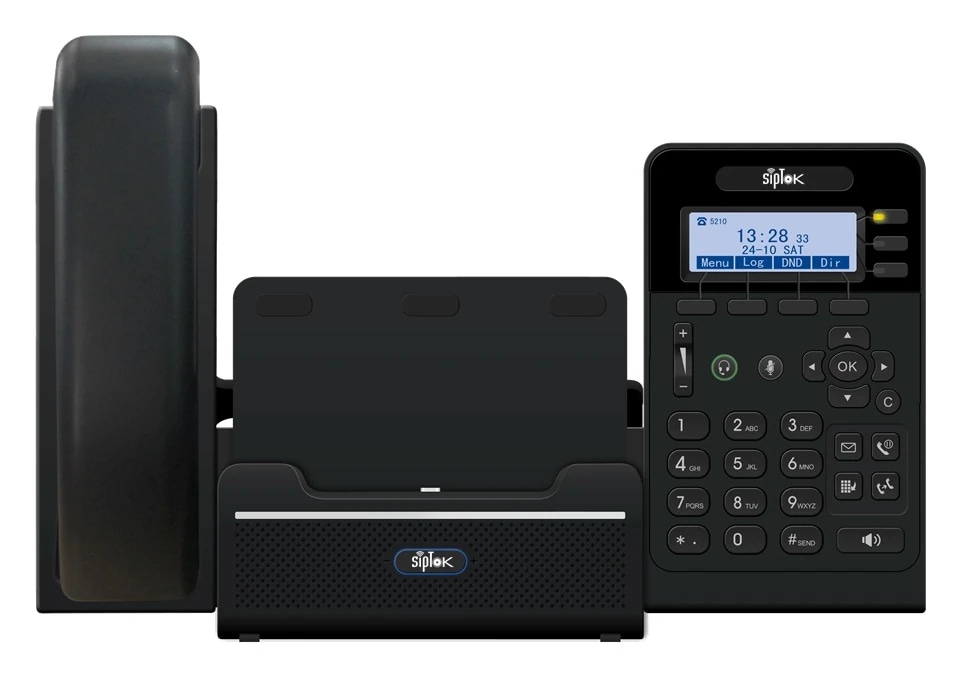 Selected operator phoneST-SP20IP Phone (Advanced)Ethernet / LANThis model
02 · Site network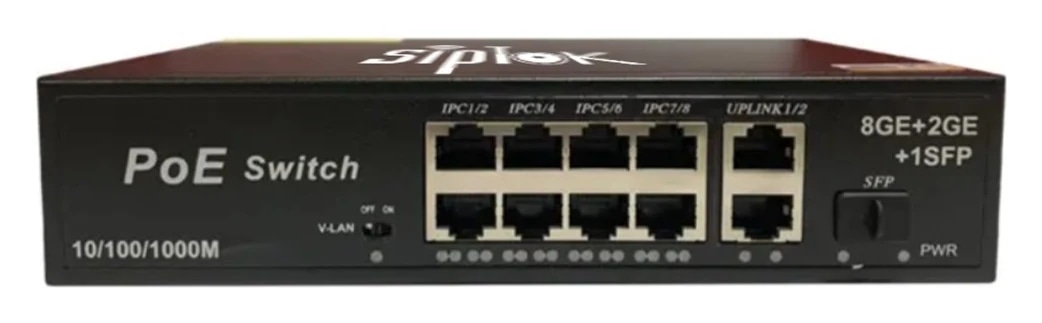 Example Ethernet switchST-PoE-8P8 Port PoE SwitchLAN switch · independent power reviewView product
01
Two-way calling
An operator or intercom user calls the configured SIP extension. Set call routing and answering procedures on the platform.
02
Supported SIP paging
Use this phone’s documented paging function with a compatible platform and announcement endpoint; group behaviour must be configured and verified.
Connection, power & commissioning notes
- Ethernet branches connect the shown IP devices to the site LAN switch. This is a connection concept, not a cable-routing or electrical wiring drawing.
- SIP handles call setup. RTP audio follows the configured media path; it does not necessarily pass through the SIP server. Multicast is a separate, model-supported paging option.
- Confirm power for each device independently. A PoE switch in this example does not establish the required PoE class, port budget or a universal one-cable installation.
Photographs show actual SipTok models. This is a conceptual connection diagram; cable routes, power and final equipment are confirmed during system design.
APPLICATIONS
Where ST-SP20 fits.
Explore the operating environment and communication requirements for each use case.
 Commercial Buildings
Reception & operator desks
Assign SIP extensions and verify incoming, outgoing and supported paging workflows on the configured platform.
Explore the solution Hotels & Resorts
Reception & service communication
Plan the operator’s calling destinations and availability around the property’s support workflow.
Explore the solution Industry & Manufacturing
Site office & control desk
Connect the operator to suitable intercom points and supported paging destinations through the planned SIP system.
Explore the solutionPRODUCT SELECTION & INSTALLATION
Questions about ST-SP20.
Review the model’s connection, installation and documentation before finalizing the system.
Ask a product expertWhat power arrangement is listed for ST-SP20?
The published power-supply field states “Corded Electric”. Check the installation supply and the current model document.
What should I include in a ST-SP20 enquiry?
Include the model, quantities, site layout, intended workflow and connected equipment. For a complete system, share paging zones, network and power availability, and any BOQ, RFP or configuration support required.
EXPLORE THE RANGE
Related products.
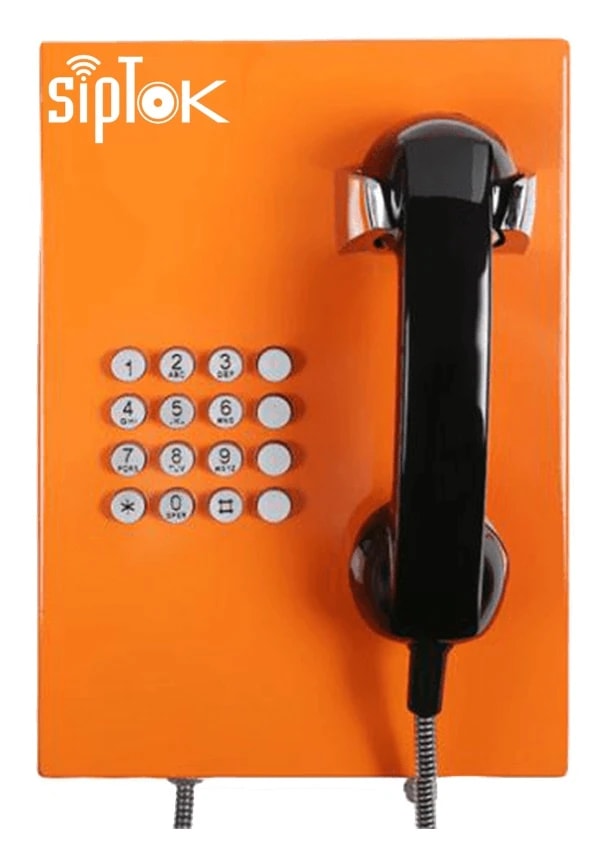
LET’S START A CONVERSATIONDiscuss your
Discuss your
IP PA project.
From product selection to system planning, share your requirements with the SipTok team.
Explore project engineering supportEmail our teamsales@siptok.in
WhatsApp+91 8590528734
Registered address & manufacturing unitN-189, Pocket N, Sector 2, DSIIDC, Bawana Industrial Area, Delhi – 110039, India