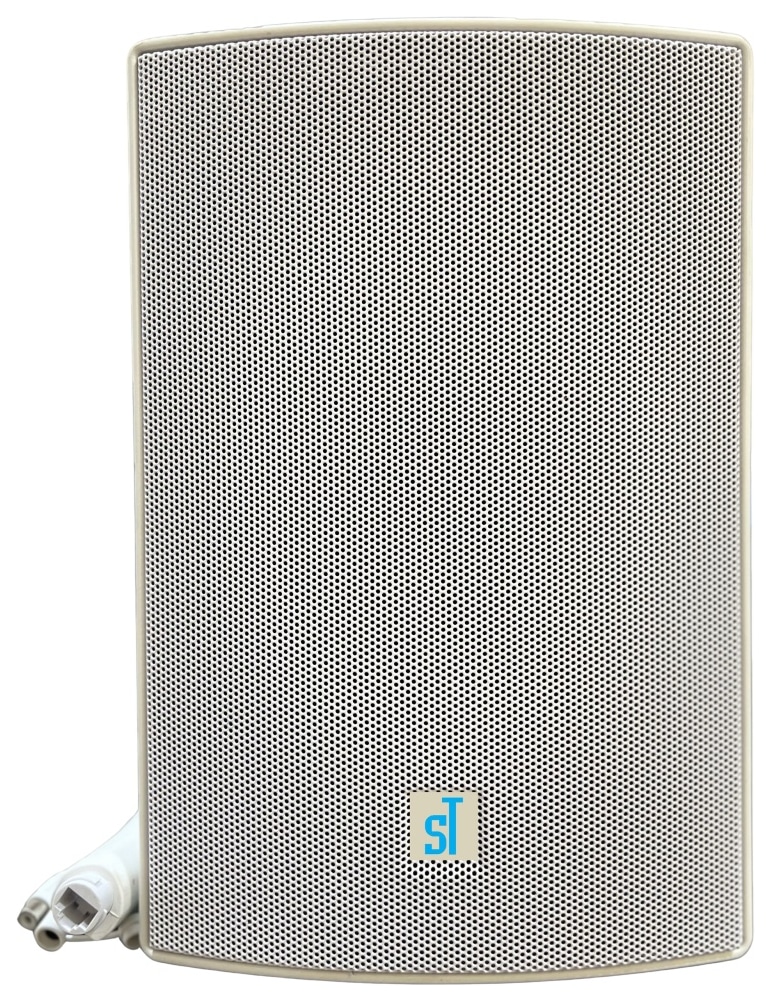
Camera / NVR / VMS audio
Connect the active speaker to a compatible IP camera’s RCA audio output and operate through the associated NVR or VMS. Check camera output, talk functions and the speaker’s separate power requirements.

ST-30WAP-C: 30W rated output; ABS Cabinet construction. Review the complete technical data and system connections below.
The product listing and datasheet differ for dimensions, net weight. Both published values are shown below.
Request confirmed specificationsST-30WAP-C is an amplified PA speaker intended to connect to a compatible IP camera audio output through an RCA connection and operate through the associated NVR or VMS. This camera-connected audio path is distinct from registering a SIP network endpoint.
Plan network connectivity, operator workflow, mounting and power as part of the complete communication system. Explore the application guides for deployment considerations.
Connect the active speaker to a compatible IP camera’s RCA audio output and operate through the associated NVR or VMS. Check camera output, talk functions and the speaker’s separate power requirements.
| Parameter | Specification |
|---|---|
| Speaker | |
| Impedance | 8Ω |
| Freq. Response/Band Width | 80-20,000Hz (±3 dB) |
| Amplifier | Built-in Class D Amplifier |
| SPL at 1kHz | 98dB/1W/1m |
| THD | less than 0.5% at 1KHz |
| Signal to Noise Ratio | 84dB |
| General | |
| Operating Temperature | -10º to +60º C |
| Operating Humidity | 5% to 85% |
| Material | ABS Cabinet |
| Rated Power | 30W |
| Power Supply | PoE/12V-2A |
| Installation | Wall Mount using Speaker’s Bracket |
| Dimensions | Original website178x252x144 mmSupplied PDF288x195x149 mmConfirm current specification |
| Net Weight | Original website2.75 KgSupplied PDF2.30 KgConfirm current specification |
| Languages | English |
| Standard Warranty | 1 year |
| Approvals & Compliances | ISO 9001:2015, ISO 27001:2022, CE, RoHS, FCC |
| Package Includes | CCTV Active PA Wall Mount Speaker 30W, Bracket, User Manual |
Confirm the required configuration and current product documentation before procurement.
Product documents are available to approved SipTok partners and invited project teams.
Partner document accessConnect this active speaker to a compatible IP camera’s RCA audio output, with operation through the camera’s NVR or VMS.

Scroll across the diagram to explore each connection.
Operator audio travels through the compatible camera system and its analogue audio output to the active speaker.
Check the camera’s audio-output level, connector and VMS talk function before selecting the speaker connection.
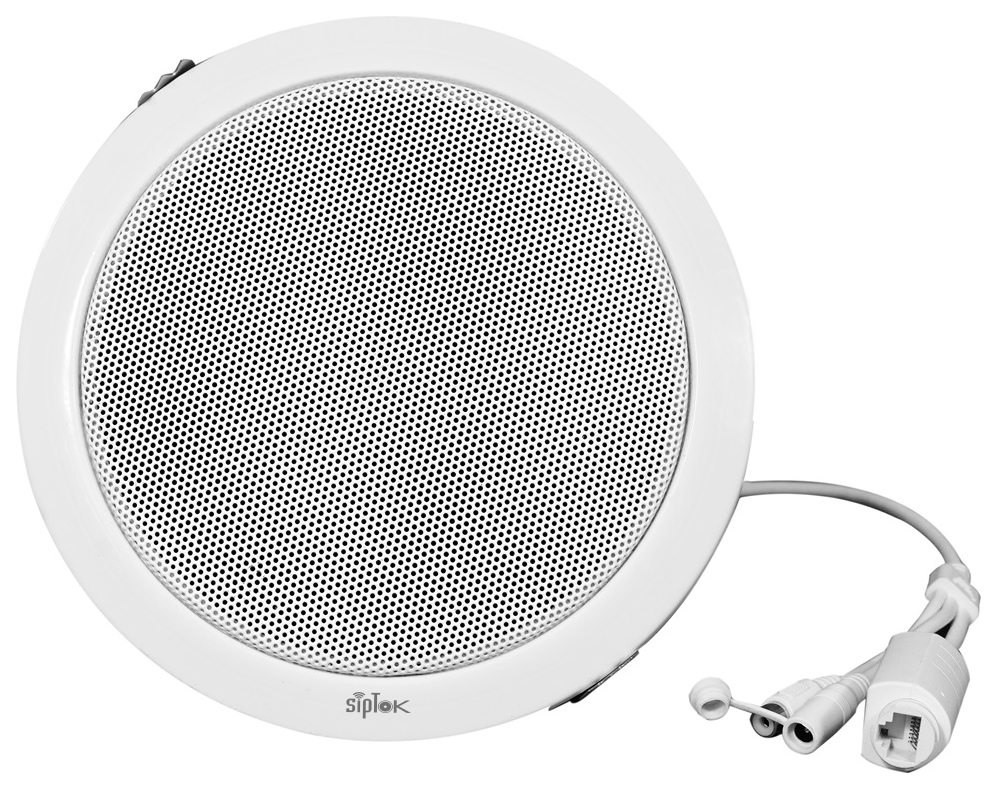
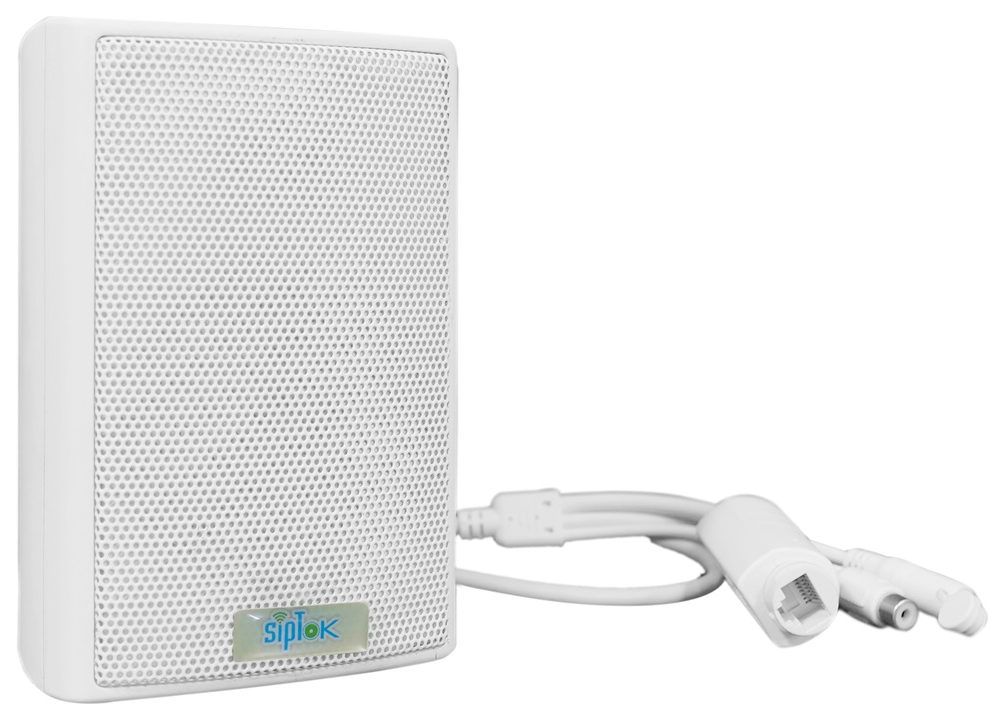
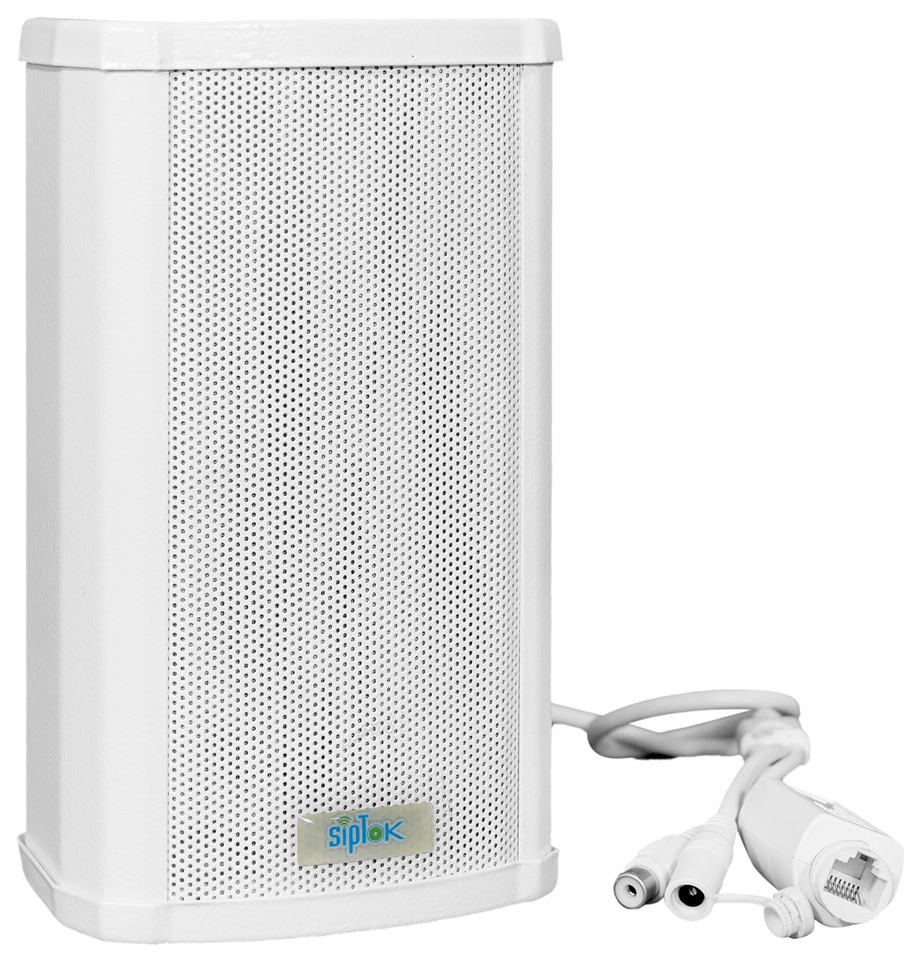
Photographs show actual SipTok models. This is a conceptual connection diagram; cable routes, power and final equipment are confirmed during system design.
Explore the operating environment and communication requirements for each use case.
 Security & Public Infrastructure
Use compatible camera audio and NVR/VMS talk workflows where an operator needs to make a local announcement.
Explore the solution Commercial Buildings
Review the selected camera’s RCA output, VMS audio workflow and the speaker’s independent supply before installation.
Explore the solution Warehouses & Logistics
Consider camera-connected audio for a supervised point, with coverage and camera audio compatibility checked on site.
Explore the solutionReview the model’s connection, installation and documentation before finalizing the system.
Ask a product expertConnect the active speaker to a compatible camera’s RCA audio output, then use the associated NVR or VMS audio functions. Verify the camera output, talk workflow and speaker power arrangement together.
The published power-supply field states “PoE/12V-2A”. Check the installation supply and the current model document. For PoE, verify the switch’s per-port and total power budget.
The published installation field states “Wall Mount using Speaker’s Bracket”. Confirm the mounting surface, clearances, cable route and environmental requirements for the site using the current model documentation.
Include the model, quantities, site layout, intended workflow and connected equipment. For a complete system, share paging zones, network and power availability, and any BOQ, RFP or configuration support required.
From product selection to system planning, share your requirements with the SipTok team.
Explore project engineering support