Store announcements
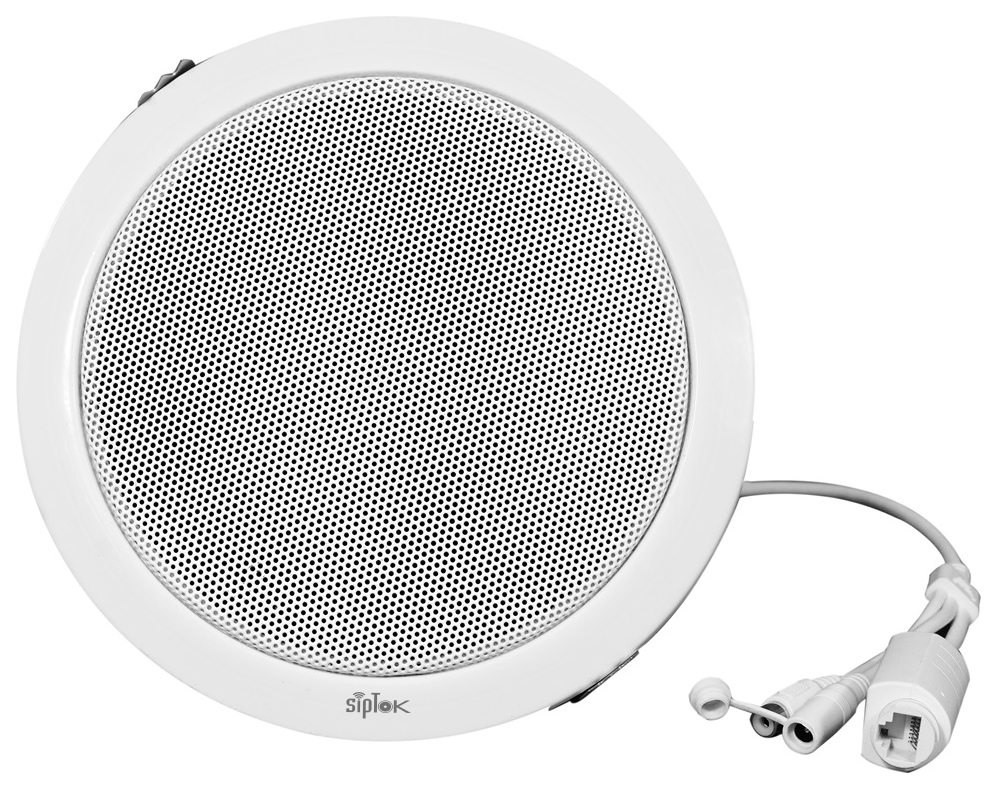
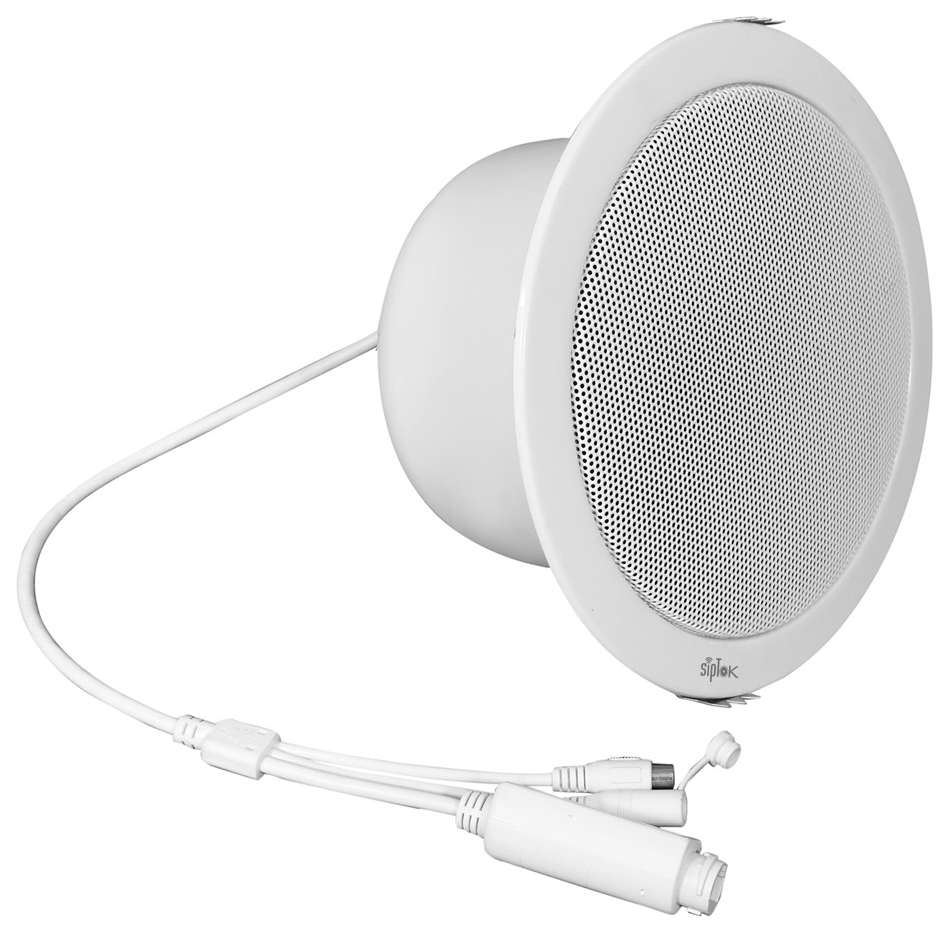 PRODUCT IN THIS APPLICATIONST-8CIP PA Ceiling Speaker 8W


Combine clear in-store announcements with communication between customer areas, staff and security.

Retail spaces need a measured approach to public audio and a separate, practical route for staff assistance and alarm response.
PRODUCT IN THIS APPLICATIONST-8CIP PA Ceiling Speaker 8W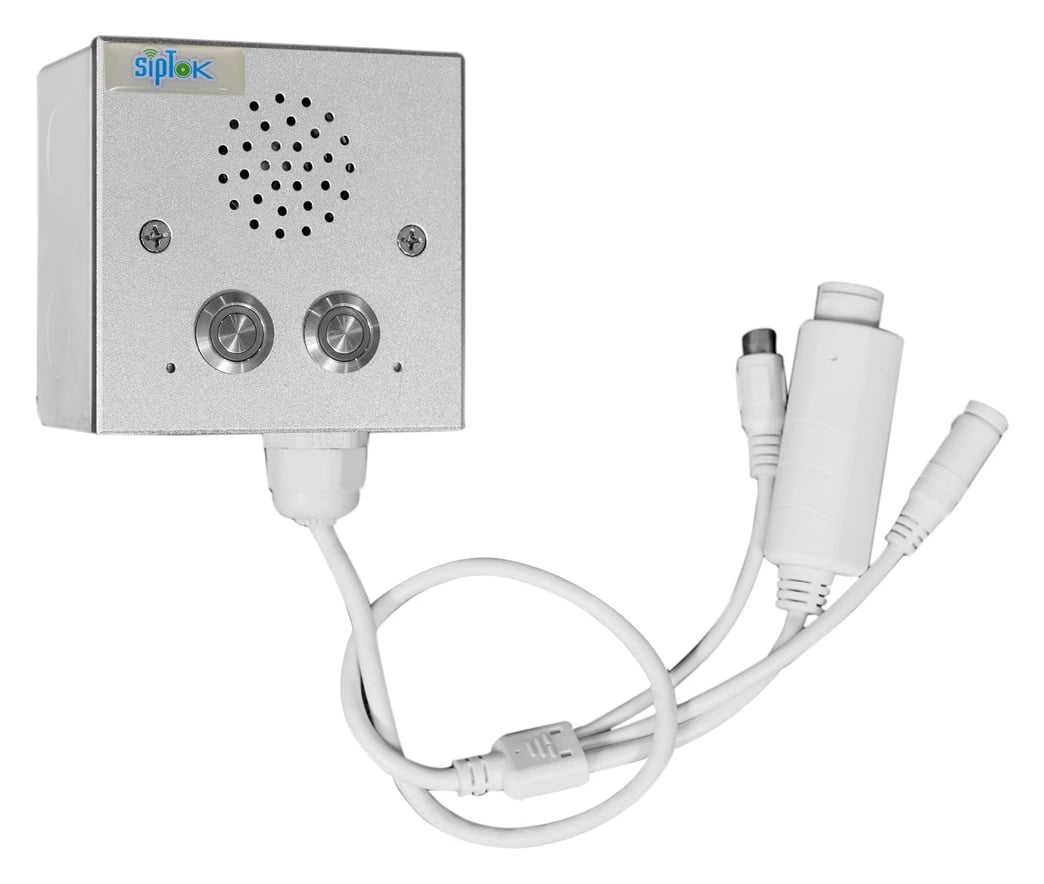 PRODUCT IN THIS APPLICATIONST-IND101IP Intercom Terminal (without Camera)
Customer assistance points
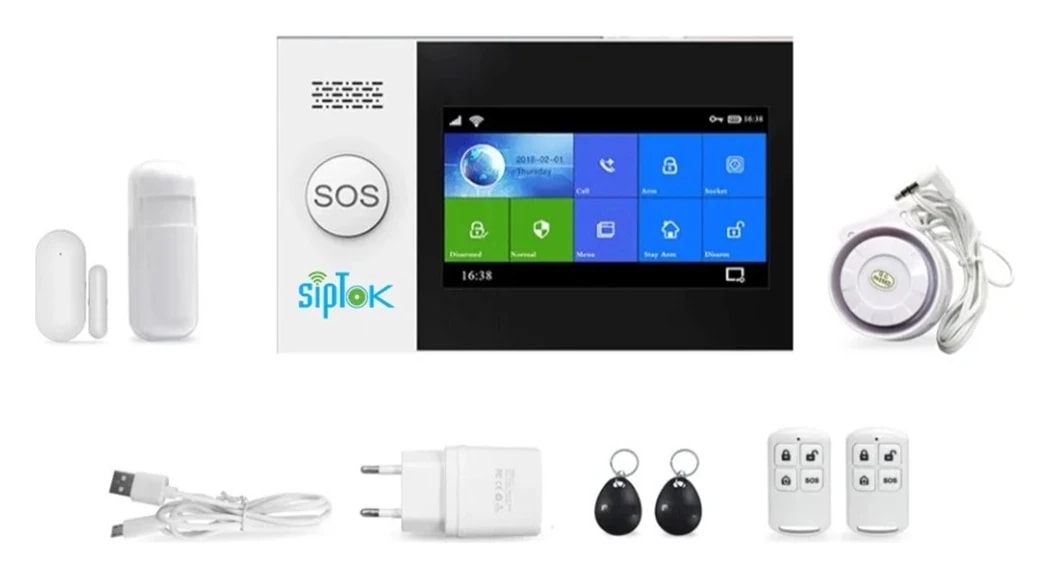
Alarm-panel planning for supported sensors
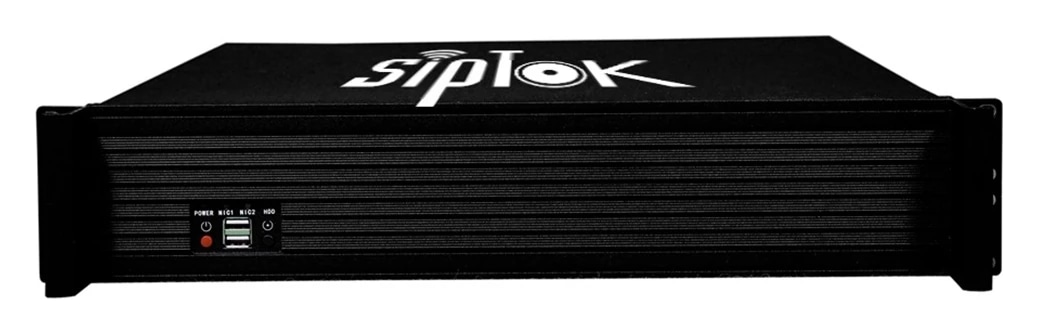
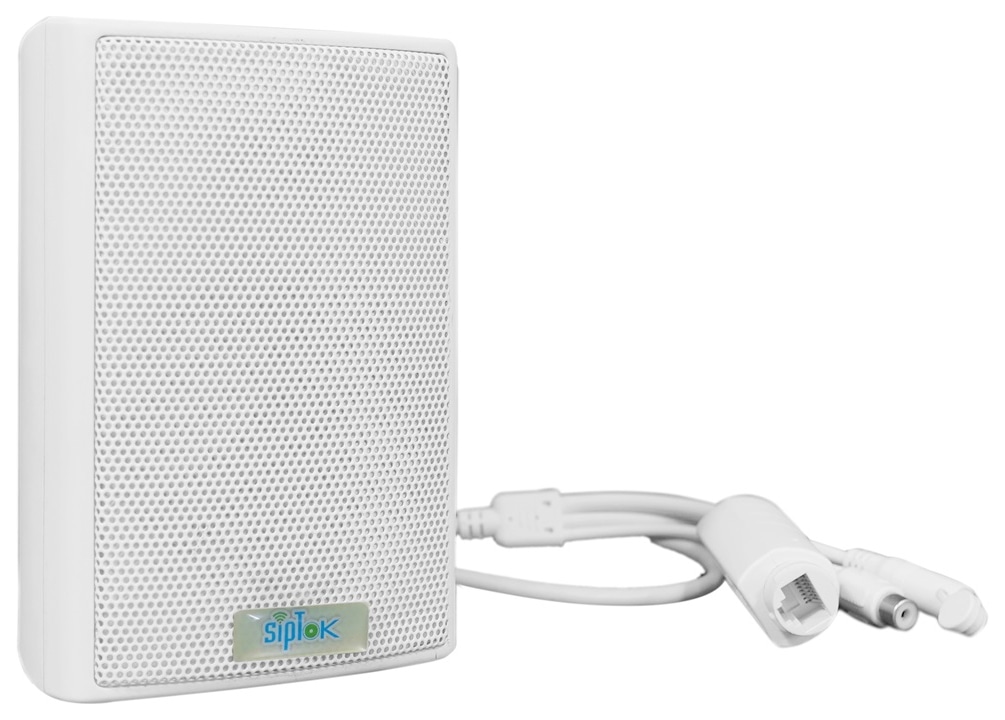
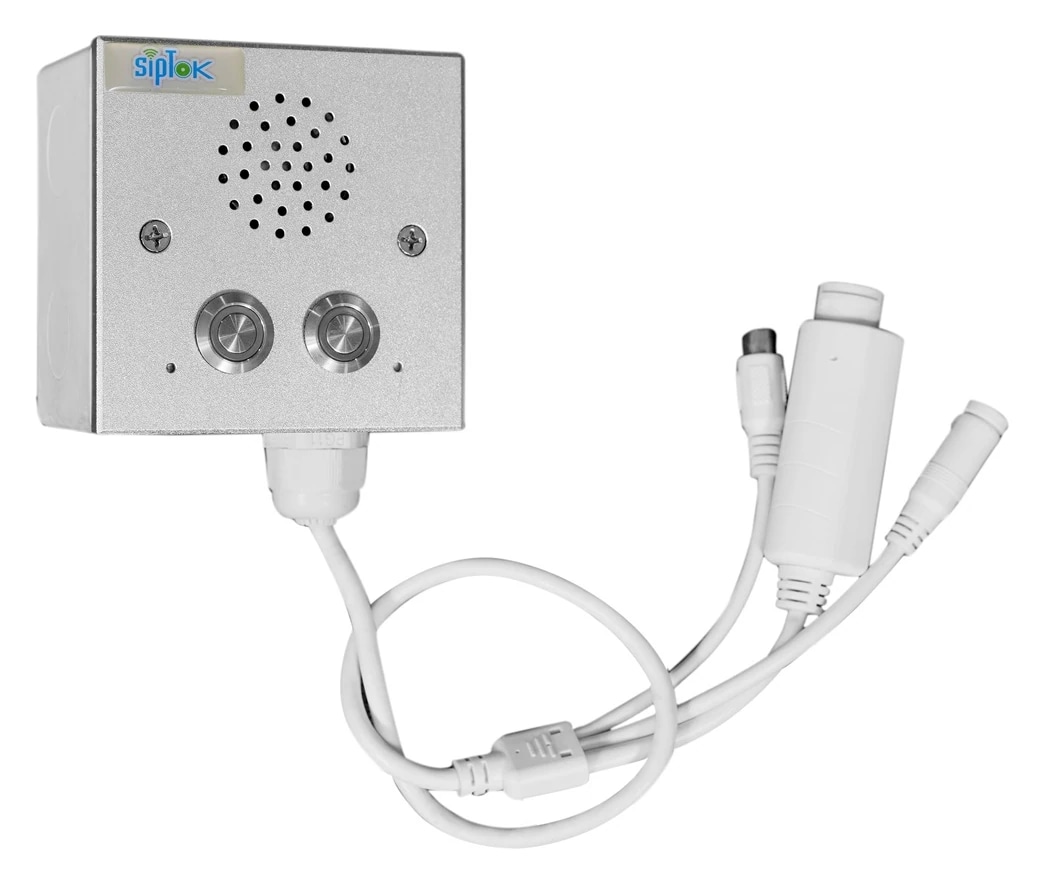
Suggested SipTok models are shown in their system roles. The network, operator workflow and final configuration are planned for the application rather than implied by a product list.

Scroll across the diagram to explore each connection.
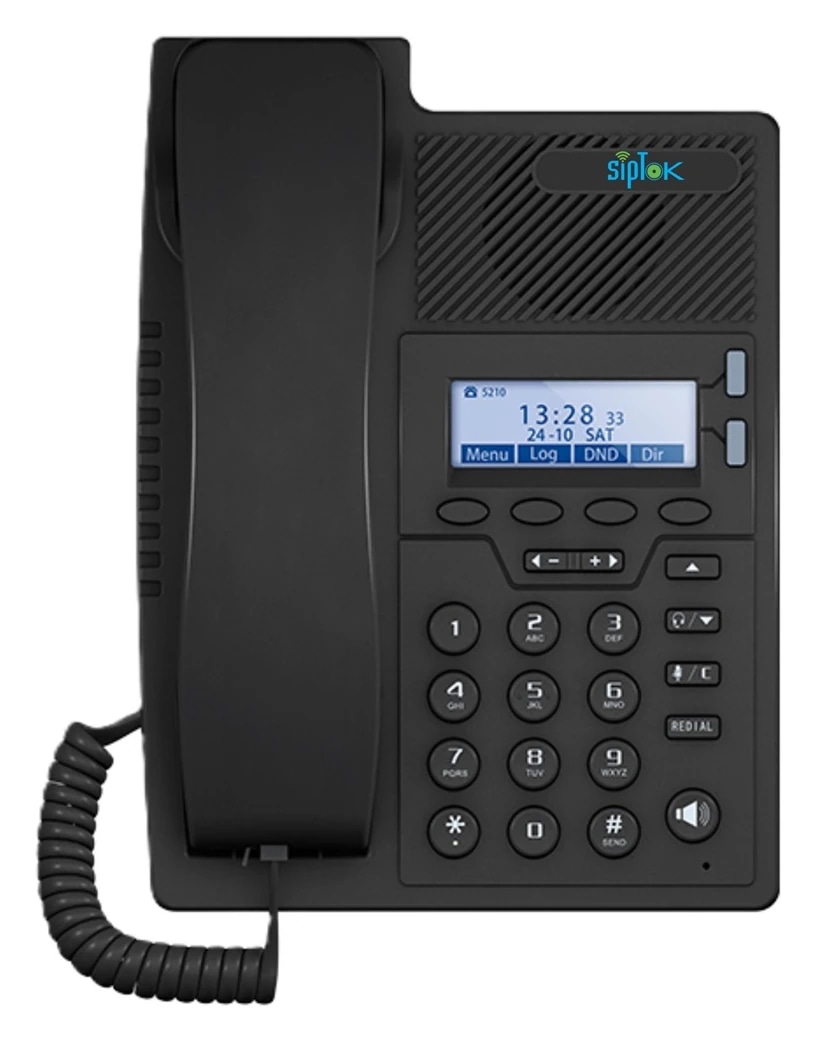
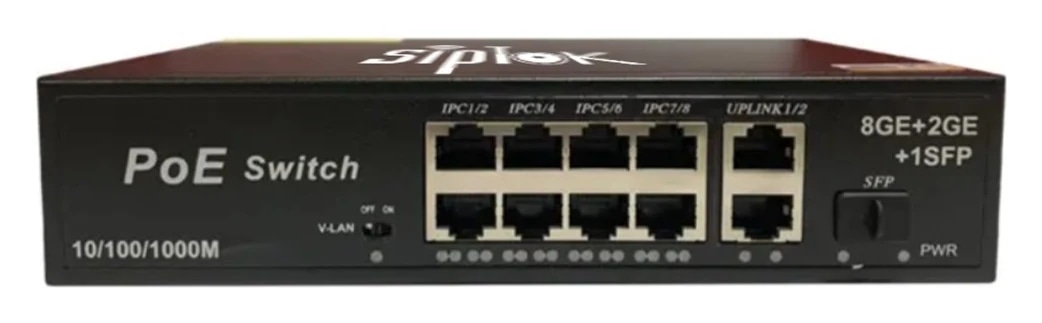
Define paging groups for Sales floor, Staff area, Security. Match the selected speakers and announcement method to each area’s acoustic and operational needs.
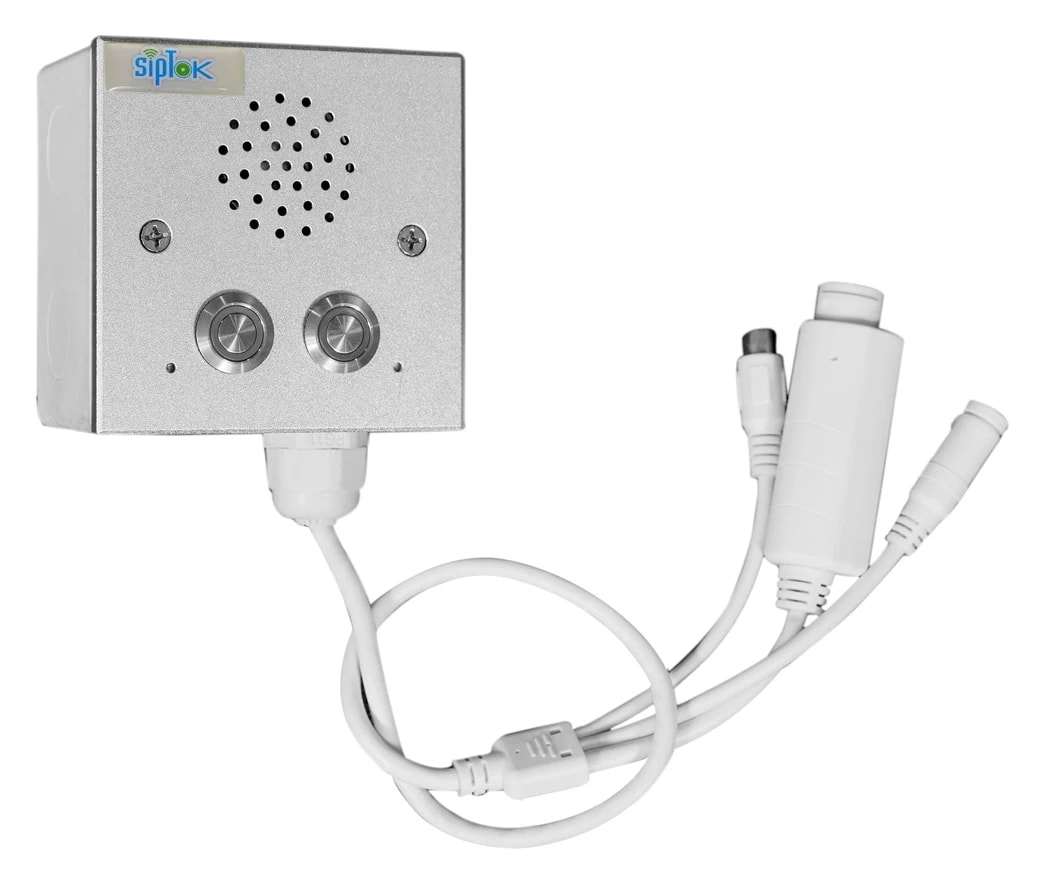
Route the suggested call box or intercom to an attended operator through a compatible SIP platform. Define answering and escalation procedures separately from speaker paging.
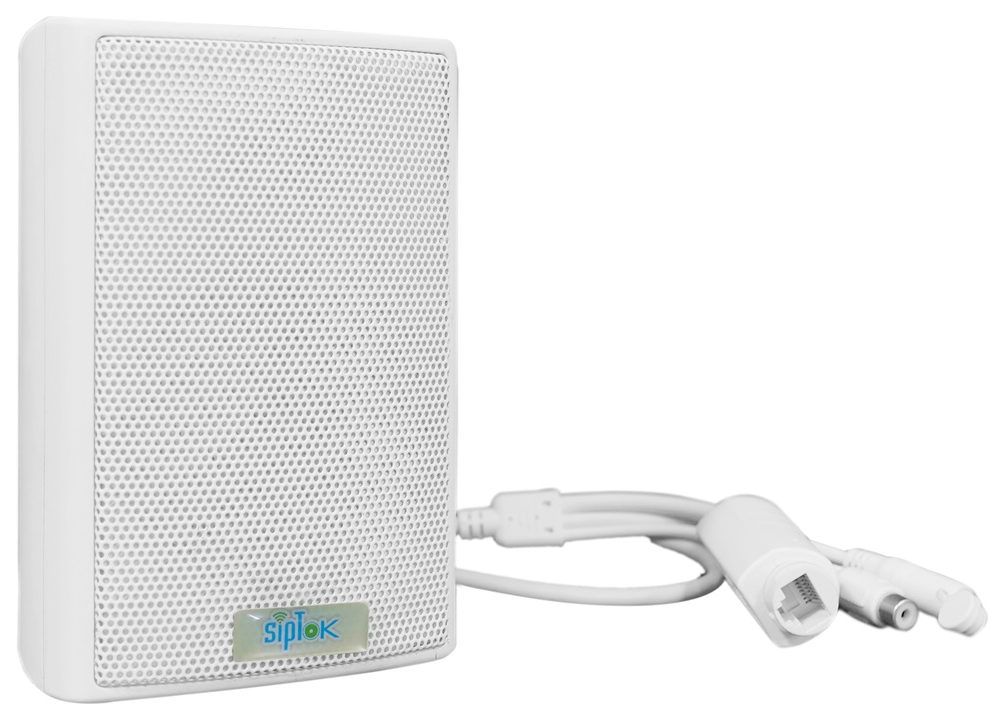
Photographs show actual SipTok models. This is a conceptual connection diagram; cable routes, power and final equipment are confirmed during system design.
Choose ceiling or wall speakers for the retail layout. Assess security alarm requirements separately and verify any requested interface before system design is finalized.
Alarm-panel and PA integration must be checked for the selected equipment; it is not assumed for every combination.
Product selection depends on the final site requirements, network design and documented device capabilities.
Factory audio planning begins with intelligibility under real working conditions. Production equipment, distance, reflective surfaces and hearing protection can all affect how an announcement is understood.
Read the guideEducation applicationsA campus system should help staff reach the right people with clear, proportionate announcements. Classroom blocks, open assembly areas and administration spaces need different coverage and zone decisions.
Read the guideShare your site layout, communication workflows and integration requirements with our project team.